Command Injection Detection
Detection
The process of detecting basic OS Command Injection vulnerabilities is the same process for exploiting such vulnerabilities. We attempt to append our command through various injection methods. If the command output changes from the intended usual result, we have successfully exploited the vulnerability. This may not be true for more advanced command injection vulnerabilities because we may utilize various fuzzing methods or code reviews to identify potential command injection vulnerabilities. We may then gradually build our payload until we achieve command injection. This module will focus on basic command injections, where we control user input that is being directly used in a system command execution function without any sanitization.
To demonstrate this, we will use the exercise found at the end of this section.
Command Injection Detection
When we visit the web application in the below exercise, we see a Host Checker utility that appears to ask us for an IP to check whether it is alive or not: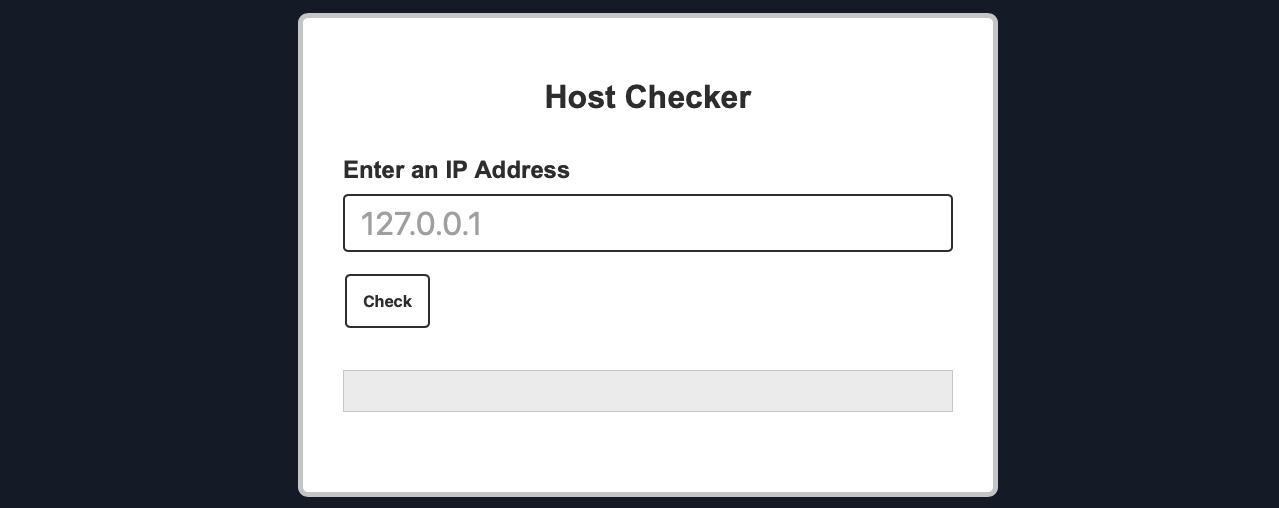
We can try entering the localhost IP 127.0.0.1 to check the functionality, and as expected, it returns the output of the ping command telling us that the localhost is indeed alive: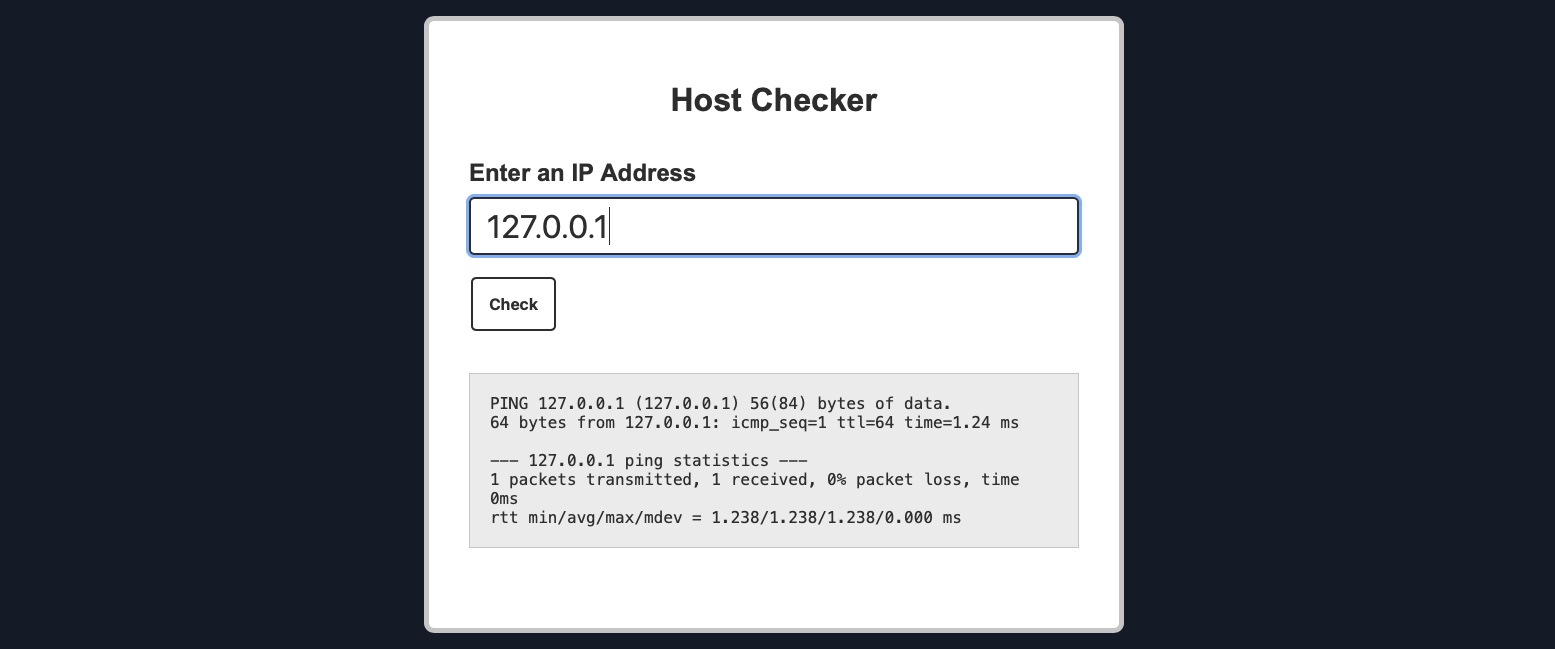
Although we do not have access to the source code of the web application, we can confidently guess that the IP we entered is going into a ping command since the output we receive suggests that. As the result shows a single packet transmitted in the ping command, the command used may be as follows:
Code: bash
ping -c 1 OUR_INPUT
If our input is not sanitized and escaped before it is used with the ping command, we may be able to inject another arbitrary command. So, let us try to see if the web application is vulnerable to OS command injection.
Command Injection Methods
To inject an additional command to the intended one, we may use any of the following operators:
| Injection Operator | Injection Character | URL-Encoded Character | Executed Command |
|---|---|---|---|
| Semicolon | ; |
%3b |
Both |
| New Line | \n |
%0a |
Both |
| Background | & |
%26 |
Both (second output generally shown first) |
| Pipe | | |
%7c |
Both (only second output is shown) |
| AND | && |
%26%26 |
Both (only if first succeeds) |
| OR | | |
%7c%7c |
Second (only if first fails) |
| Sub-Shell | `` |
%60%60 |
Both (Linux-only) |
| Sub-Shell | $() |
%24%28%29 |
Both (Linux-only) |
We can use any of these operators to inject another command so both or either of the commands get executed. We would write our expected input (e.g., an IP), then use any of the above operators, and then write our new command.
In general, for basic command injection, all of these operators can be used for command injections regardless of the web application language, framework, or back-end server. So, if we are injecting in a PHP web application running on a Linux server, or a .Net web application running on a Windows back-end server, or a NodeJS web application running on a macOS back-end server, our injections should work regardless.
Note: The only exception may be the semi-colon ;, which will not work if the command was being executed with Windows Command Line (CMD), but would still work if it was being executed with Windows PowerShell.
In the next section, we will attempt to use one of the above injection operators to exploit the Host Checker exercise.
Exercise
TARGET: 154.57.164.67:31707
Challenge 1
Try adding any of the injection operators after the ip in IP field. What did the error message say (in English)?
!350
flag: Please match the requested format.