Sensitive Data Exposure
Key Concepts
- Front-end vulnerabilities are executed on the client-side and primarily pose a risk to the end-user, not directly to the backend server.
- However, if an admin user is compromised, it can lead to unauthorized access, sensitive data leakage, and even full server compromise.
Importance of Testing Front-End Components
- Front-end components should be tested for vulnerabilities even though most web app pentesting focuses on the backend.
- Vulnerabilities in the front-end can be leveraged to gain access to sensitive backend functionalities, like an admin panel.
What is Sensitive Data Exposure?
- This occurs when sensitive data is exposed in plaintext to the client-side, often in the HTML source code.
- Example locations:
- HTML comments
- JavaScript files
- External scripts
- Hidden links or directories
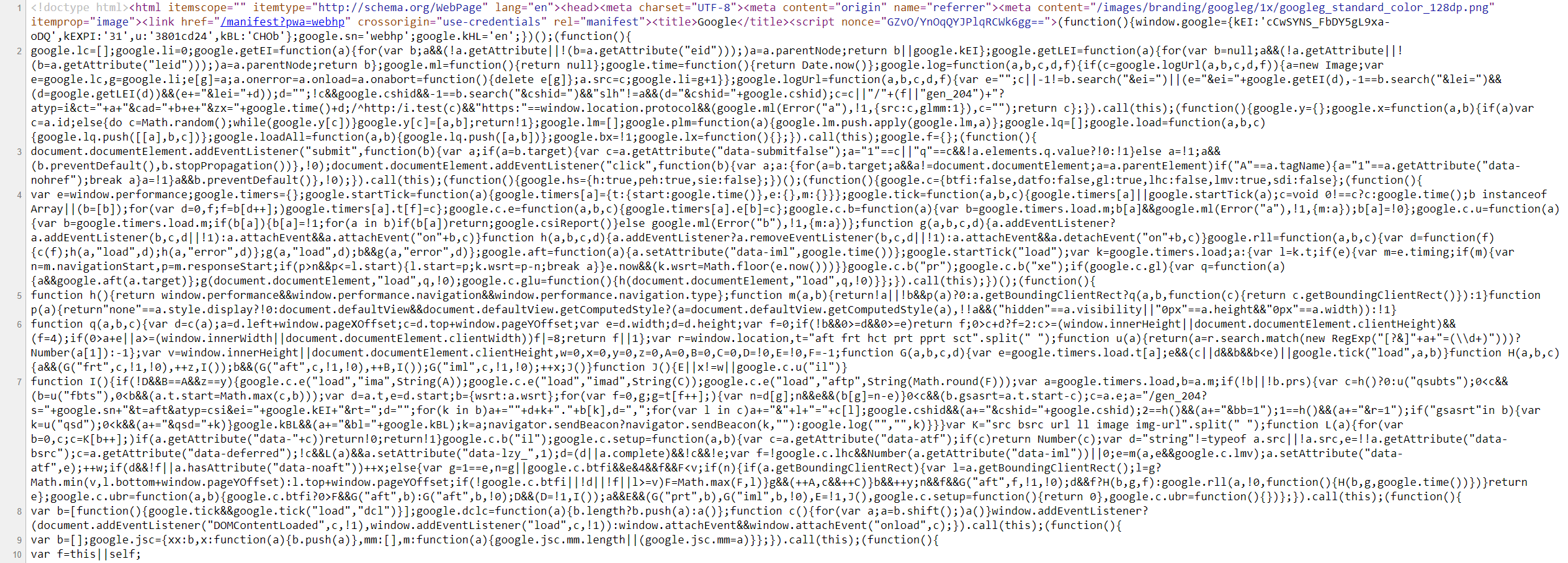
Viewing Source Code
- Users can view a webpage’s source code by:
- Right-click → "View Page Source"
- Pressing
Ctrl + U - Using tools like Burp Suite
Example
At first glance, this login form does not look like anything out of the ordinary:

HTML Source Code with Exposed Credentials
<form action="action_page.php" method="post">
    <div class="container">
        <label for="uname"><b>Username</b></label>
        <input type="text" required>

        <label for="psw"><b>Password</b></label>
        <input type="password" required>

        <!-- TODO: remove test credentials test:test -->

        <button type="submit">Login</button>
    </div>
</form>
- The comment
<!-- TODO: remove test credentials test:test -->exposes test credentials which may still be valid. - This is a common mistake made by developers during testing.
Types of Exposed Information
- Login credentials
- Hashes
- User information
- Hidden links/directories
- Debugging parameters
- Hidden functionality
Prevention
- Remove unnecessary code/comments from client-side source code.
- Classify data types and control what can be exposed to the client.
- Use JavaScript obfuscation or packing to hide readable JS logic.
- Regularly review and audit front-end code before deployment.
Exercise
Target: 94.237.123.178:34263
Check the above login form for exposed passwords. Submit the password as the answer.
Go to your browser and visit http://94.237.123.178:34263/
Right-click → "View Page Source"
...
</style>
<form action="#" method="post">

    <div class="container">
        <label for="uname"><b>Username</b></label>
        <input type="text" required>

        <label for="psw"><b>Password</b></label>
        <input type="password" required>

        <!-- TODO: remove test credentials admin:HiddenInPlainSight -->

        <button type="submit">Login</button>
    </div>
</form>

</html>
- Note the following code section
flag: HiddenInPlainSight