Reflected XSS
Non-persistent XSS
There are two types of Non-Persistent XSS vulnerabilities: Reflected XSS, which gets processed by the back-end server, and DOM-based XSS, which is completely processed on the client-side and never reaches the back-end server. Unlike Persistent XSS, Non-Persistent XSS vulnerabilities are temporary and are not persistent through page refreshes. Hence, our attacks only affect the targeted user and will not affect other users who visit the page.
Reflected XSS vulnerabilities occur when our input reaches the back-end server and gets returned to us without being filtered or sanitized. There are many cases in which our entire input might get returned to us, like error messages or confirmation messages. In these cases, we may attempt using XSS payloads to see whether they execute. However, as these are usually temporary messages, once we move from the page, they would not execute again, and hence they are Non-Persistent.
Reflected XSS (demo)
Consider a similar site to the previous Stored XSS example, a to-do list app.

As we can see, we get Task 'test' could not be added., which includes our input test as part of the error message. If our input was not filtered or sanitized, the page might be vulnerable to XSS. We can try the same XSS payload we used in the previous section and click Add:

Once we click Add, we get the alert pop-up:
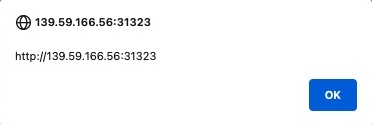
In this case, we see that the error message now says Task '' could not be added.. Since our payload is wrapped with a <script> tag, it does not get rendered by the browser, so we get empty single quotes '' instead. We can once again view the page source to confirm that the error message includes our XSS payload:
<div></div><ul class="list-unstyled" id="todo"><div style="padding-left:25px">Task '<script>alert(window.origin)</script>' could not be added.</div></ul>
As we can see, the single quotes indeed contain our XSS payload '<script>alert(window.origin)</script>'.
If we visit the Reflected page again, the error message no longer appears, and our XSS payload is not executed, which means that this XSS vulnerability is indeed Non-Persistent.
But if the XSS vulnerability is Non-Persistent, how would we target victims with it?
This depends on which HTTP request is used to send our input to the server. We can check this through the Firefox Developer Tools by clicking [CTRL+Shift+I] and selecting the Network tab. Then, we can put our test payload again and click Add to send it:
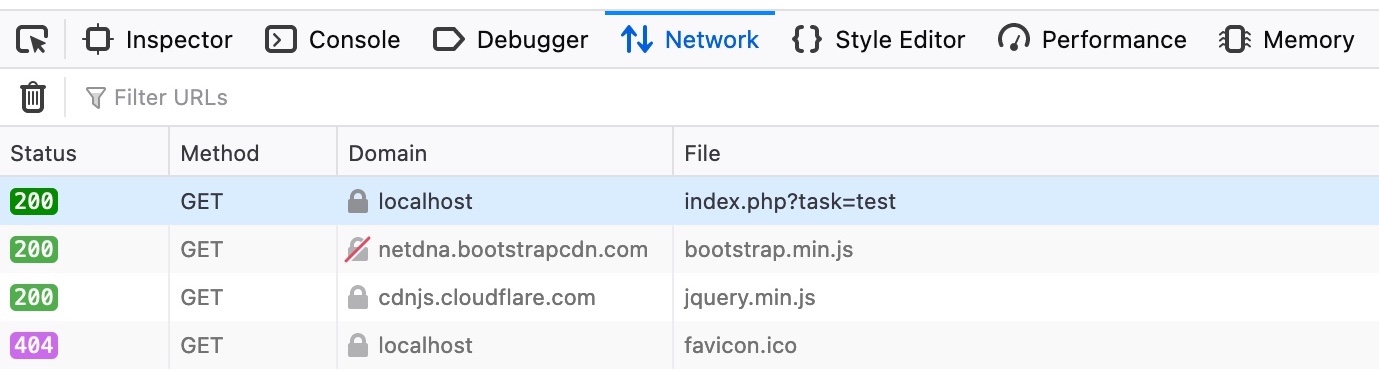
As we can see, the first row shows that our request was a GET request. GET request sends their parameters and data as part of the URL. So, to target a user, we can send them a URL containing our payload. To get the URL, we can copy the URL from the URL bar in Firefox after sending our XSS payload, or we can right-click on the GET request in the Network tab and select Copy>Copy URL. Once the victim visits this URL, the XSS payload would execute:
Exercise
TARGET: 94.237.49.128:45854
Challenge 1
To get the flag, use the same payload we used above, but change its JavaScript code to show the cookie instead of showing the url.
Try the following payload in PwnBox or a browser that allows pop ups from alert():
<script>alert(document.cookie)</script>
Hit enter to see if it works:
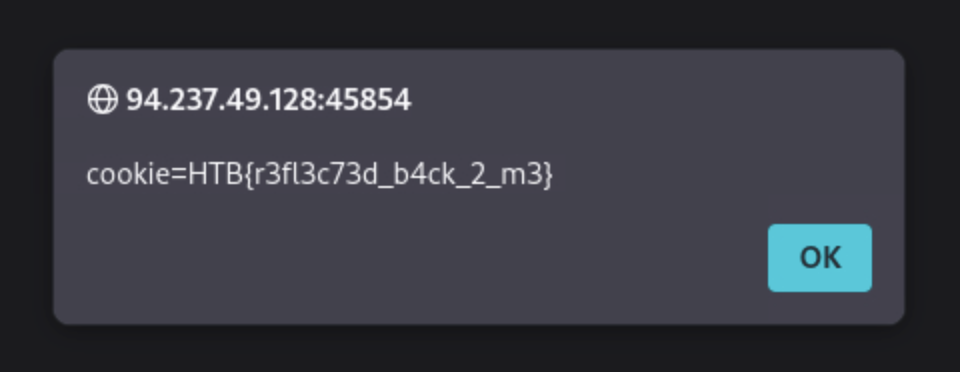
flag: HTB