Unrestricted Access to Sensitive Business Flows
All businesses operate to generate revenue; however, if a web API exposes operations or data that allows users to abuse them and undermine the system (for example, by buying goods at a discounted price), it becomes vulnerable to Unrestricted Access to Sensitive Business Flows. An API endpoint is vulnerable if it exposes a sensitive business flow without appropriately restricting access to it.
Scenario
In the previous section, we exploited a BFLA vulnerability and gained access to product discount data. This data exposure also leads to Unrestricted Access to Sensitive Business Flows because it allows us to know the dates when supplier companies will discount their products and the corresponding discount rates. For example, if we want to buy the product with ID a923b706-0aaa-49b2-ad8d-21c97ff6fac7, we should purchase it between 2023-03-15 and 2023-09-15 because it will be 70% off its original price:

Additionally, if the endpoint responsible for purchasing products does not implement rate-limiting (i.e., it suffers from Unrestricted Resource Consumption), we can purchase all available stock on the day the discount starts and resell the products later at their original price or at a higher price after the discount ends.
Prevention
To mitigate the Unrestricted Access to Sensitive Business Flows vulnerability, endpoints exposing critical business operations, such as /api/v1/products/discounts, should implement strict access controls to ensure that only authorized users can view or interact with sensitive data.
Exercise
TARGET: 154.57.164.67:32623
Authenticate to target with username "htbpentester9@hackthebox.com" and password "HTBPentester9"
Challenge 1
Based on the previous vulnerability, exploit the Unrestricted Access to Sensitive Business Flow vulnerability and submit the street address where the user with the ID 'daa8c984-ba84-4265-8d88-12d6607e511c' lives.
Remember the API testing UI is under the /swagger endpoint. Lets authenticate as a customer with the given credentials:
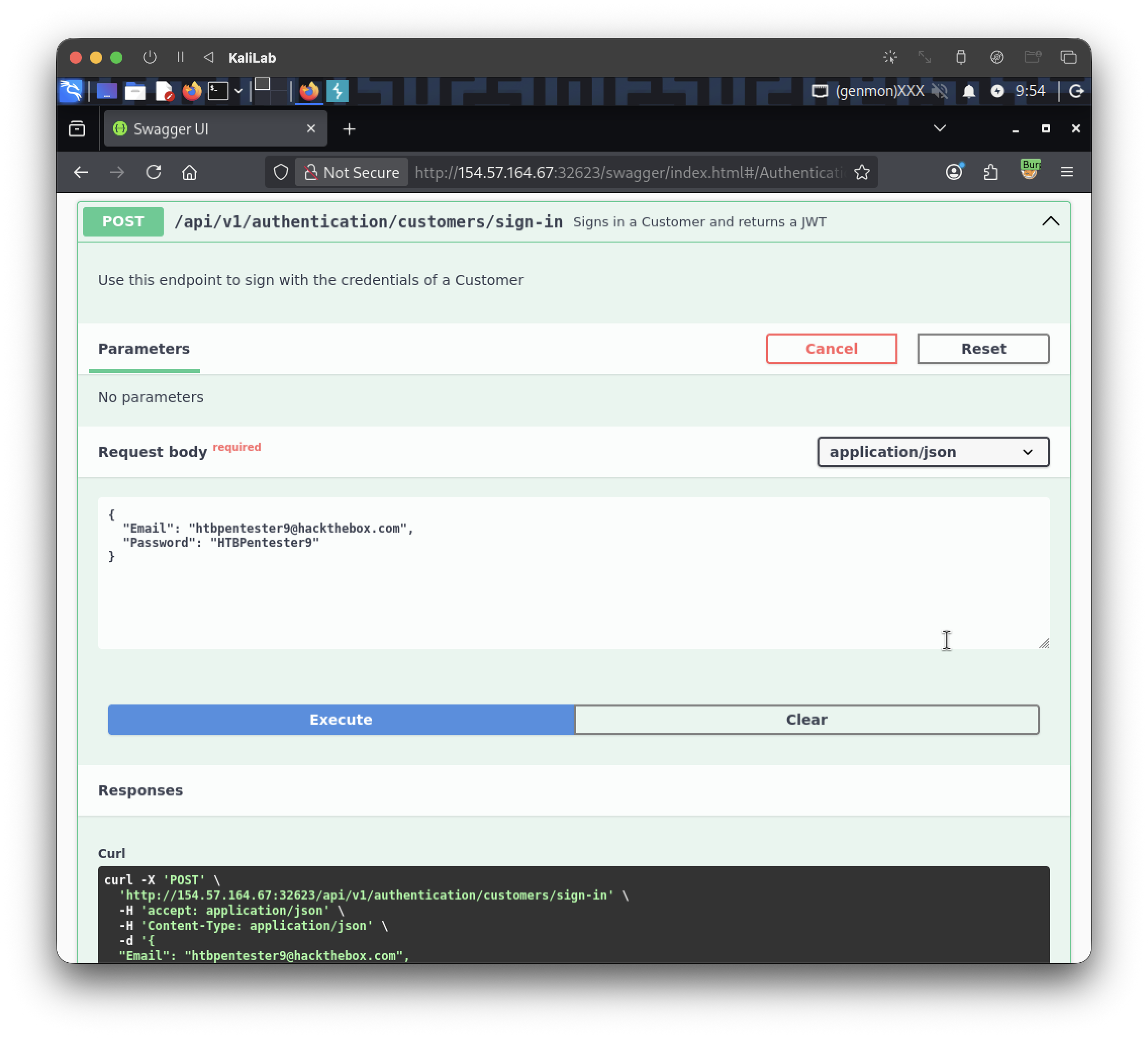
This is the JWT we get:
eyJhbGciOiJIUzUxMiIsInR5cCI6IkpXVCJ9.eyJodHRwOi8vc2NoZW1hcy54bWxzb2FwLm9yZy93cy8yMDA1LzA1L2lkZW50aXR5L2NsYWltcy9uYW1laWRlbnRpZmllciI6Imh0YnBlbnRlc3RlcjlAaGFja3RoZWJveC5jb20iLCJleHAiOjE3OTIzNDAwNzksImlzcyI6Imh0dHA6Ly9hcGkuaW5sYW5lZnJlaWdodC5odGIiLCJhdWQiOiJodHRwOi8vYXBpLmlubGFuZWZyZWlnaHQuaHRiIn0.6Gz_FQqzRMhmgKmpfzZ_A4PuanIWT0k30qdIbOIs18MbDPOmg-BSqOhSo6hFFwOrTz4mT5jsve15nfeLTluR9A
- Paste this into the "Authorize" function on the top right and we are good to continue
Now that we are authorized, we can start testing API endpoints. This time we are asked to find information (street addresses) about a certain user. Lets try to look for an API endpoint that might reveal this information.
I found the endpoint: /api/v1/customers/billing-addresses:

If I execute it and in the responses look for the user ID: daa8c984-ba84-4265-8d88-12d6607e511c I get:

So our flag must be: 788 Sauchiehall St.
flag: 788 Sauchiehall St.