Jenkins - Discovery and Enumeration
Jenkins is an open-source automation server written in Java that helps developers build and test their software projects continuously. It is a server-based system that runs in servlet containers such as Tomcat. Over the years, researchers have uncovered various vulnerabilities in Jenkins, including some that allow for remote code execution without requiring authentication. Jenkins is a continuous integration server. Here are a few interesting points about Jenkins:
- Jenkins was originally named Hudson (released in 2005) and was renamed in 2011 after a dispute with Oracle
- Data shows that over 86,000 companies use Jenkins
- Jenkins is used by well-known companies such as Facebook, Netflix, Udemy, Robinhood, and LinkedIn
- It has over 300 plugins to support building and testing projects
Discovery/Footprinting
Let's assume we are working on an internal penetration test and have completed our web discovery scans. We notice what we believe is a Jenkins instance and know it is often installed on Windows servers running as the all-powerful SYSTEM account. If we can gain access via Jenkins and gain remote code execution as the SYSTEM account, we would have a foothold in Active Directory to begin enumeration of the domain environment.
Jenkins runs on Tomcat port 8080 by default. It also utilizes port 5000 to attach slave servers. This port is used to communicate between masters and slaves. Jenkins can use a local database, LDAP, Unix user database, delegate security to a servlet container, or use no authentication at all. Administrators can also allow or disallow users from creating accounts.
Enumeration
http://jenkins.inlanefreight.local:8000/configureSecurity/
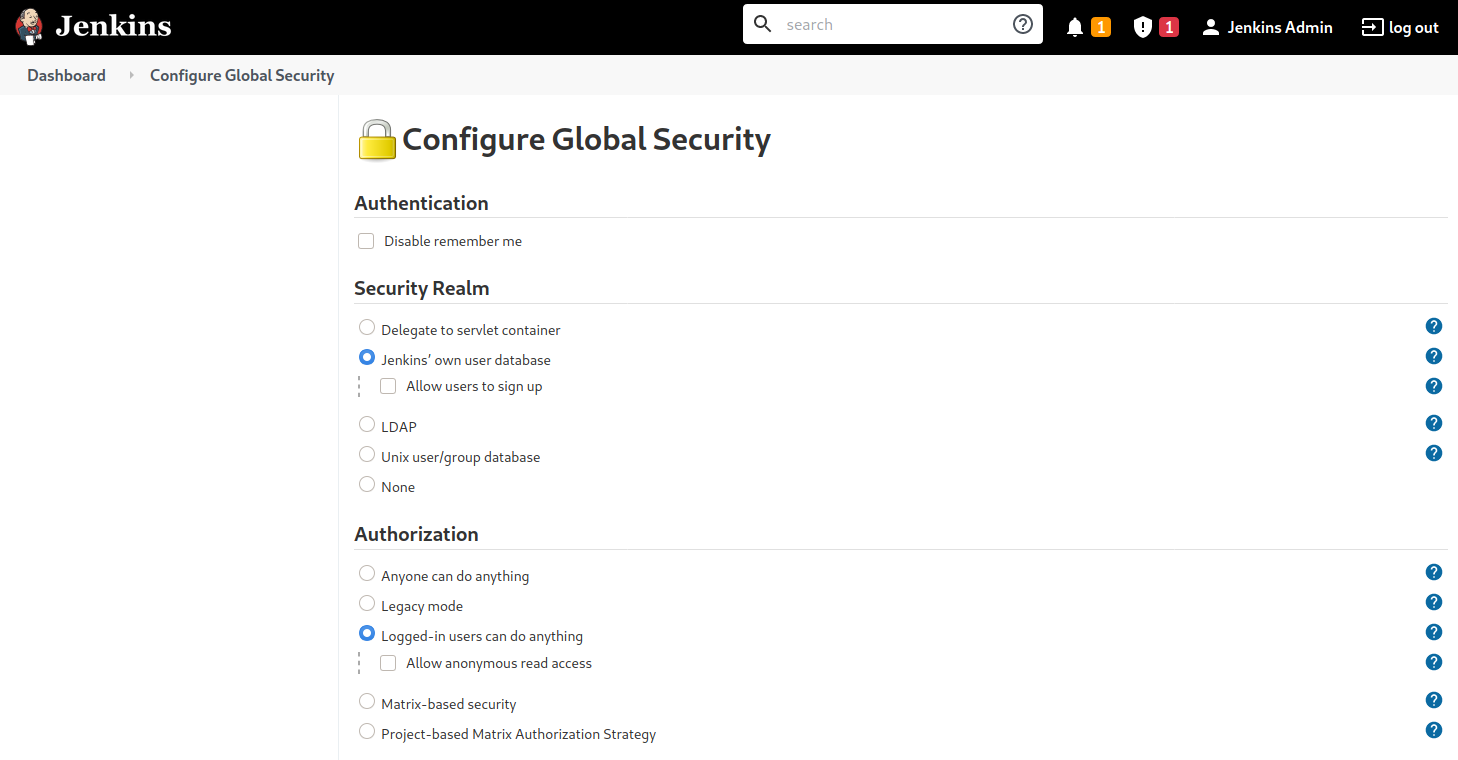
The default installation typically uses Jenkins’ database to store credentials and does not allow users to register an account. We can fingerprint Jenkins quickly by the telltale login page.

We may encounter a Jenkins instance that uses weak or default credentials such as admin:admin or does not have any type of authentication enabled. It is not uncommon to find Jenkins instances that do not require any authentication during an internal penetration test. While rare, we have come across Jenkins during external penetration tests that we were able to attack.
Exercise
TARGET: 10.129.201.58
vHosts needed for these questions:
jenkins.inlanefreight.local
Authenticate to target with username "admin" and password "admin"
Challenge 1
Log in to the Jenkins instance at http://jenkins.inlanefreight.local:8000. Browse around and submit the version number when you are ready to move on.
First I will add the vHost needed for this question to my /etc/hosts file:
┌──(macc㉿kaliLab)-[~/htb/attacking_common_apps]
└─$ IP=10.129.201.58

┌──(macc㉿kaliLab)-[~/htb/attacking_common_apps]
└─$ printf "%s\t%s\n\n" "$IP" "jenkins.inlanefreight.local" | sudo tee -a /etc/hosts
[sudo] password for macc:
10.129.201.58   jenkins.inlanefreight.local
We can now directly visit http://jenkins.inlanefreight.local:8000 in any browser, and log in with the provided credentials:
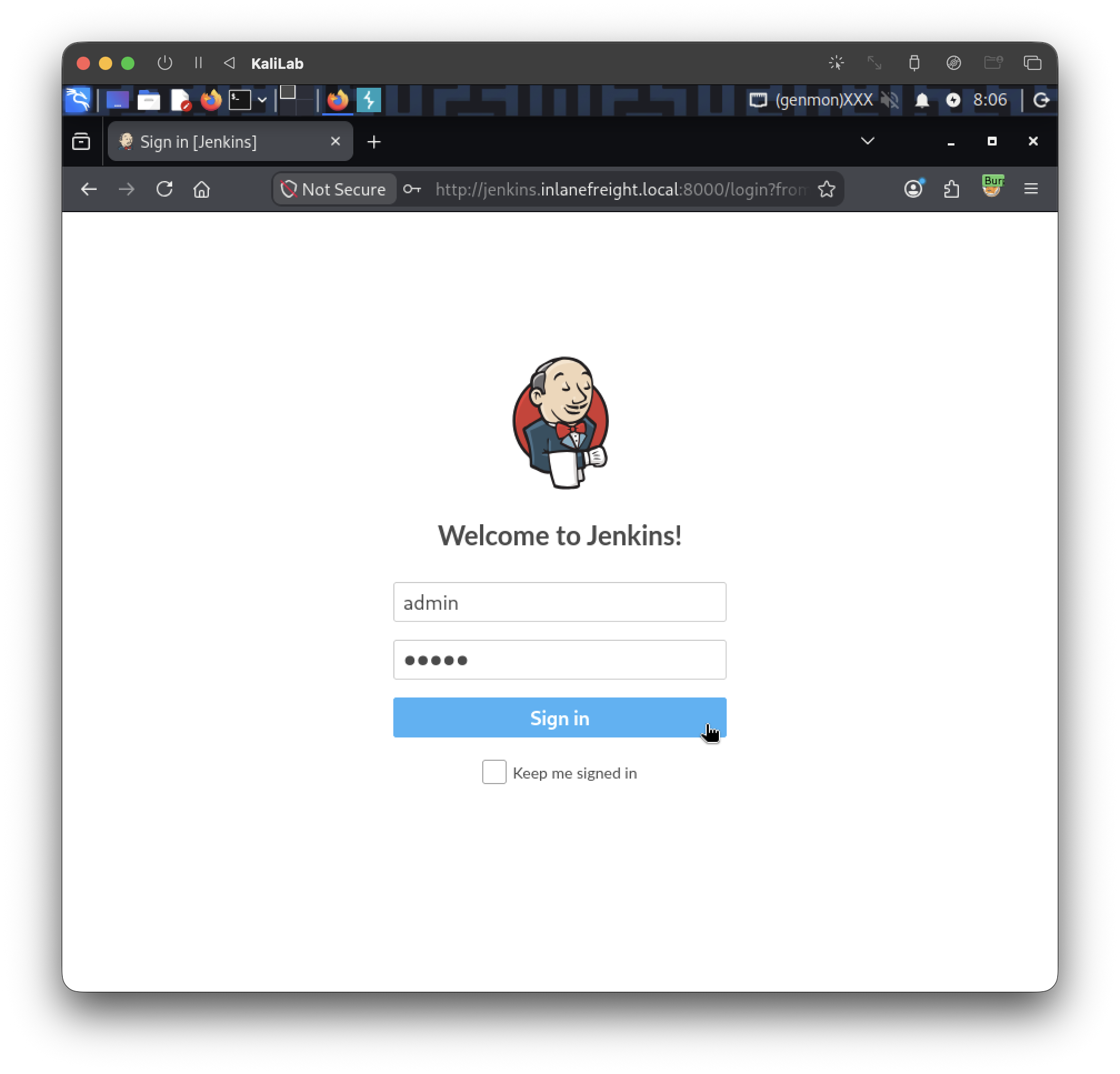
Now we are inside, and if we scroll to the bottom of the page we can spot the version in the footer:
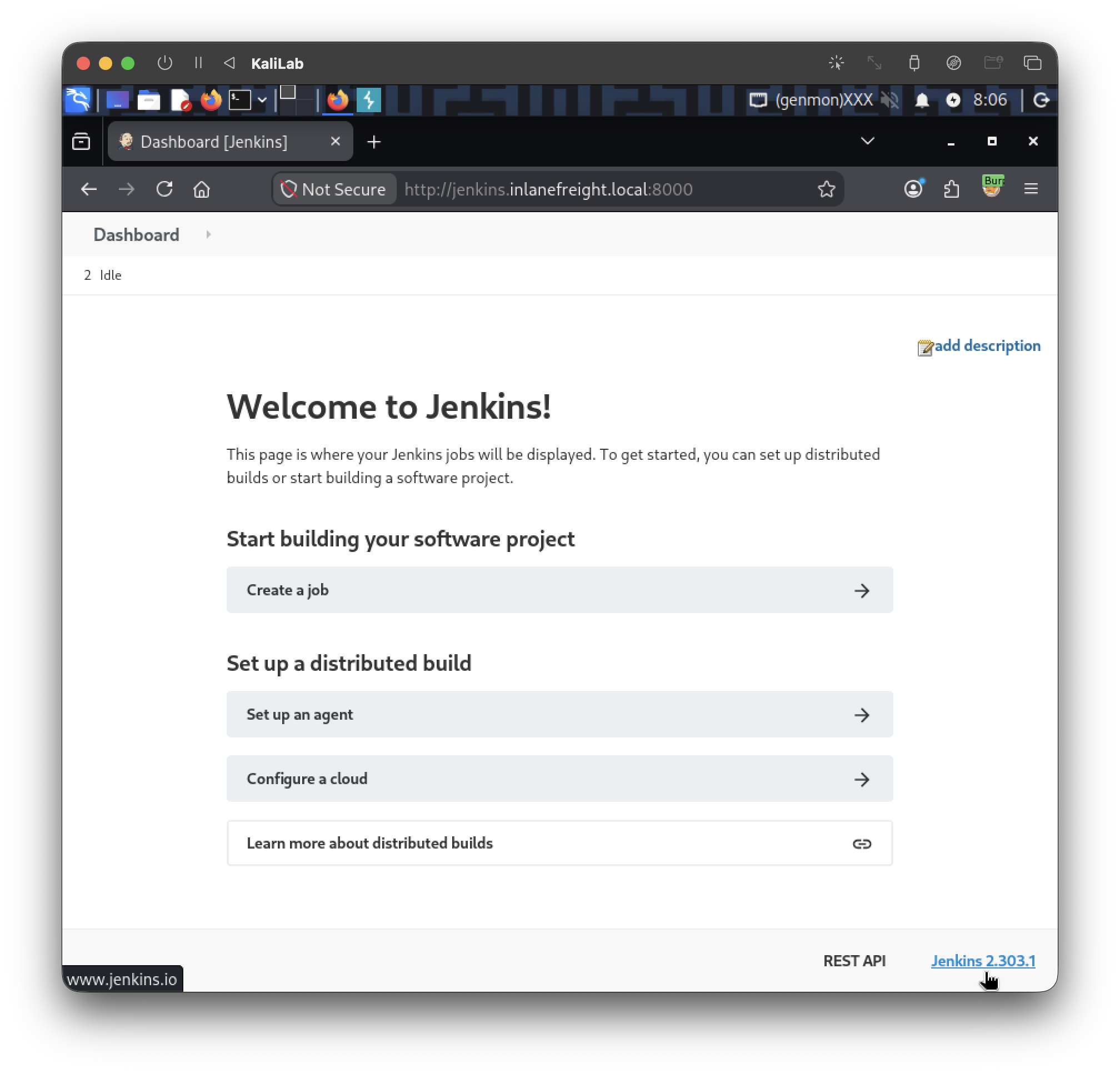
flag: 2.303.1